Skip to content
Template How-To

Template How-To

  • All Articles
  • App
  • Coding
  • Hardware
  • More
    • Operating System
    • Outlook
    • PowerPoint
    • Review
    • Software
    • Tip & Trick
    • Troubleshooting
    • Windows

Tip & Trick — Page 9

How to Use Nvda Screen Reader: Master Accessibility With Keyboard Shortcuts
November 19, 2026 by Joelle Janowski
How to Use Nvda Screen Reader: Master Accessibility With Keyboard Shortcuts

Learn how to use NVDA screen reader effectively begins with that simple download—just like the keystrokes that mattered when I helped Dad rebuild those old IBMs. The free NVDA installer runs in minutes, and within hours…
Read more

Categories Tip & Trick

10 Keyboard Symbols That Start With A: Hidden Shortcuts for Faster Typing

October 12, 2026 by Joelle Janowski
10 Keyboard Symbols That Start With A: Hidden Shortcuts for Faster Typing

Mastering keyboard shortcuts can transform your typing speed and productivity. These 10 underused symbols starting with 'A' offer hidden shortcuts for formatting, special characters, and advanced text manipulation across…

Read more

Categories Tip & Trick

Microsoft 365 Word Tips and Tricks Read Online: Hidden Shortcuts That Boost Productivity Daily

October 27, 2026 by Joelle Janowski
Microsoft 365 Word Tips and Tricks Read Online: Hidden Shortcuts That Boost Productivity Daily

Microsoft Word is a powerhouse for productivity, but most users only scratch the surface. These seven hidden Microsoft 365 Word tips and tricks will transform how you work—saving hours weekly with features you never knew…

Read more

Categories Tip & Trick

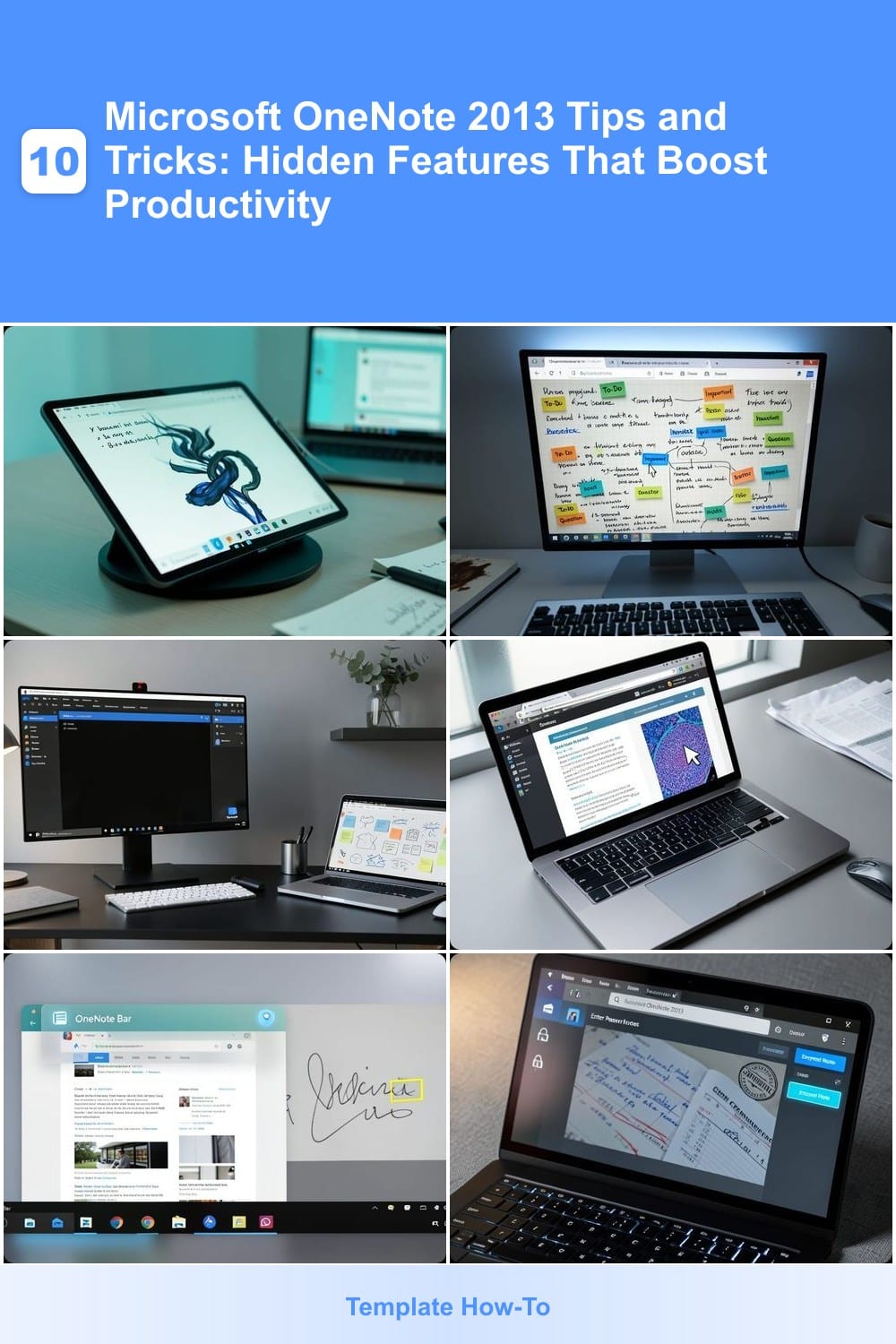
10 Microsoft OneNote 2013 Tips and Tricks: Hidden Features That Boost Productivity

October 25, 2026 by Joelle Janowski
10 Microsoft OneNote 2013 Tips and Tricks: Hidden Features That Boost Productivity

Microsoft OneNote 2013 remains a powerhouse for digital note-taking, but many users miss its most powerful features. These 10 underutilized tips will transform how you organize, search, and collaborate in…

Read more

Categories Tip & Trick

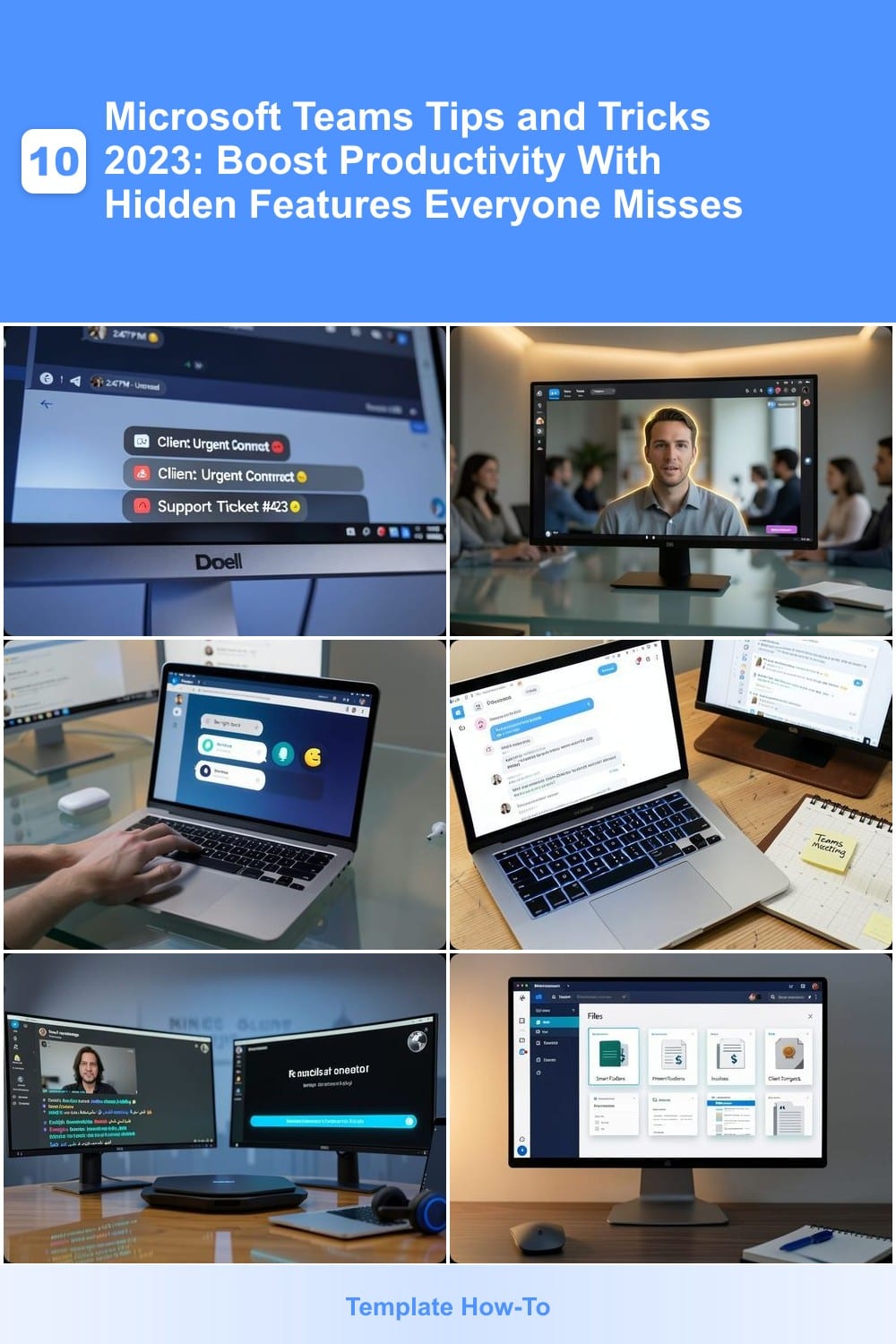
10 Microsoft Teams Tips and Tricks 2023: Boost Productivity With Hidden Features Everyone Misses

October 27, 2026 by Joelle Janowski
10 Microsoft Teams Tips and Tricks 2023: Boost Productivity With Hidden Features Everyone Misses

Microsoft Teams is a powerhouse for collaboration, but most users only scratch the surface of its capabilities. These 10 underutilized tips and tricks for 2023 will transform how you communicate, organize, and automate…

Read more

Categories Tip & Trick

Email Unsubscribe: Permanent Fix for Stubborn Spam Lists

October 8, 2026 by Joelle Janowski
Email Unsubscribe: Permanent Fix for Stubborn Spam Lists

Removing your email from spam lists is the digital equivalent of slamming a door on telemarketers—except these guys keep knocking. 🔧 I’ve spent hours battling this myself, and the real fix isn’t just clicking…

Read more

Categories Tip & Trick

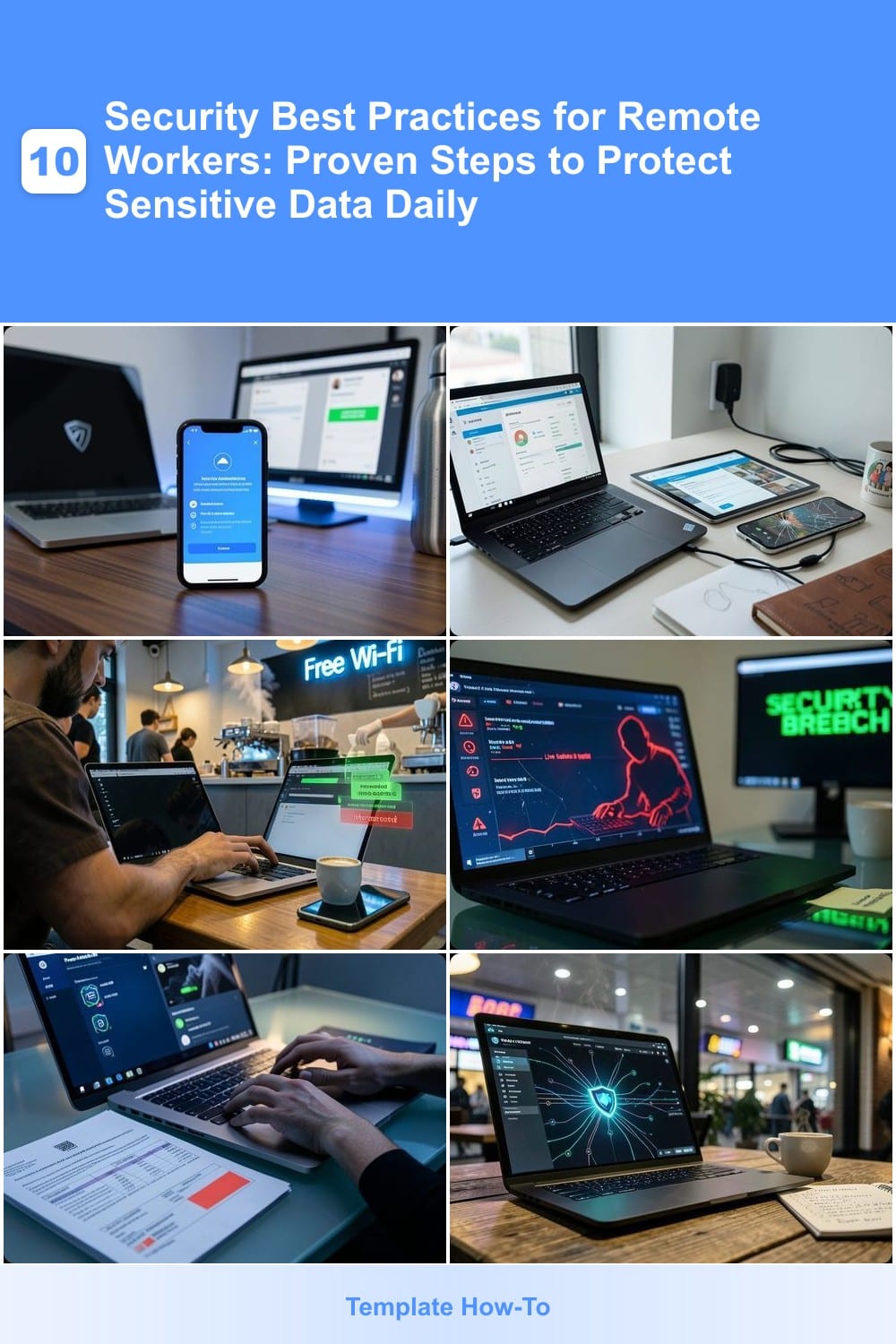
10 Security Best Practices for Remote Workers: Proven Steps to Protect Sensitive Data Daily

October 15, 2026 by Joelle Janowski
10 Security Best Practices for Remote Workers: Proven Steps to Protect Sensitive Data Daily

Remote work offers flexibility but exposes businesses and employees to cyber threats. These 10 security best practices—ranked by impact—help protect sensitive data, prevent breaches, and maintain trust in hybrid work…

Read more

Categories Tip & Trick

10 Microsoft Word Tips and Tricks: Time-Saving Shortcuts Every Office Worker Uses Daily

October 26, 2026 by Joelle Janowski
10 Microsoft Word Tips and Tricks: Time-Saving Shortcuts Every Office Worker Uses Daily

Mastering Microsoft Word shortcuts can cut hours off your weekly workload. These 10 time-saving tricks—used by professionals daily—transform repetitive tasks into effortless workflows, from document formatting to…

Read more

Categories Tip & Trick

Where Can I Download Microsoft Word: Official Sources and Safe Alternatives

November 19, 2026 by Joelle Janowski
Where Can I Download Microsoft Word: Official Sources and Safe Alternatives

💥 Quick Answer Microsoft Word can be downloaded officially from Microsoft’s website via the Office suite (subscription or one-time purchase) or as part of Office 365. Free alternatives like Word Online (web-based) or…

Read more

Categories Tip & Trick

Keyboard Shortcut to Find a Word: Ctrl+F (Windows) or Cmd+F (Mac) Explained

November 24, 2026 by Joelle Janowski
Keyboard Shortcut to Find a Word: Ctrl+F (Windows) or Cmd+F (Mac) Explained

💥 Quick Answer Finding a word using a keyboard shortcut involves pressing Ctrl+F on Windows or Cmd+F on Mac to open the browser/document search bar, then typing the word to highlight all matches instantly—no scrolling…

Read more

Categories Tip & Trick
Page1…Page7Page8Page9Page10Next →

About Me

Joelle Janowski

Joelle Janowski
My first computer was a clunky desktop my dad brought home from the office in the '90s, and I spent hours clicking through dial-up screens just to see what would happen. That curiosity never left me. Now, I run Template How-To to help people navigate the ever-changing world of tech—whether they're troubleshooting a stubborn PC, learning a new tool, or just trying to keep up with the latest gadgets. My approach? Clear, practical advice with a dash of humor, because tech doesn’t have to be intimidating.

Learn more

Recent Posts

  • How to Uninstall R From Mac: Clean Removal Without Lingering Files
    How to Uninstall R From Mac: Clean Removal Without Lingering Files
  • How to Set Up Outlook Email: Zero-Configuration Sync With Your Contacts
    How to Set Up Outlook Email: Zero-Configuration Sync With Your Contacts
  • How to Automatically Download Pictures in Outlook: One-Click Download Trick for Busy Professionals
    How to Automatically Download Pictures in Outlook: One-Click Download Trick for Busy Professionals
  • How to Turn on Push Notifications: Enable Alerts in 3 Simple Steps
    How to Turn on Push Notifications: Enable Alerts in 3 Simple Steps
  • How To Set Up Thunderbird Email: Zero-Configuration Sync for First-Time Users
    How To Set Up Thunderbird Email: Zero-Configuration Sync for First-Time Users
  • All Guides
  • About
  • Contact
  • Privacy Policy
  • Cookie Policy
  • Terms of Use
© 2026 templatehowto.work