
Tip & Trick
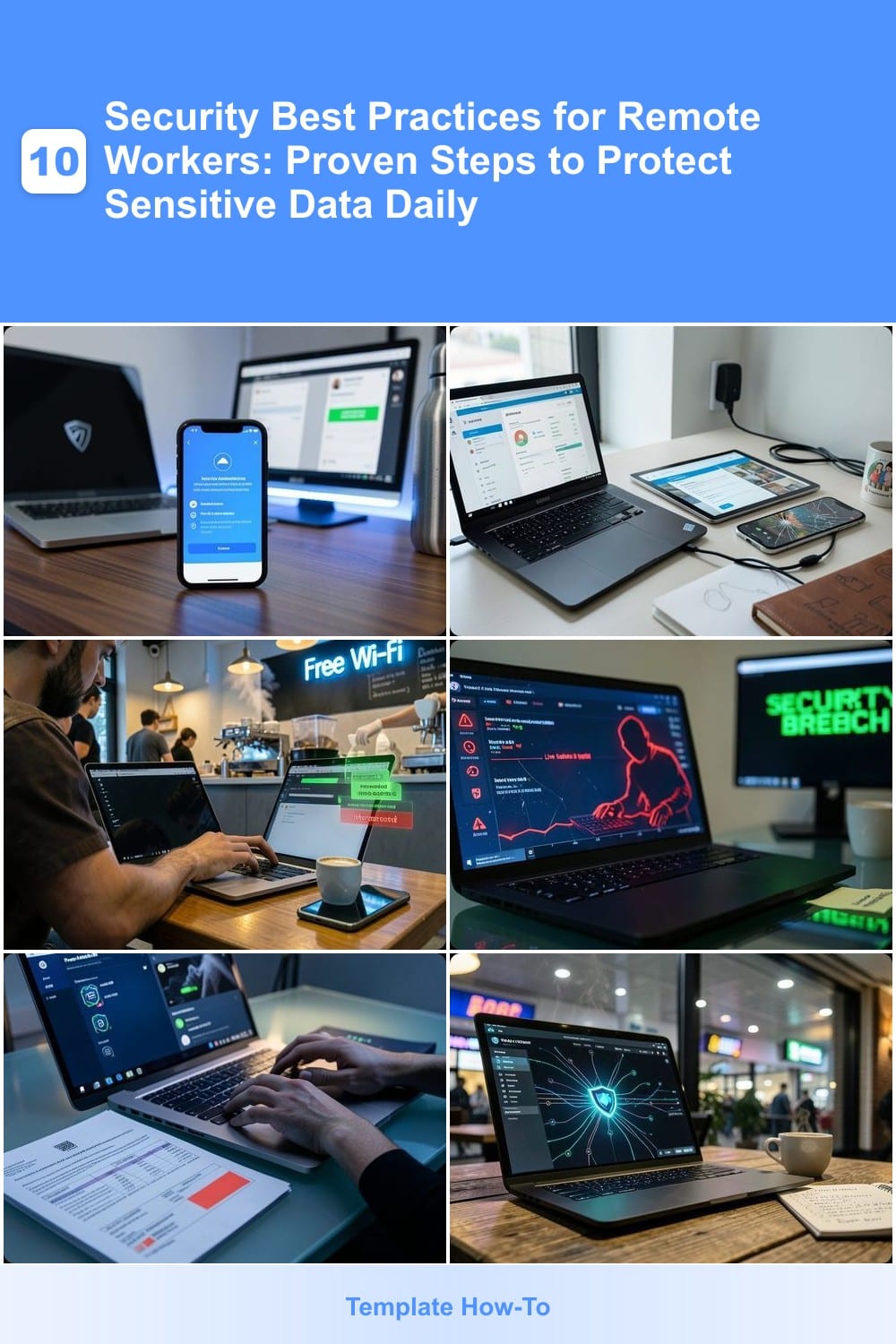
Remote work offers flexibility but exposes businesses and employees to cyber threats. These 10 security best practices—ranked by impact—help protect sensitive data, prevent breaches, and maintain trust in hybrid work environments.
Enable Multi-Factor Authentication Everywhere
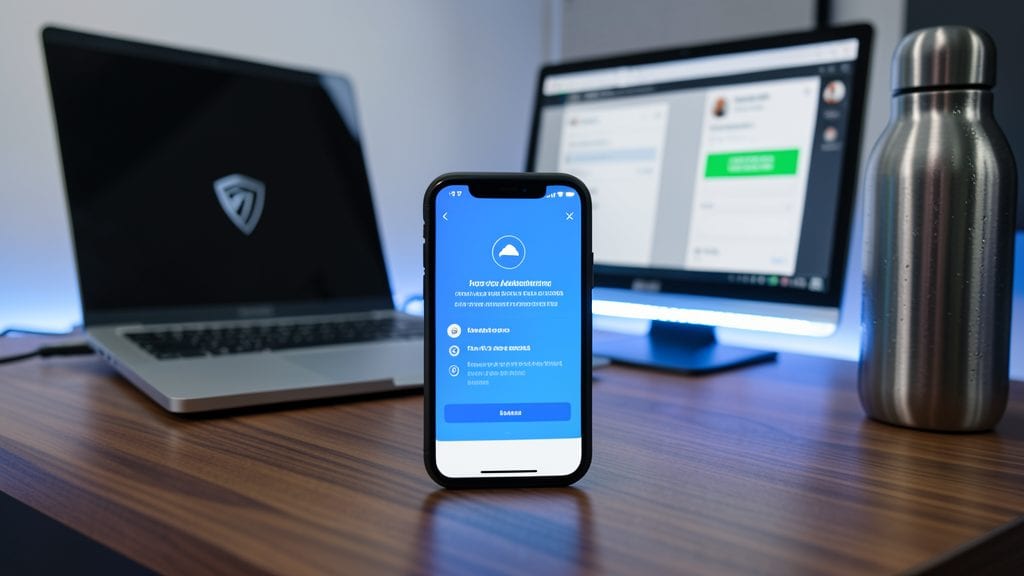
Credential theft is the #1 way hackers breach accounts—and multi-factor authentication (MFA) blocks 99.9% of automated attacks by requiring a second verification step. This isn’t just for work emails; it’s critical for VPNs, cloud storage, and even personal accounts like banking or social media.
Most platforms now support TOTP (time-based codes), biometrics (fingerprint/face ID), or hardware keys like YubiKey. Enable MFA on every account—even "less important" ones—since attackers often chain breaches through secondary logins. Services like Microsoft Authenticator or Google Authenticator offer free, zero-config options that sync across devices.
Remote workers in finance, healthcare, or IT should prioritize this step—it’s the simplest way to meet compliance requirements while adding a near-impenetrable layer of defense. ⚡
Use a Dedicated Work Device
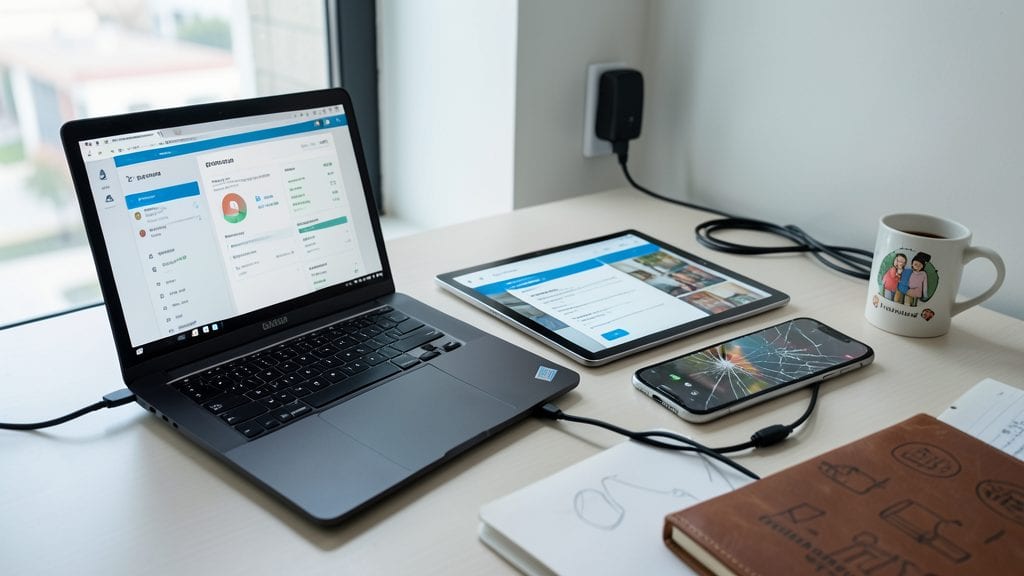
Mixing work and personal life on a single device? That’s an open invitation for security risks. A dedicated work device—like a company-issued laptop or a separate tablet—creates a clear boundary between sensitive company data and your personal files, apps, or browsing history.
Most modern work devices come pre-configured with enterprise-grade security tools, including disk encryption (BitLocker/FileVault), automated patch management, and remote wipe capabilities in case of loss or theft. This setup also simplifies IT policies: no more debating whether your personal browser history or cloud backups comply with corporate security standards.
Ideal for roles handling confidential client data, financial records, or health information, this approach minimizes accidental exposure while keeping your personal life private. 💻
Secure Your Home Wi-Fi Network
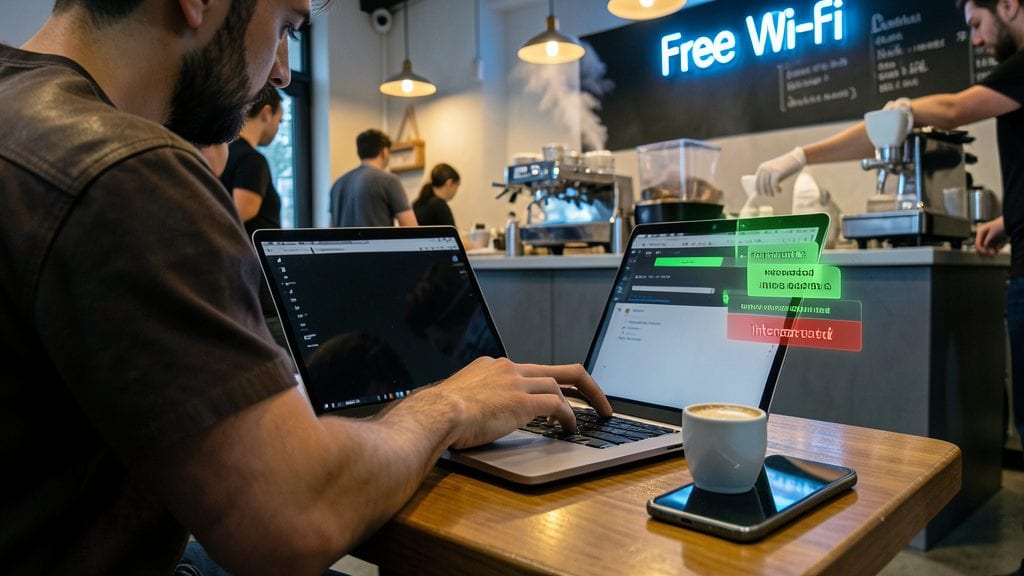
Public Wi-Fi networks at coffee shops or airports are convenient—but they’re also prime targets for hackers. A man-in-the-middle (MITM) attack can intercept unencrypted traffic, exposing passwords, emails, and even financial data in real time.
To block this threat, start by enabling WPA3 encryption on your home router (the latest standard), then create a separate guest network for personal devices. Use a strong, 20+ character password with mixed characters and numbers, and disable WPS (it’s easily hackable). Tools like Fing or OpenWRT can help monitor connected devices and block unknown ones automatically.
This setup is ideal for remote workers who frequently switch between home and public networks. It ensures your work traffic stays protected even when your ISP or hotel Wi-Fi can’t be trusted. 💻
Regularly Update Software and Devices
Hackers don’t wait for you to update your software—they exploit known vulnerabilities within hours of patches being released. Skipping updates leaves your devices exposed to malware, ransomware, and data breaches, often without you even realizing it.
Most operating systems and apps now offer automatic updates (like Windows Update or macOS Software Update), but you should verify they’re enabled. For devices where manual updates are required—such as routers, smart TVs, or IoT gadgets—set calendar reminders or use tools like Patch My PC (Windows) or Linus Tech Tips’ Update Checker (cross-platform) to stay on top.
This practice is non-negotiable for IT admins, freelancers handling client data, or anyone using shared devices. Even a single unpatched vulnerability can turn a seemingly secure setup into a hacker’s playground. ⚡
Encrypt All Sensitive Communications
Legal documents, financial reports, and patient records shouldn’t be sent as plaintext—end-to-end encryption ensures only the intended recipient can read them. Tools like Proton Mail for emails or Signal for messaging provide military-grade encryption (AES-256) that even government agencies use, making interception nearly impossible.
For file sharing, VeraCrypt creates encrypted containers that require a password, while cloud services like Box or Dropbox offer client-side encryption before files ever leave your device. These solutions meet HIPAA, GDPR, and FINRA compliance requirements, giving you peace of mind when handling regulated data.
This is non-negotiable for roles in healthcare, law, or finance—where a single breach could mean fines, lawsuits, or lost trust. ⚡
Implement a Virtual Private Network
A VPN (Virtual Private Network) isn’t just another security tool—it’s your digital bodyguard when connecting to company resources from coffee shops, airports, or even your home network. Without one, your traffic travels in plaintext, exposing sensitive data to hackers lurking on shared networks.
Top-tier VPNs like NordVPN or ExpressVPN offer military-grade encryption (AES-256), zero-log policies, and kill switches to block traffic if the connection drops. Many integrate seamlessly with company SSO (Single Sign-On) for one-click secure access, while split tunneling lets you route only work traffic through the VPN, improving speed. For compliance-heavy fields (healthcare, finance), look for SOC 2 Type II certified providers.
This is a must for freelancers, contractors, and corporate employees accessing internal systems from untrusted networks. Even a free tier (like ProtonVPN’s) beats nothing when your IP is your digital fingerprint. 💻
Store Passwords in a Manager
Tired of resetting passwords or fearing a breach from reused credentials? A password manager like Bitwarden or 1Password eliminates these risks by generating and storing unique, high-strength passwords for every account—no more "Password123" across platforms.
These tools go beyond storage: they audit existing passwords for weaknesses, auto-fill credentials securely, and sync across devices via end-to-end encryption. Features like two-factor authentication integration and breach alerts ensure you’re always protected against evolving threats.
Perfect for remote workers juggling multiple accounts, password managers save time and reduce human error—the #1 cause of security lapses. Start with a free tier today. ✨
Recognize and Report Phishing Attempts

Most data breaches begin with a single click—yet 83% of organizations report employees fall for phishing scams at least once yearly. The good news? Training your team to recognize suspicious emails can reduce successful attacks by 70% with minimal effort.
Start by teaching them to scrutinize sender email addresses (watch for typos or unfamiliar domains), hover over links without clicking (to reveal true URLs), and question urgent requests for sensitive data. Tools like KnowBe4’s simulated phishing tests or Microsoft Defender for Office 365 automatically flag risky emails and provide real-time training feedback.
This practice is non-negotiable for finance, healthcare, or legal teams handling confidential data. Even non-tech roles benefit—anyone with email access is a target. 💡
Secure Physical Workspaces
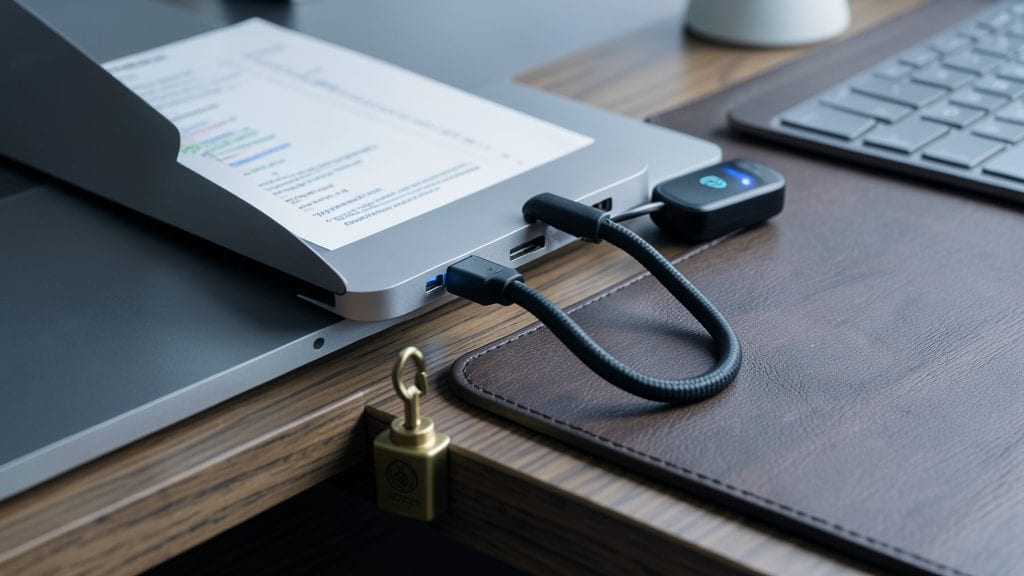
Even the strongest digital defenses fail if your laptop or sensitive documents end up in the wrong hands. A cable lock ($10–$20) or secure desk anchor prevents theft when you step away, while a biometric lock (fingerprint/face ID) ensures only you can access devices—no keys or passwords left lying around.
Pair this with physical document shredders for discarded files and closed curtains to obscure screens from neighbors. For extra protection, use hardware encryption (like BitLocker or FileVault) on drives—so even if a device is stolen, data remains locked. These small steps create a zero-trust physical workspace, just like your digital security layers. 🔧
Conduct Regular Security Audits
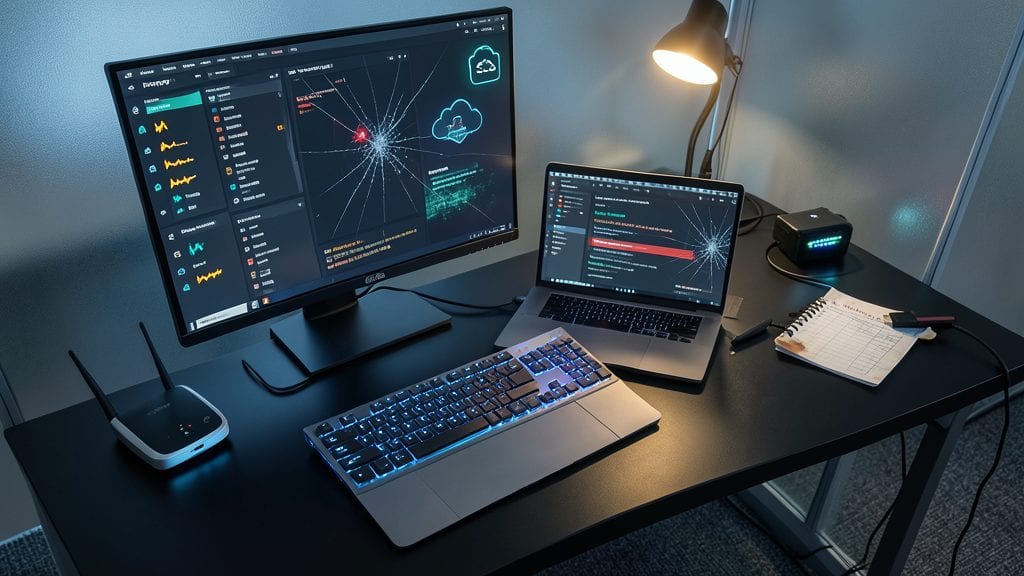
Even the most robust security setup can have hidden weaknesses—unless you actively hunt for them. Quarterly security audits act as your cybersecurity health check, scanning for overlooked risks like outdated permissions, unpatched devices, or misconfigured cloud storage.
Start with a compliance-focused checklist (e.g., NIST or ISO 27001 frameworks) to evaluate remote access policies, device encryption, and third-party app permissions. Tools like Tenable.io or Microsoft Defender for Endpoint automate vulnerability scans, while manual reviews of access logs reveal suspicious patterns—like an employee with admin rights accessing files outside their role.
This practice is non-negotiable for compliance-heavy industries (healthcare, finance) but also critical for any team handling sensitive data. Schedule audits as recurring calendar events to stay ahead of evolving threats. ✨