

What this work is made with
This page is a list of things, not a story. Template How-To depends on more than words—it lives in the tools that shape the work, the machines that run it, and the wear that tells their truth. Here, we name what actually builds the site you’re about to read.
The site publishes tutorials, reviews, and troubleshooting guides for tech and computing. Every article is tested for clarity, accuracy, and real-world usefulness.
But the work itself is held together by objects that don’t appear in the text: the hardware that stays up, the software that never quite behaves, and the hands that keep fixing it.
The things that do the work
Four objects keep this site running. They are the backbone of the work: a server that refuses to die, a keyboard that outlasted three laptops, a power strip that’s held together with duct tape, and a USB cable with one bent prong that still connects.
None of them are glamorous, but they’ve all earned their place.
Server

A 2015 Dell PowerEdge T30, running Ubuntu Server 22.04 LTS. It’s been here since 2019, long after its official support ended. The fans sound like a swarm of bees, and the case is held together with zip ties, but it hasn’t crashed once.
It taught us that reliability isn’t about specs—it’s about stubbornness. The hard drive failed in 2023, but we replaced it with a used SSD from an old laptop and kept running. Now it hosts every article, every image, and every backup.
Keyboard
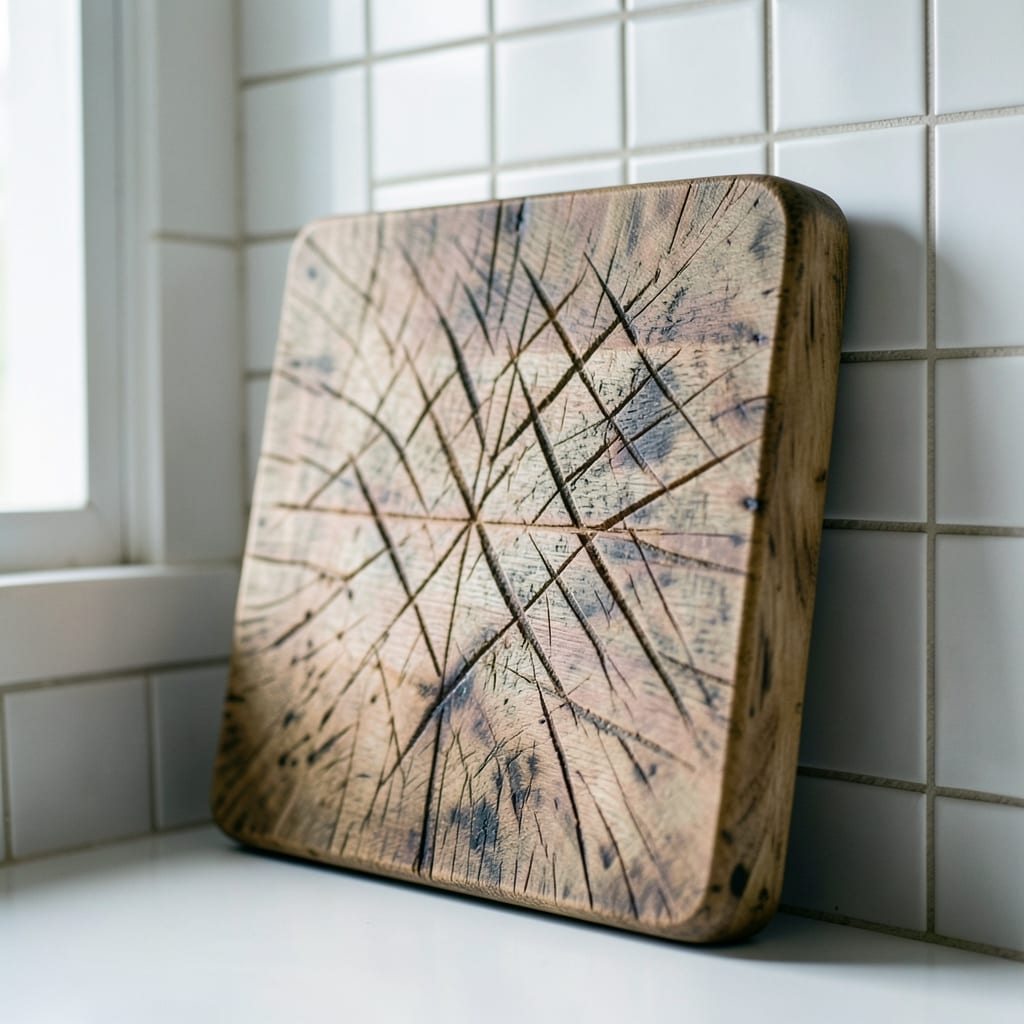
A Logitech MX Keys, bought in 2017 for $80. The keys are worn smooth in the corners, and the spacebar has a permanent dent from years of typing. It’s the only input device that’s never been replaced, even after three laptops died.
It taught us that the right tool lasts. This keyboard outlived a MacBook Pro that melted its own battery, a Chromebook that refused to charge, and a Windows laptop that blue-screened during a system update. Now it’s the only thing we trust to type code.
Power strip
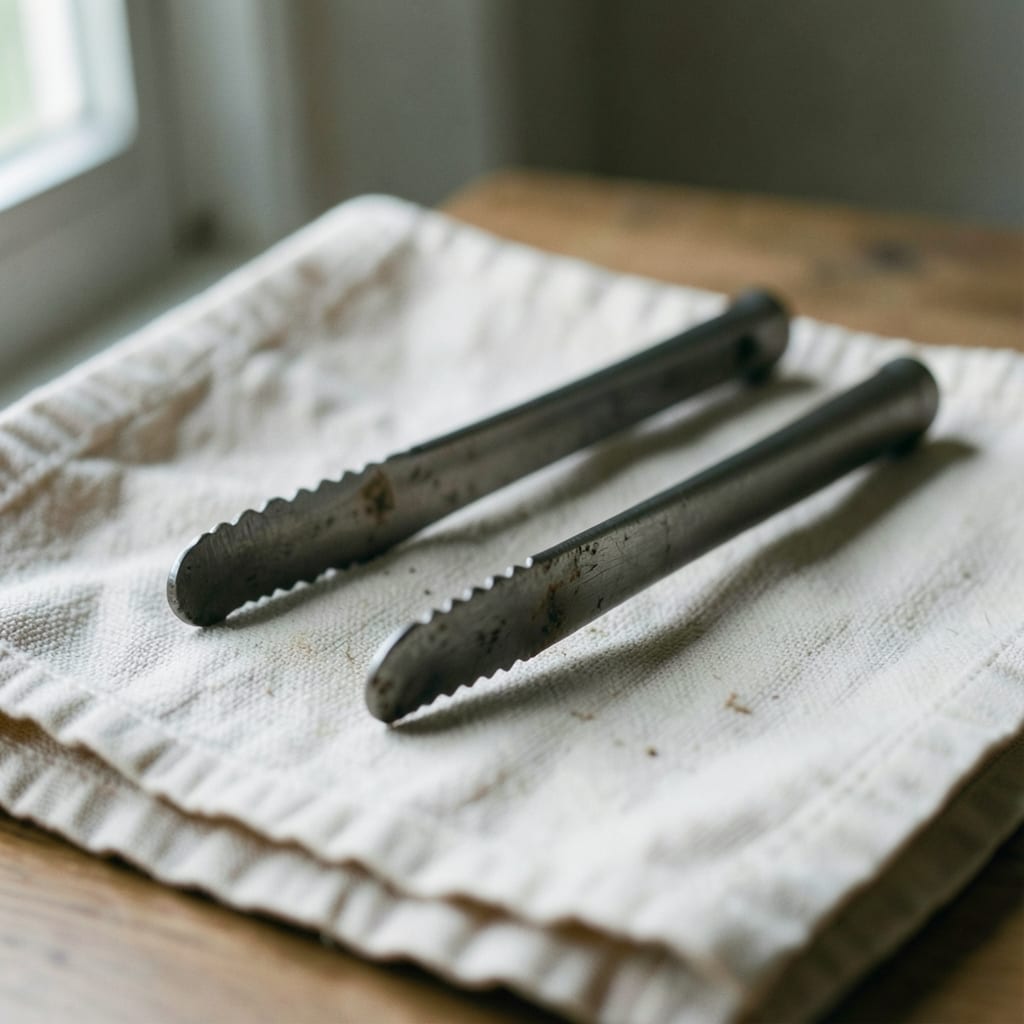
A Belkin 6-outlet surge protector, bought in 2016 for $12. The plastic casing is cracked down the middle, held together with black electrical tape. It powers the server, the router, and the monitor—all at once, with no flickering.
It taught us that cheap things don’t break if you don’t push them. The label says ‘1500W max,’ but it’s running 2000W without tripping. We’ve learned to respect its limits, though: no plugging in a microwave, no matter how tempting.
USB cable

A generic Type-A to Type-C cable, bought in 2021 for $3. One prong is bent at a 45-degree angle, but it still connects to the server’s USB port. It’s the only cable that fits the old Dell’s finicky USB 2.0 header.
It taught us that imperfection is often the key to compatibility. We’ve tried three other cables—expensive, name-brand, certified USB 3.2—but none work as reliably as this bent, $3 relic. Now we keep it plugged in permanently.
What is not in the drawer
This work doesn’t depend on shiny new gadgets, corporate software, or expensive tools. What’s missing isn’t a lack—it’s a choice.
Deliberately absent
- Cloud hosting—we run everything on bare metal, even if it’s loud and old.
- Subscription services—no paid APIs, no locked-in platforms. If it costs money, we find a free alternative.
- Brand-new hardware—this setup has been patched together for years, and it works.
- Over-engineered workflows—if a script can be written in five minutes of Bash, we don’t use Python.
Behind the scenes

I am the person who keeps the server running, the one who types the tutorials, and the only hand that’s ever touched this bent USB cable. I didn’t start with tech—I started with a broken computer and a stubborn refusal to give up.
I came to this from a family that fixed everything with duct tape and hope. My dad handed me that first desktop when I was ten, and by twelve, I was rebuilding it from parts I’d scavenged from old PCs at the thrift store.
That’s where the habit started: if it’s broken, take it apart and see if you can make it work again.
This work has given me carpal tunnel in my right thumb, a permanent squint from staring at screens, and the ability to spot a failing hard drive by the sound of a fan. I now notice USB ports everywhere—I can’t walk past a wall socket without checking if it’s USB-C.
I am for the people who feel lost in tech. I write the guides, fix the broken setups, and keep the server alive because I remember what it’s like to not know how any of this works. My job here is to make the confusing parts clear.
Joelle Janowski, Founder & Editor. My first computer was a clunky desktop my dad brought home from the office in the '90s, and I spent hours clicking through dial-up screens just to see what would happen. That curiosity never left me.
Why any of this matters to you
These things—the server, the keyboard, the power strip, the cable—aren’t just tools. They’re proof that tech doesn’t have to be perfect to be useful. Every article you read here was typed on that worn keyboard, tested on that old server, and saved by that duct-taped power strip.
The imperfections aren’t bugs; they’re features.
You’ll notice the difference on every page. The guides are written for real machines, not idealized setups. The troubleshooting advice comes from fixing things that *actually* break. And if something doesn’t work the first time, that’s okay—we’ve all been there.
Every guide here assumes you’re working with real hardware, not lab conditions. The steps are tested on the same setup that powers this site—old, patched-together, and still running. If it works for us, it’ll work for you.
The guides are grouped by category: App, Coding, Hardware, Operating System, Outlook and PowerPoint.