Skip to content
Template How-To

Template How-To

  • All Articles
  • App
  • Coding
  • Hardware
  • More
    • Operating System
    • Outlook
    • PowerPoint
    • Review
    • Software
    • Tip & Trick
    • Troubleshooting
    • Windows

PowerPoint

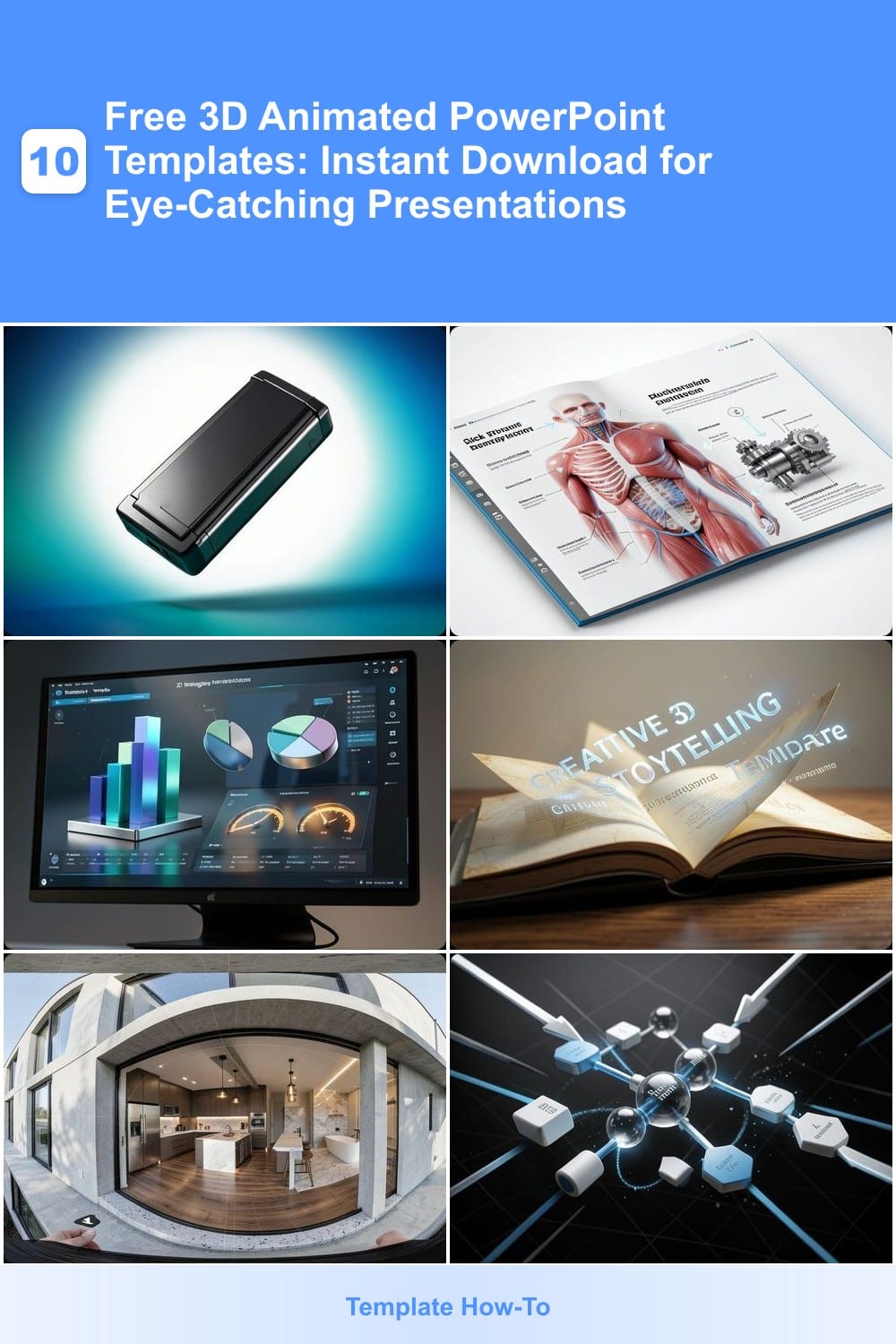
10 Free 3D Animated PowerPoint Templates: Instant Download for Eye-Catching Presentations
October 11, 2026 by Joelle Janowski
10 Free 3D Animated PowerPoint Templates: Instant Download for Eye-Catching Presentations

Tired of flat, boring PowerPoint slides? These 10 free 3D animated templates will transform your presentations with dynamic visuals, seamless transitions, and professional-grade effects—all without breaking the bank or…
Read more

Categories PowerPoint

How to Add a Timer to PowerPoint: Built-In Animation Trick for Presentations

November 18, 2026 by Joelle Janowski
How to Add a Timer to PowerPoint: Built-In Animation Trick for Presentations

To add a timer to PowerPoint, you don’t need third-party tools—just the built-in Rehearse Timings feature and a clever animation trick. 💡 I’ve used this exact method for client presentations where every second counted…

Read more

Categories PowerPoint

How to Add Sound Effects to PowerPoint: Instant Engagement With Built-In Tools

November 19, 2026 by Joelle Janowski
How to Add Sound Effects to PowerPoint: Instant Engagement With Built-In Tools

Adding sound effects to PowerPoint transforms dull slides into dynamic presentations—something I learned the hard way when my first corporate demo flopped because the audience tuned out. The built-in tools make it…

Read more

Categories PowerPoint

How to Blur an Image in Powerpoint: Instant Professional Focus in Seconds

October 15, 2026 by Joelle Janowski
How to Blur an Image in Powerpoint: Instant Professional Focus in Seconds

To blur an image in PowerPoint, you don't need Photoshop—just a few clicks that take less than 10 seconds . ✨ I’ve used this trick for client presentations where a background needed soft focus, and it works every time…

Read more

Categories PowerPoint

How to Convert Text to WordArt in PowerPoint: Step-by-Step Visual Guide for Instant Impact

November 17, 2026 by Joelle Janowski
How to Convert Text to WordArt in PowerPoint: Step-by-Step Visual Guide for Instant Impact

Learn how to convert text to WordArt in PowerPoint, and you’ll instantly transform dull slides into stunning visuals—whether for pitches, lessons, or anything in between. ✨ why you didn’t try it sooner. The best part? It…

Read more

Categories PowerPoint

How to Create a Custom Slide Show in PowerPoint: Seamless Transitions and Auto-Timing Tricks

November 19, 2026 by Joelle Janowski
How to Create a Custom Slide Show in PowerPoint: Seamless Transitions and Auto-Timing Tricks

Creating a custom slide show in PowerPoint lets you control exactly which slides play and how long they stay on screen—something I first learned when helping Dad set up presentations for Pittsburgh scrapyard auctions. ⚡…

Read more

Categories PowerPoint

How to Create a Multilevel List in Powerpoint: Step-by-Step Visual Guide for Clarity

November 17, 2026 by Joelle Janowski
How to Create a Multilevel List in Powerpoint: Step-by-Step Visual Guide for Clarity

Creating a multilevel list in PowerPoint transformed how I organized project timelines during my Windows 10 rollout days at Microsoft—it’s the difference between chaos and clarity. ⚡ The trick lies in knowing which menu…

Read more

Categories PowerPoint

How to Create Master Slides in Powerpoint: Pro Design Framework for Any Presentation

November 17, 2026 by Joelle Janowski
How to Create Master Slides in Powerpoint: Pro Design Framework for Any Presentation

Creating master slides in PowerPoint is the secret weapon behind every polished presentation—it’s how I turned a messy client deck into a cohesive brand showcase in under 30 minutes. 💡 The magic happens when you control…

Read more

Categories PowerPoint

How to Download PowerPoint on iPad: One-Tap Setup for Offline Editing

October 7, 2026 by Joelle Janowski
How to Download PowerPoint on iPad: One-Tap Setup for Offline Editing

Downloading PowerPoint on your iPad unlocks presentations anywhere—no Wi-Fi needed. ⚡ I’ve helped dozens of users skip the confusion between the App Store and iCloud versions, and the process is simpler than most…

Read more

Categories PowerPoint

How to Format Text in PowerPoint: Visual Hierarchy Made Simple

November 19, 2026 by Joelle Janowski
How to Format Text in PowerPoint: Visual Hierarchy Made Simple

Formatting text in PowerPoint isn’t just about making it look pretty—it’s about turning your slides into clear, engaging stories. I’ve spent years watching presentations where messy text buried the message, and the fix…

Read more

Categories PowerPoint
Page1Page2Page3Page4Next →

About Me

Joelle Janowski

Joelle Janowski
My first computer was a clunky desktop my dad brought home from the office in the '90s, and I spent hours clicking through dial-up screens just to see what would happen. That curiosity never left me. Now, I run Template How-To to help people navigate the ever-changing world of tech—whether they're troubleshooting a stubborn PC, learning a new tool, or just trying to keep up with the latest gadgets. My approach? Clear, practical advice with a dash of humor, because tech doesn’t have to be intimidating.

Learn more

Recent Posts

  • How to Uninstall R From Mac: Clean Removal Without Lingering Files
    How to Uninstall R From Mac: Clean Removal Without Lingering Files
  • How to Set Up Outlook Email: Zero-Configuration Sync With Your Contacts
    How to Set Up Outlook Email: Zero-Configuration Sync With Your Contacts
  • How to Automatically Download Pictures in Outlook: One-Click Download Trick for Busy Professionals
    How to Automatically Download Pictures in Outlook: One-Click Download Trick for Busy Professionals
  • How to Turn on Push Notifications: Enable Alerts in 3 Simple Steps
    How to Turn on Push Notifications: Enable Alerts in 3 Simple Steps
  • How To Set Up Thunderbird Email: Zero-Configuration Sync for First-Time Users
    How To Set Up Thunderbird Email: Zero-Configuration Sync for First-Time Users
  • All Guides
  • About
  • Contact
  • Privacy Policy
  • Cookie Policy
  • Terms of Use
© 2026 templatehowto.work