Skip to content
Template How-To

Template How-To

  • All Articles
  • App
  • Coding
  • Hardware
  • More
    • Operating System
    • Outlook
    • PowerPoint
    • Review
    • Software
    • Tip & Trick
    • Troubleshooting
    • Windows

Operating System

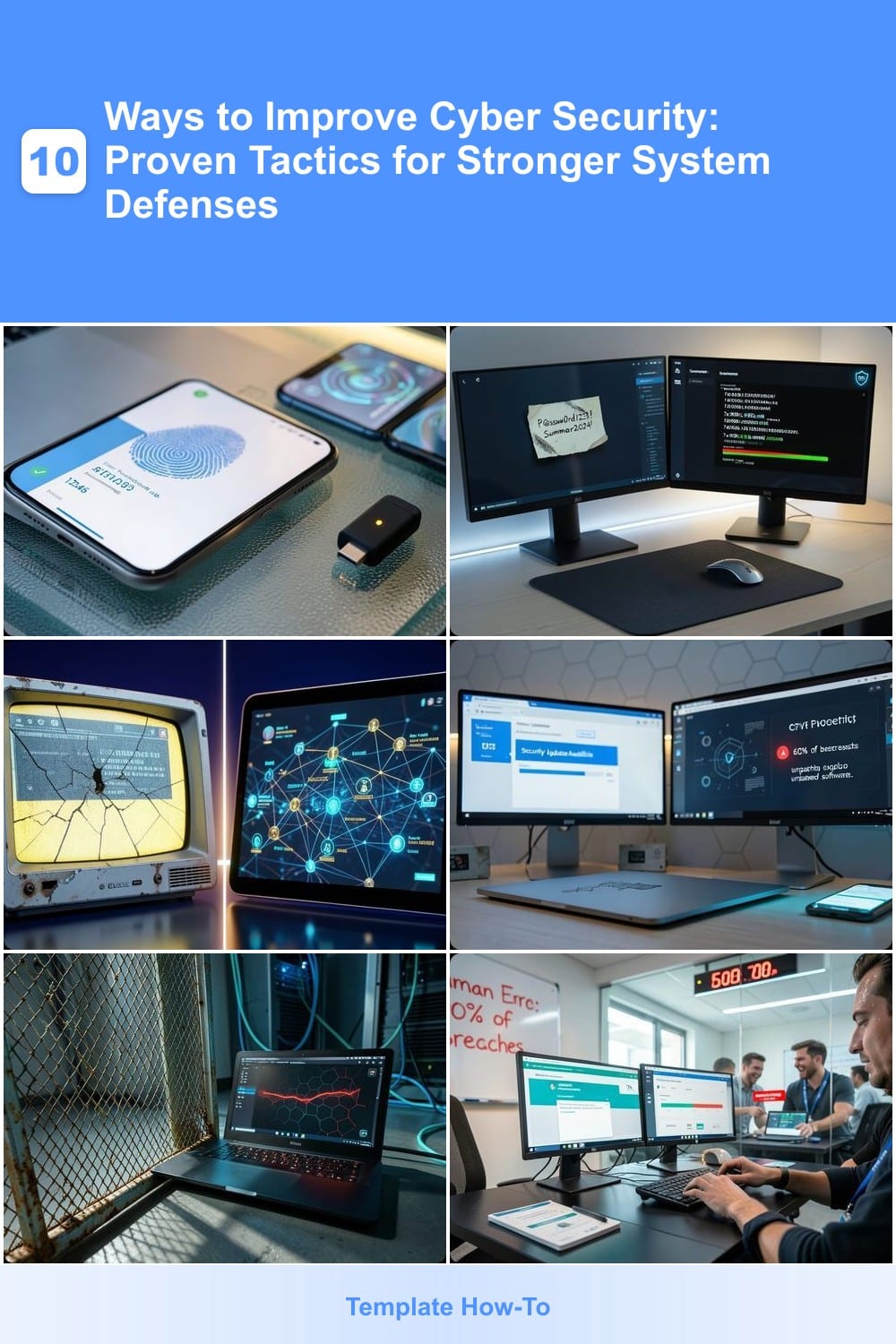
10 Ways to Improve Cyber Security: Proven Tactics for Stronger System Defenses
October 12, 2026 by Joelle Janowski
10 Ways to Improve Cyber Security: Proven Tactics for Stronger System Defenses

Cyber threats evolve daily, but these 10 proven cybersecurity tactics will fortify your digital defenses—whether you're a home user or IT professional. Implement these strategies to protect sensitive data, prevent…
Read more

Categories Operating System

Adobe Flash Player 15.0 Free Download: Last Official Version Before End-of-Life Support

October 8, 2026 by Joelle Janowski
Adobe Flash Player 15.0 Free Download: Last Official Version Before End-of-Life Support

Before Adobe Flash Player 15.0’s retirement, grab the free Adobe Flash Player 15.0 free download here to safely access legacy content one last time. If you still rely on Flash for old games or corporate tools, version…

Read more

Categories Operating System

Bios Update Utility for Windows 10/11: Firmware Version Check Before Flashing

October 12, 2026 by Joelle Janowski
Bios Update Utility for Windows 10/11: Firmware Version Check Before Flashing

Updating your BIOS in Windows 10/11 through the BIOS Update Utility can fix glitches and add new features—but one wrong click risks turning your PC into a paperweight. I’ve seen it happen: a failed flash because someone…

Read more

Categories Operating System

Can I Use Turnitin As a Student: Ethical Rules and Academic Policy Guide

November 17, 2026 by Joelle Janowski
Can I Use Turnitin As a Student: Ethical Rules and Academic Policy Guide

💥 Quick Answer As a student, you can use Turnitin for self-checking assignments, practicing writing, and learning plagiarism detection tools—but never submit original coursework without explicit instructor permission…

Read more

Categories Operating System

Can You Cast to an Xbox: Supported Devices and Setup Steps

November 17, 2026 by Joelle Janowski
Can You Cast to an Xbox: Supported Devices and Setup Steps

💥 Quick Answer You can cast to an Xbox using select devices through Miracast or third-party apps like Xbox Console Companion or AirServer. Windows 10/11 PCs, Android phones, and some Macs support wireless casting, while…

Read more

Categories Operating System

Can You Print From an iPad: AirPrint Setup and Direct Device Options

November 17, 2026 by Joelle Janowski
Can You Print From an iPad: AirPrint Setup and Direct Device Options

💥 Quick Answer Printing from an iPad is possible through AirPrint, third-party apps, or direct connections like USB or Wi-Fi Direct, depending on your printer model and iOS setup. AirPrint needs compatible hardware and…

Read more

Categories Operating System

10 Creative Ways to Present Financial Data: Visual Storytelling That Captivates Stakeholders

October 25, 2026 by Joelle Janowski
10 Creative Ways to Present Financial Data: Visual Storytelling That Captivates Stakeholders

Dull spreadsheets and static charts no longer cut it. These 10 creative financial data presentation techniques transform complex numbers into compelling visual stories that engage stakeholders and drive better decisions…

Read more

Categories Operating System

Disable Insecure TLS/SSL Protocol Support: One-Click Security Hardening for Modern Systems

November 17, 2026 by Joelle Janowski
Disable Insecure TLS/SSL Protocol Support: One-Click Security Hardening for Modern Systems

Disabling insecure TLS/SSL protocol support is the single most effective way to future-proof your systems against outdated encryption risks. ⚡ I still remember helping Dad rebuild those old IBMs back in Pittsburgh—back…

Read more

Categories Operating System

Download Files From Remote Servers To Local Machines: Instant Transfer Without Sync Delays

October 9, 2026 by Joelle Janowski
Download Files From Remote Servers To Local Machines: Instant Transfer Without Sync Delays

Downloading a file from a remote server to your local machine used to mean waiting through sync delays or fumbling with clunky interfaces. ✨ I’ve transferred gigabytes of data in under five minutes using the right tools…

Read more

Categories Operating System

Downloading Pics from Camera to Computer: Instant Downloads Without Sync Delays

October 11, 2026 by Joelle Janowski
Downloading Pics from Camera to Computer: Instant Downloads Without Sync Delays

Downloading pics from camera to computer used to be a frustrating dance of cables and waiting. ⚡ I’ve transferred thousands of photos this way—from my first digital camera in my uncle’s basement to today’s high-res…

Read more

Categories Operating System
Page1Page2Page3…Page5Next →

About Me

Joelle Janowski

Joelle Janowski
My first computer was a clunky desktop my dad brought home from the office in the '90s, and I spent hours clicking through dial-up screens just to see what would happen. That curiosity never left me. Now, I run Template How-To to help people navigate the ever-changing world of tech—whether they're troubleshooting a stubborn PC, learning a new tool, or just trying to keep up with the latest gadgets. My approach? Clear, practical advice with a dash of humor, because tech doesn’t have to be intimidating.

Learn more

Recent Posts

  • How to Uninstall R From Mac: Clean Removal Without Lingering Files
    How to Uninstall R From Mac: Clean Removal Without Lingering Files
  • How to Set Up Outlook Email: Zero-Configuration Sync With Your Contacts
    How to Set Up Outlook Email: Zero-Configuration Sync With Your Contacts
  • How to Automatically Download Pictures in Outlook: One-Click Download Trick for Busy Professionals
    How to Automatically Download Pictures in Outlook: One-Click Download Trick for Busy Professionals
  • How to Turn on Push Notifications: Enable Alerts in 3 Simple Steps
    How to Turn on Push Notifications: Enable Alerts in 3 Simple Steps
  • How To Set Up Thunderbird Email: Zero-Configuration Sync for First-Time Users
    How To Set Up Thunderbird Email: Zero-Configuration Sync for First-Time Users
  • All Guides
  • About
  • Contact
  • Privacy Policy
  • Cookie Policy
  • Terms of Use
© 2026 templatehowto.work