
Operating System
Cyber threats evolve daily, but these 10 proven cybersecurity tactics will fortify your digital defenses—whether you're a home user or IT professional. Implement these strategies to protect sensitive data, prevent breaches, and maintain trust in an increasingly connected world.
Enable Multi-Factor Authentication Everywhere
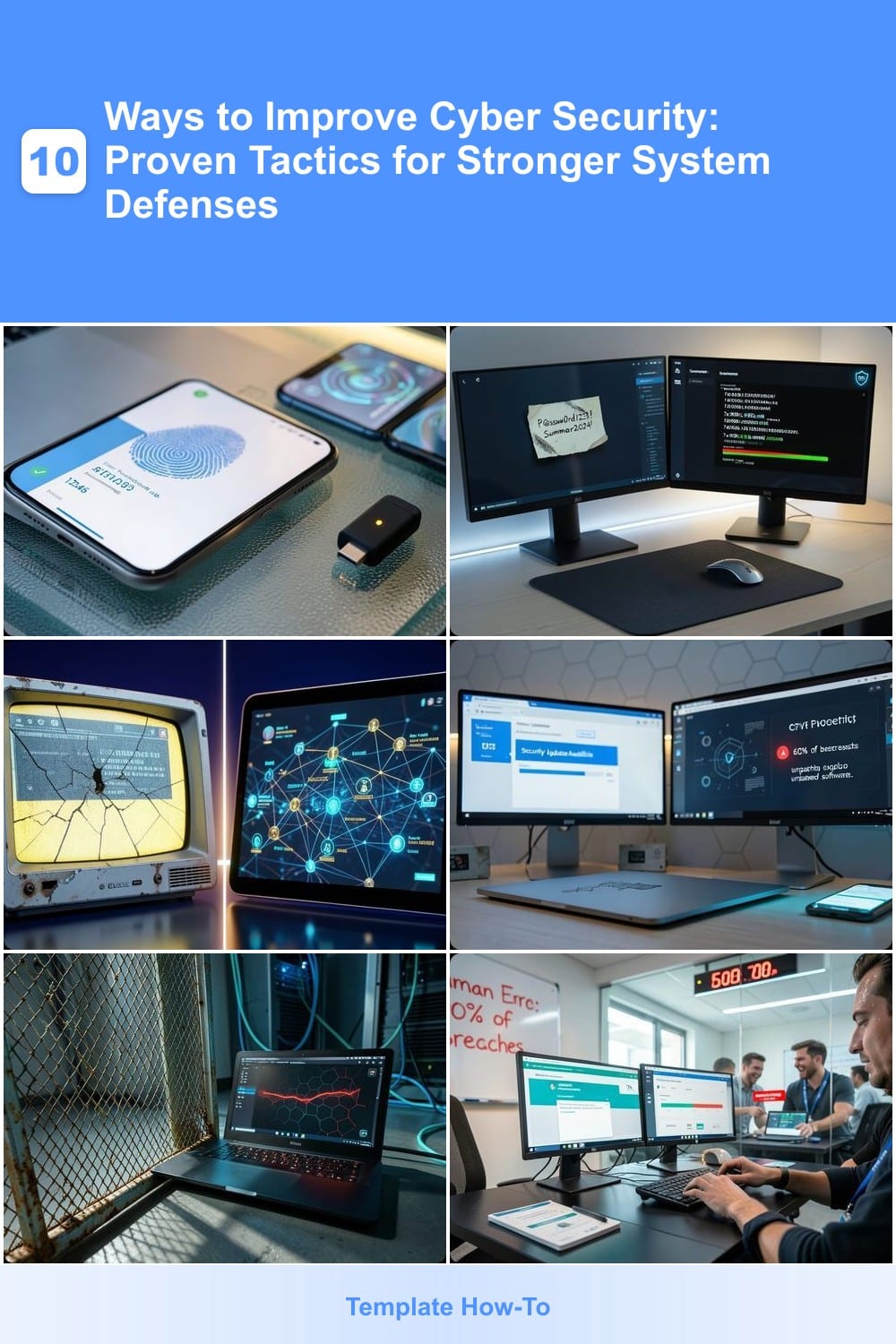
Passwords alone aren’t enough—multi-factor authentication (MFA) adds an extra layer that stops 99% of automated credential theft attempts. Whether it’s a text code, fingerprint scan, or hardware key, MFA forces attackers to move beyond stolen passwords, making account hijacking nearly impossible for most services.
Most major platforms—Google, Microsoft, Apple, and banking apps—support MFA with zero-configuration setup (just enable it in settings). Even free services like Authy or Google Authenticator provide secure, offline-backed codes. For maximum security, YubiKey hardware tokens offer phishing-resistant authentication that works across all services.
This is the #1 defense for everyone—from freelancers protecting client data to executives securing corporate emails. Start with your most critical accounts (banking, email, cloud storage) and expand from there. ⚡
Use Password Managers with Secure Vaults
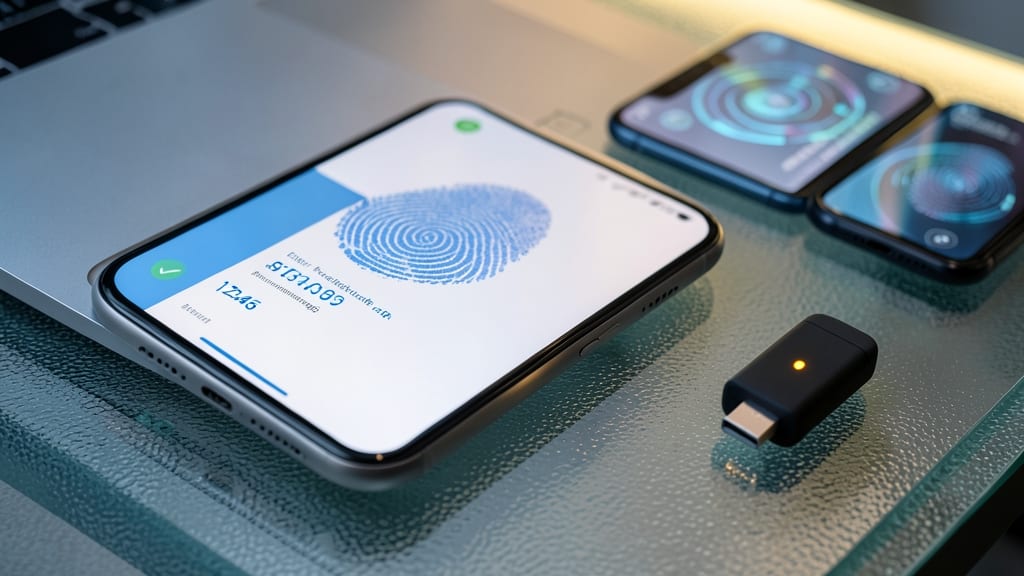
Tired of reusing passwords or scrambling to remember complex logins? A password manager with a secure vault eliminates these headaches while adding an extra layer of protection. These tools generate and store 256-bit encrypted credentials, ensuring even if one account is breached, your others remain safe.
Top solutions like Bitwarden (free and open-source) or 1Password (team-friendly) offer automatic breach monitoring, instantly flagging compromised passwords. Features like TOTP support and shared vaults make them perfect for families or remote teams. Most sync across devices with zero-config setup.
Perfect for anyone juggling 50+ accounts—from freelancers to IT admins—password managers turn security into a seamless habit. 💻
Implement Zero-Trust Network Architecture

Tired of relying on outdated perimeter defenses that assume threats lurk outside your network? Zero-trust architecture flips the script by verifying every device, user, and request—even those already inside your network—before granting access.
This model uses continuous authentication (not just logins) and micro-segmentation to limit lateral movement. Solutions like Microsoft Azure AD Zero Trust or Google BeyondCorp enforce policies such as device health checks and risk-based conditional access, ensuring only trusted endpoints connect to sensitive systems. The result? A 90% reduction in lateral breach impact per Forrester studies.
Perfect for remote-first teams or businesses handling sensitive data—like healthcare or finance—where traditional firewalls leave critical gaps. Start small with identity-proofing tools before full deployment. ✨
Regularly Update All Software Systems

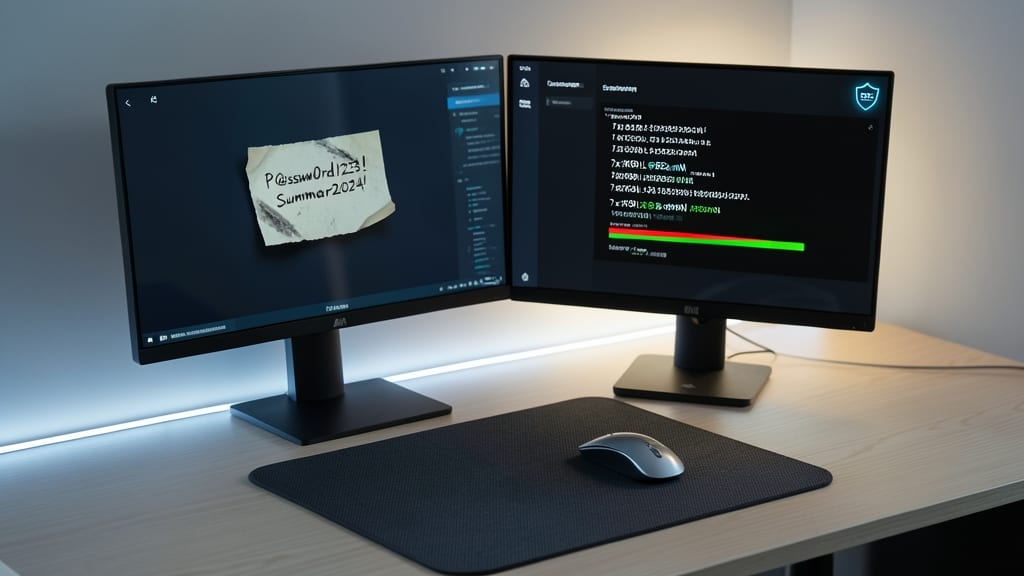
Did you know 60% of cyberattacks exploit known vulnerabilities in outdated software? The fix is simpler than you think—consistent updates. Most operating systems and apps now offer automated patching, ensuring critical security fixes deploy without manual effort, while tools like Windows Update or Apple Software Update streamline the process for home users.
Beyond OS-level fixes, prioritize updates for browsers (Chrome, Firefox, Edge) and third-party apps (Adobe, Java, Zoom)—these often include patches for zero-day exploits. Enable automatic updates where possible, and set reminders for manual checks on devices where automation isn’t available. Even a 15-minute weekly scan can close gaps before hackers weaponize them.
This tactic is a must for anyone using digital banking, cloud services, or shared devices. Businesses should enforce patch management policies via tools like WSUS (Windows Server Update Services) or Jamf for Mac environments. ⚡
Deploy Endpoint Detection and Response

Traditional antivirus tools are like a screen door—keeping out the obvious threats but letting sophisticated malware slip through. Endpoint Detection and Response (EDR) takes a smarter approach by continuously monitoring device behavior in real-time, spotting anomalies that signal advanced attacks before damage spreads.
Modern EDR solutions like CrowdStrike Falcon or Microsoft Defender for Endpoint provide AI-driven threat detection, automated containment of infected systems, and detailed forensic reports. They track process injection, lateral movement, and zero-day exploits—threats that traditional antivirus simply can’t catch. The best tools integrate with your existing security stack for seamless threat response.
This is a must-have for businesses handling sensitive data, but even home users with valuable files (like tax documents or family photos) benefit. EDR transforms passive protection into an active defense—stopping attacks before they become breaches. 💻
Conduct Quarterly Security Awareness Training
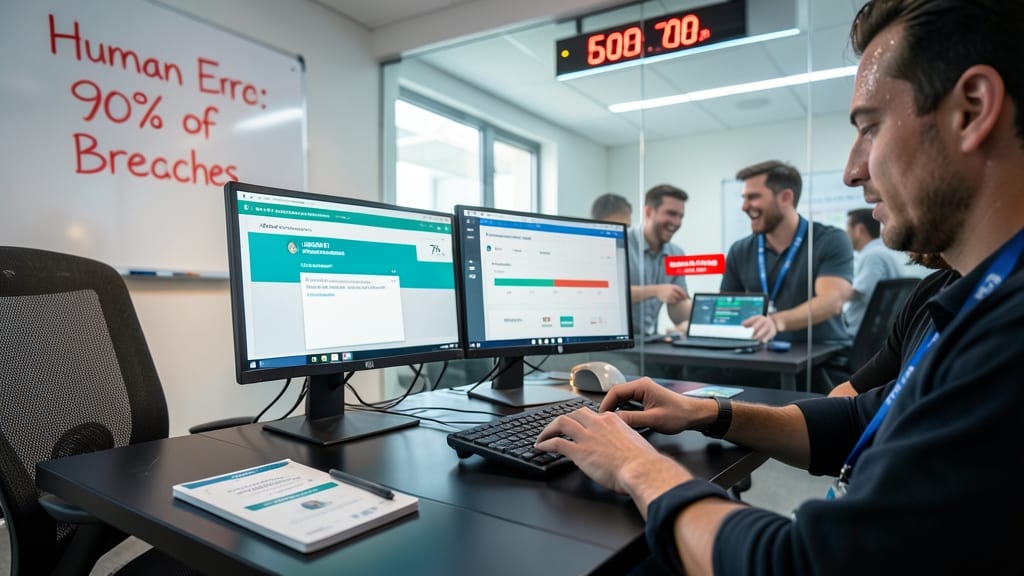
Your strongest defense isn’t just firewalls or encryption—it’s the people behind the screens. Since 90% of breaches start with human error, quarterly security awareness training with simulated phishing tests and interactive modules is your secret weapon. These programs don’t just teach employees to spot scams; they turn them into active defenders of your digital perimeter.
Look for platforms like KnowBe4 or PhishMe, which offer realistic attack simulations (like fake CEO emails) and gamified learning modules that track progress. The best programs provide customizable scenarios—from spear-phishing to social engineering—and even generate post-test reports to show improvement over time. Many also include compliance templates for industries like healthcare or finance.
This isn’t just for corporations—small teams and freelancers should use free resources like the FBI’s IC3 training or Google’s Security Checkup. The goal? Turn every employee into a human firewall who questions suspicious links before clicking. 💡
Encrypt All Sensitive Data at Rest

Ever lost a laptop or had a hard drive fail? Without encryption, sensitive files like patient records or financial documents could end up in the wrong hands—and that’s a compliance nightmare for industries bound by HIPAA or GDPR.
Tools like BitLocker (built into Windows) or FileVault (for macOS) offer AES-256 encryption, turning your data into unreadable ciphertext if a device is stolen. For extra security, third-party solutions like VeraCrypt let you create encrypted containers for specific files, adding a layer of control. Most modern SSDs even support self-encrypting drives (SED), where encryption happens at the hardware level for near-instant performance.
This isn’t just for big corporations—freelancers, healthcare workers, and small business owners handling sensitive client data should encrypt everything by default. Compliance fines for unencrypted data can run into millions, but the peace of mind is priceless. ✨
Segment Network Traffic with Firewalls

If you’ve ever wondered why some breaches spread like wildfire across entire networks, the answer lies in firewall segmentation—a strategy that creates digital moats between your most critical systems. Unlike basic firewalls that simply block external threats, segmentation stops attackers from moving sideways once they’ve breached one part of your network.
Modern firewalls like Palo Alto Networks or Cisco ASA let you define security zones (e.g., HR servers, payment systems, or guest Wi-Fi) with granular rules. For example, a compromised employee laptop in the marketing zone won’t automatically access the finance database. Tools like pfSense even offer free, open-source options for smaller teams. This approach reduces breach impact by 80%, according to Gartner, by limiting an attacker’s ability to pivot.
Perfect for businesses with mixed departments or remote workers, segmentation turns your network into a layered defense—no more treating everything as equally trusted. 💻
Monitor with Security Information Platforms

When individual security tools leave gaps, Security Information Platforms (SIEM) stitch them together by analyzing logs across your entire ecosystem. Unlike standalone firewalls or antivirus, SIEMs correlate data from firewalls, endpoints, cloud services, and user behavior to spot brute force patterns or unusual access attempts that single tools would miss.
Modern SIEM solutions like Splunk Enterprise Security or IBM QRadar offer real-time threat detection, automated alerting, and even AI-driven anomaly scoring to prioritize risks. They integrate with tools you already use—SIEMs don’t replace your existing security stack but supercharge it by revealing hidden connections between seemingly unrelated events.
This is the go-to solution for mid-sized businesses to enterprises where security teams need visibility into complex environments. Even smaller organizations can benefit from cloud-based SIEM options like Microsoft Sentinel, which scales affordably while delivering enterprise-grade insights. 🔧
Create an Incident Response Playbook

When a cyberattack strikes, every second counts—yet many organizations waste critical time scrambling to respond. A well-structured incident response playbook turns chaos into action, with predefined roles, communication protocols, and containment steps that cut recovery time by 40% or more during breaches.
Start by documenting five key phases: preparation (identifying assets and risks), detection (how to spot anomalies), containment (isolating threats), eradication (removing malware), and recovery (restoring systems securely). Include a decision tree for common attack vectors (e.g., phishing, ransomware) and assign clear ownership for each step. Tools like NIST’s Cybersecurity Framework or ISO 27035 provide templates to avoid reinventing the wheel.
This isn’t just for enterprises—small teams benefit too. A playbook ensures everyone knows their role, from IT staff to executives, during a crisis. Test it annually with tabletop exercises to keep skills sharp. ⚡