Skip to content
Template How-To

Template How-To

  • All Articles
  • App
  • Coding
  • Hardware
  • More
    • Operating System
    • Outlook
    • PowerPoint
    • Review
    • Software
    • Tip & Trick
    • Troubleshooting
    • Windows

PowerPoint — Page 3

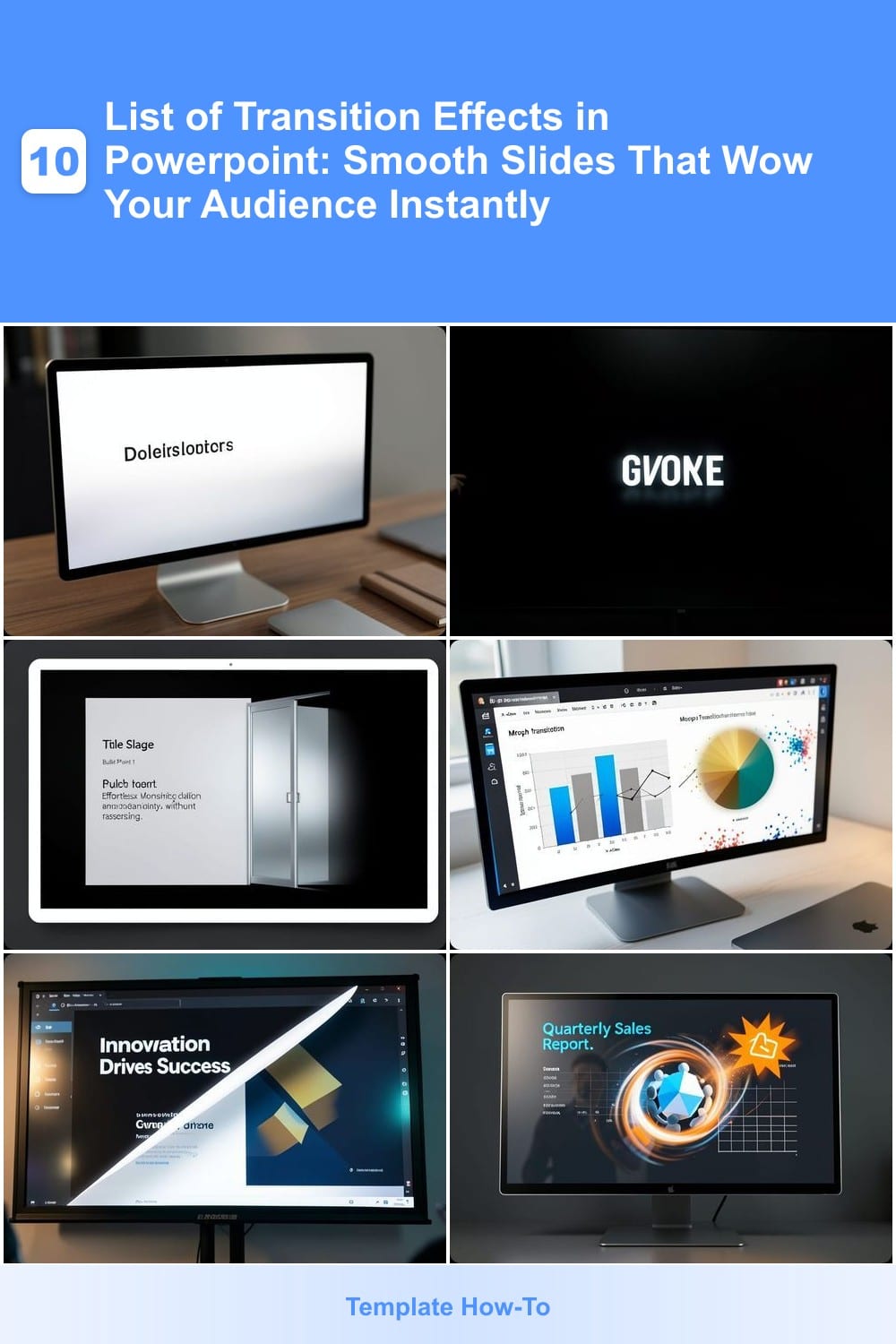
List of Transition Effects in Powerpoint: Smooth Slides That Wow Your Audience Instantly
October 12, 2026 by Joelle Janowski
List of Transition Effects in Powerpoint: Smooth Slides That Wow Your Audience Instantly

PowerPoint transitions can transform a boring presentation into a dynamic, engaging experience. These seven carefully selected transition effects will elevate your slideshows—whether you're presenting to clients…

Read more

Categories PowerPoint

Microsoft Clip Art Images Free Download: 100+ Royalty-Free Templates for Instant Use

October 9, 2026 by Joelle Janowski
Microsoft Clip Art Images Free Download: 100+ Royalty-Free Templates for Instant Use

Download Microsoft clip art images for free directly from the official Office.com library—no subscriptions or piracy required. Need high-quality, royalty-free clip art for your presentations, documents, or projects…

Read more

Categories PowerPoint

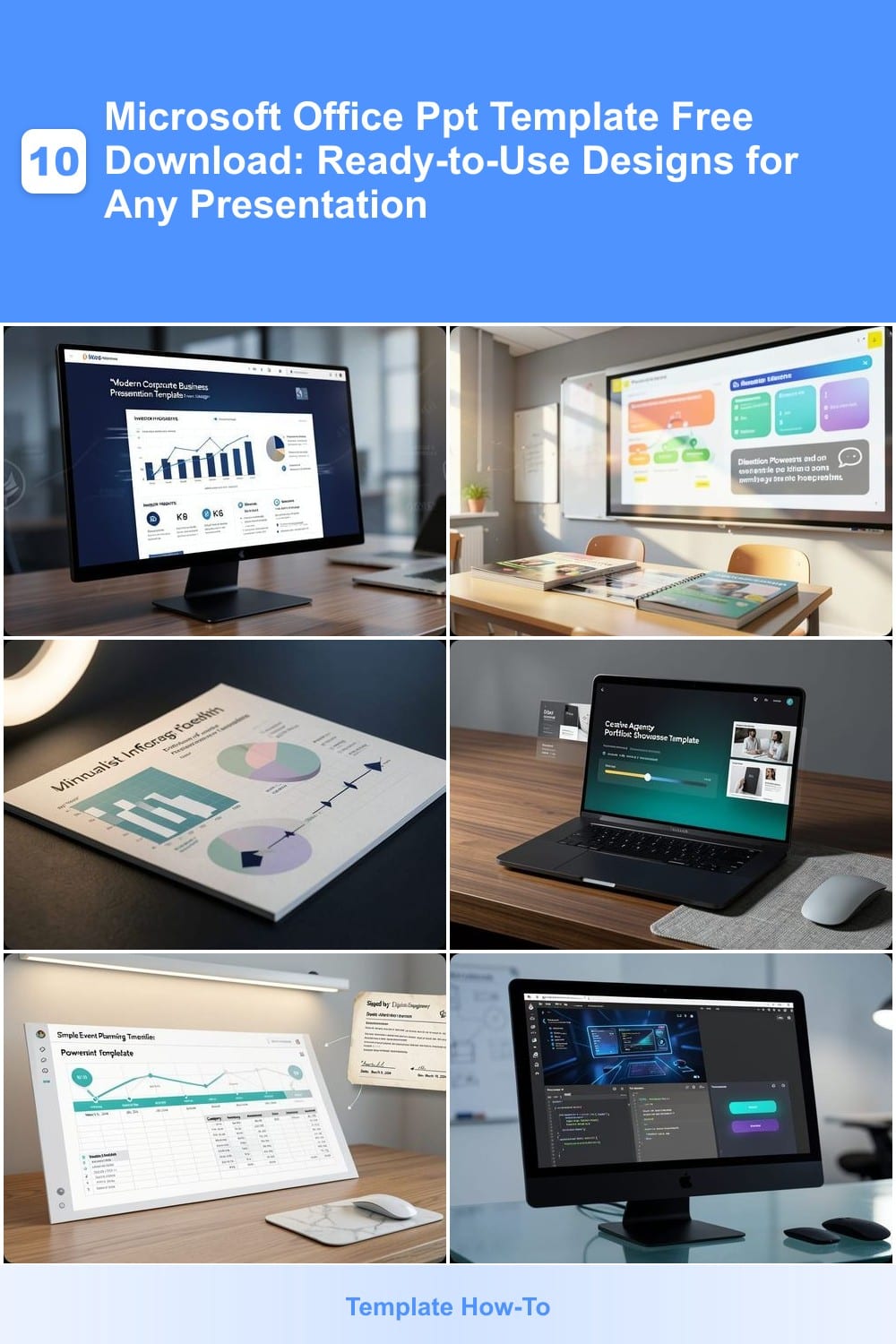
Microsoft Office Ppt Template Free Download: Ready-to-Use Designs for Any Presentation

October 8, 2026 by Joelle Janowski
Microsoft Office Ppt Template Free Download: Ready-to-Use Designs for Any Presentation

Struggling to create professional PowerPoint presentations from scratch? These seven free Microsoft Office-compatible templates will elevate your slides in minutes—no design skills required. Perfect for students…

Read more

Categories PowerPoint

10 Microsoft Office Projects for High School Students: Stand Out Presentations That Boost College Applications

October 26, 2026 by Joelle Janowski
10 Microsoft Office Projects for High School Students: Stand Out Presentations That Boost College Applications

Standing out in college applications requires more than just grades—it’s about showcasing skills that prove your ability to think critically and communicate effectively. These 10 Microsoft Office projects are designed to…

Read more

Categories PowerPoint

10 Microsoft Office Tri Fold Brochure Templates: Instantly Download Editable PowerPoint Designs

October 26, 2026 by Joelle Janowski
10 Microsoft Office Tri Fold Brochure Templates: Instantly Download Editable PowerPoint Designs

Need eye-catching tri-fold brochures for your next project but short on design time? These 10 Microsoft Office-compatible PowerPoint templates let you create professional, print-ready layouts in minutes—no graphic design…

Read more

Categories PowerPoint

Visio Process Flow Diagram Template Free Download: Customizable Shapes for Workflow Clarity

October 14, 2026 by Joelle Janowski
Visio Process Flow Diagram Template Free Download: Customizable Shapes for Workflow Clarity

Download a free Visio process flow diagram template with customizable shapes to map out workflows in minutes—no design experience needed. Struggling to visualize complex workflows in Microsoft Visio? A free, customizable…

Read more

Categories PowerPoint

Where Is the Slide Navigation Pane in PowerPoint: Exact Location and Quick Access Shortcuts

November 17, 2026 by Joelle Janowski
Where Is the Slide Navigation Pane in PowerPoint: Exact Location and Quick Access Shortcuts

💥 Quick Answer The slide navigation pane in PowerPoint is located on the left side of the screen by default, showing thumbnails of all your slides at once. If it's hidden, right-click the gray bar or press Ctrl+Shift+N…

Read more

Categories PowerPoint

What Video Formats Does PowerPoint Support: Full List With Compatibility Notes

November 24, 2026 by Joelle Janowski
What Video Formats Does PowerPoint Support: Full List With Compatibility Notes

💥 Quick Answer PowerPoint supports video formats like MP4, MOV, and AVI natively, while WMV and ASF work best on Windows. For broader compatibility, use H.264 codec in MP4 or convert unsupported formats (e.g., MKV, FLV)…

Read more

Categories PowerPoint

Plan on a Page Template for PowerPoint: Visual Roadmap That Fits One Slide

November 24, 2026 by Joelle Janowski
Plan on a Page Template for PowerPoint: Visual Roadmap That Fits One Slide

A Plan on a Page PowerPoint template turns sprawling projects into a single, scannable slide—no more cramming details into tiny text boxes. Struggling to fit your entire project plan into one slide? A well-designed…

Read more

Categories PowerPoint

Where Is Text Effects in PowerPoint: Exact Menu Path and Hidden Shortcut

November 24, 2026 by Joelle Janowski
Where Is Text Effects in PowerPoint: Exact Menu Path and Hidden Shortcut

💥 Quick Answer Text Effects in PowerPoint are located under the Drawing Tools tab after selecting text, or via the Format tab in newer versions. Press Ctrl+Shift+P for a quick shortcut to apply effects like shadows…

Read more

Categories PowerPoint
Page1Page2Page3Page4Next →

About Me

Joelle Janowski

Joelle Janowski
My first computer was a clunky desktop my dad brought home from the office in the '90s, and I spent hours clicking through dial-up screens just to see what would happen. That curiosity never left me. Now, I run Template How-To to help people navigate the ever-changing world of tech—whether they're troubleshooting a stubborn PC, learning a new tool, or just trying to keep up with the latest gadgets. My approach? Clear, practical advice with a dash of humor, because tech doesn’t have to be intimidating.

Learn more

Recent Posts

  • How to Uninstall R From Mac: Clean Removal Without Lingering Files
    How to Uninstall R From Mac: Clean Removal Without Lingering Files
  • How to Set Up Outlook Email: Zero-Configuration Sync With Your Contacts
    How to Set Up Outlook Email: Zero-Configuration Sync With Your Contacts
  • How to Automatically Download Pictures in Outlook: One-Click Download Trick for Busy Professionals
    How to Automatically Download Pictures in Outlook: One-Click Download Trick for Busy Professionals
  • How to Turn on Push Notifications: Enable Alerts in 3 Simple Steps
    How to Turn on Push Notifications: Enable Alerts in 3 Simple Steps
  • How To Set Up Thunderbird Email: Zero-Configuration Sync for First-Time Users
    How To Set Up Thunderbird Email: Zero-Configuration Sync for First-Time Users
  • All Guides
  • About
  • Contact
  • Privacy Policy
  • Cookie Policy
  • Terms of Use
© 2026 templatehowto.work