
PowerPoint
Standing out in college applications requires more than just grades—it’s about showcasing skills that prove your ability to think critically and communicate effectively. These 10 Microsoft Office projects are designed to help high school students create polished, professional work that demonstrates mastery of PowerPoint, Excel, Word, and more.
Interactive College Research Presentation
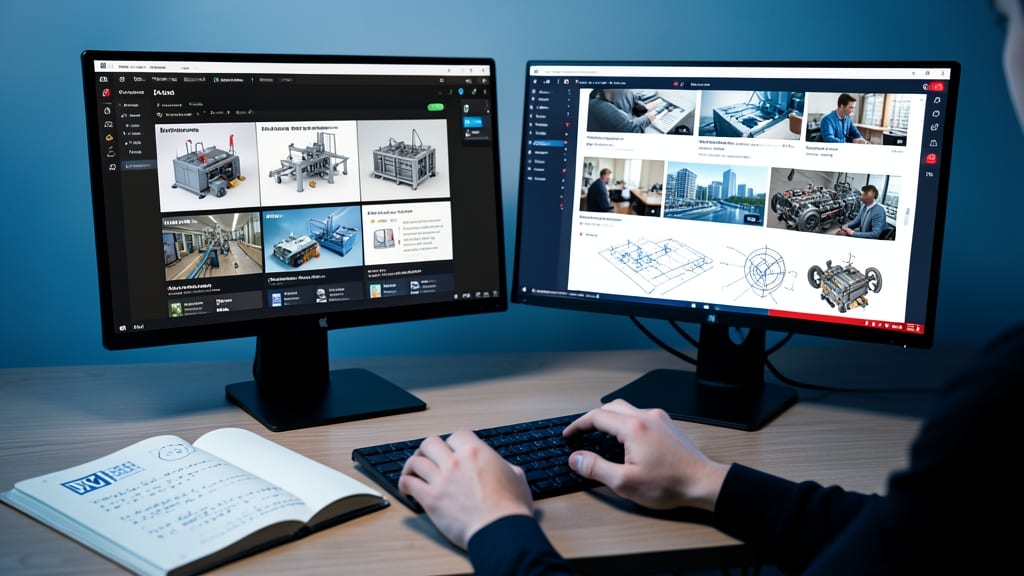
Dreaming of studying engineering at MIT but need to prove your passion in a college application? An Interactive College Research Presentation in PowerPoint lets you turn your career aspirations into a dynamic, clickable story—no coding required. This isn’t just another slideshow; it’s a multi-layered experience where animations and hyperlinks guide admissions officers through your thought process, from research to real-world applications.
Start by designing a 10-slide presentation with Morph transitions to smoothly animate between concepts (like comparing robotics programs). Embed short video clips of campus tours or industry interviews, and use action buttons to let viewers jump to specific sections—such as your "Why This Major?" or "Future Goals" slides. For extra polish, add a clickable timeline showing key milestones in your chosen field, like breakthroughs in AI or renewable energy. The Office 365 Education version even lets you record a voiceover for a polished, professional touch.
Perfect for students applying to STEM, business, or competitive arts programs, this project proves you can communicate complex ideas clearly—a skill top colleges value. Share it as a PDF or video in your application to leave a lasting impression. ✨
Personal Branding Resume and Cover Letter
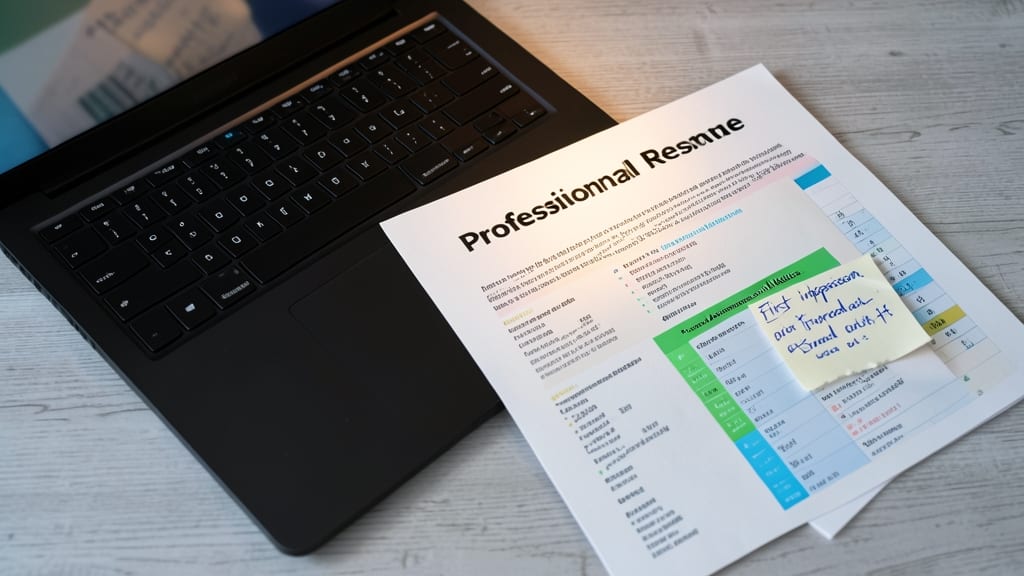
Your resume isn’t just a list of experiences—it’s your first impression. A personalized resume and cover letter built in Word and Excel lets you highlight leadership roles, volunteer work, and skills in a way that grabs attention. Skip the generic templates and create documents that speak directly to internships or scholarships by tailoring keywords and visuals.
Start with a clean Word resume using built-in templates like "Modern" or "Professional," then add a custom color scheme to match your personality. Use Excel’s conditional formatting to create a dynamic skills matrix—highlighting strengths in leadership or tech—then embed it as an image in your resume. For cover letters, pull data from Excel (like GPA trends or project timelines) to make your application feel personalized and data-driven. Save both as PDFs for crisp, professional submissions.
This project is perfect for students applying to leadership programs, scholarships, or internships where experience matters. It proves you can design with purpose while showcasing the skills you’re proudest of. 💪
Budget Planning Spreadsheet for College

College costs more than tuition—textbooks, housing, meals, and unexpected expenses add up fast. A Budget Planning Spreadsheet in Excel isn’t just about numbers; it’s a hands-on way to master financial literacy while building a skill that colleges (and future employers) value.
Start with a monthly income vs. expenses tracker using formulas like =SUM() and =IF() to categorize spending. Add conditional formatting to highlight overspending in red and savings in green. Take it further by including a savings goal calculator with compound interest formulas—perfect for demonstrating real-world math skills.
This project is ideal for students eyeing business, economics, or finance programs. It’s also a great addition to a portfolio showing analytical thinking—something admissions officers love to see. 💡
Digital Portfolio Using PowerPoint and OneNote
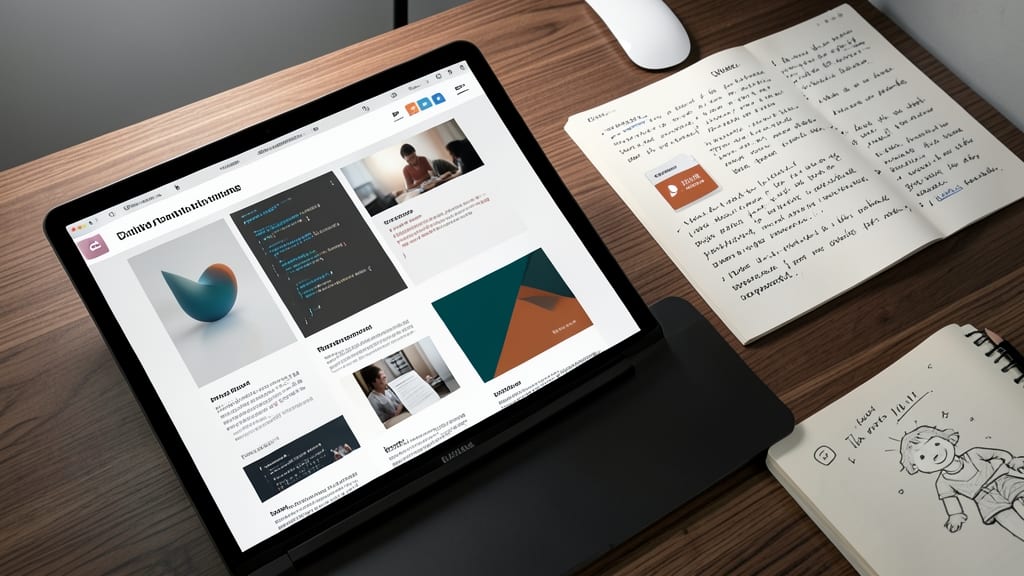
Tired of static resumes when you’ve got real projects to showcase? A digital portfolio built with PowerPoint and OneNote lets you blend visuals, reflections, and multimedia into one cohesive story—perfect for artists, coders, or researchers.
Start with PowerPoint to create polished slides featuring your best work: lab results, art pieces, or coding projects. Then, use OneNote’s digital notebook to embed handwritten notes, voice reflections, or even sketches alongside your presentations. The cross-platform sync ensures your portfolio looks sharp on any device, while OneNote’s searchable tags make it easy to organize by topic or year.
This project is ideal for creative thinkers who want to stand out—whether you’re applying to art schools, STEM programs, or internships. Colleges love portfolios that show process, not just product. ✨
Infographic on Social Media Trends

If you thrive on visuals and data but dread dense reports, a social media trends infographic is your perfect project. This isn’t just another chart—it’s a dynamic tool that combines Canva’s drag-and-drop design (exported to PowerPoint) with real-world analytics, making complex data digestible in seconds.
Start by researching trends like TikTok’s algorithm shifts or LinkedIn’s engagement metrics, then use PowerPoint’s SmartArt or Canva’s pre-built templates to turn stats into eye-catching icons and timelines. Add interactive elements like clickable links to source articles, and export as a PDF or PowerPoint for portfolios. The best part? You’ll master data storytelling—a skill marketers and tech recruiters love.
This project shines for students in marketing, communications, or tech, especially those who learn best by seeing patterns. It’s also a quick way to stand out in applications by proving you can simplify complex topics. ✨
Case Study on a Historical Event
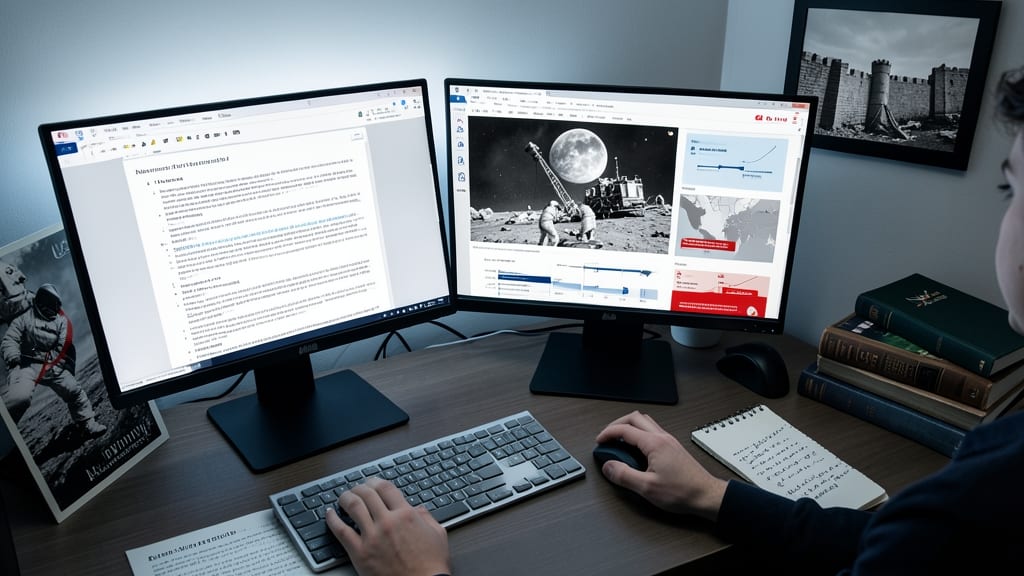
Turn a historical event—like the Moon Landing or the Fall of the Berlin Wall—into a compelling case study that wows college admissions officers. Combine Word’s deep research tools (like footnotes and citations) with PowerPoint’s visual storytelling to craft a project that blends analysis with engaging design.
Start by drafting a 1,000-word Word document with primary sources, timelines, and key arguments. Then, transform your research into a 10-slide PowerPoint using SmartArt diagrams, embedded images, and Morph transitions to highlight cause-and-effect relationships. Add a short video clip (from YouTube or school archives) to bring history to life.
This project is perfect for history buffs, future journalists, or social science majors who want to prove their ability to analyze complex topics and present them clearly. It’s a standout way to show off both writing and design skills. ✨
Survey Analysis with Excel and PowerPoint
Want to turn classroom curiosity into a data-driven project that wows college admissions? Start with a survey using Microsoft Forms, then crunch the numbers in Excel and present your findings in PowerPoint—all while mastering tools used in real research labs and business analytics.
First, design your survey with Microsoft Forms (free with Office 365 Education) using multiple-choice, rating scales, or open-ended questions to gather responses from peers or community members. Then, import the data into Excel to create pivot tables, conditional formatting, and automated charts that reveal trends. Finally, build a polished PowerPoint with animated graphs, key insights, and a clear narrative to showcase your analytical skills.
This project is ideal for students in psychology, data science, or social sciences—or anyone curious about how data tells a story. It’s a zero-cost, high-impact way to demonstrate critical thinking and tech proficiency. ✨
Scripted Video Presentation with Voiceover
Want to showcase your storytelling skills without needing expensive video software? PowerPoint’s built-in video recording tools let you create a polished scripted presentation with voiceover—perfect for film, communications, or tech students.
Start by recording your voiceover directly in PowerPoint (using the Audio tab), then sync it with slides using timing controls for smooth transitions. Add visuals like animations or embedded media to enhance engagement, and export as a high-quality MP4 for portfolios. This project proves you can craft professional multimedia content—no fancy equipment needed!
Ideal for students applying to programs in film production, journalism, or tech, this project demonstrates technical skills while telling a compelling story. 💻
Personalized College Application Timeline
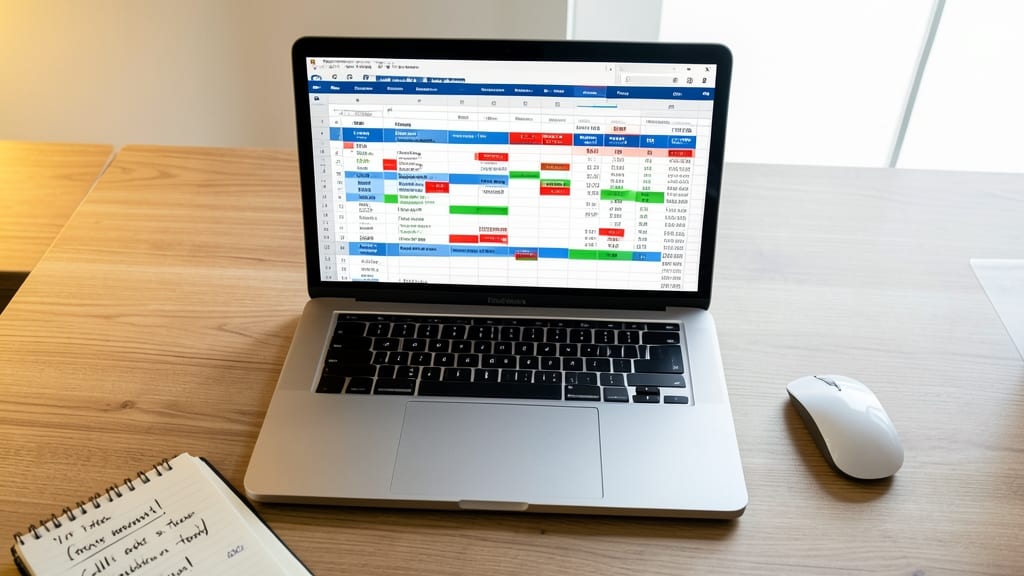
College applications aren’t just about deadlines—they’re about proving you can manage them. This personalized Excel timeline turns chaos into clarity by mapping out every step of your application process, from essay drafts to financial aid deadlines.
Use conditional formatting to highlight overdue tasks in red and completed ones in green, while data validation dropdowns ensure you input only valid schools or requirements. Add a progress tracker with formulas to auto-calculate completion percentages—no more guessing if you’re on track. Link to your resume spreadsheet (from Item #2) or budget tracker (Item #3) for a full application dashboard.
Perfect for students applying to multiple schools or programs, this project proves you’re not just organized—you’re strategic. Colleges love seeing initiative, and this timeline shows you’ve got the discipline to succeed. ✨
Interactive Math or Science Tutorial

Struggling to explain complex math or physics concepts to classmates? Turn your expertise into an interactive PowerPoint tutorial that combines equations, diagrams, and embedded quizzes—no coding required. This project transforms passive notes into an engaging learning experience, perfect for STEM students who want to teach others while showcasing their own mastery.
Use PowerPoint’s equation editor to format calculus problems or chemical reactions, then add hyperlinked diagrams (like circuit schematics or molecular structures) that pop up on click. Insert interactive quiz slides with embedded answers to reinforce learning—ideal for topics like Newton’s laws or probability theory. The Morph transition feature lets you animate step-by-step solutions, making abstract concepts visual and memorable.
This project is ideal for students in AP Physics, Calculus, or Chemistry who want to stand out in college applications. Share it as a YouTube video or embed it in a digital portfolio to demonstrate both technical skills and teaching ability. ✨