
PowerPoint
Tired of flat, boring PowerPoint slides? These 10 free 3D animated templates will transform your presentations with dynamic visuals, seamless transitions, and professional-grade effects—all without breaking the bank or requiring advanced design skills.
Modern Business 3D Product Showcase Template
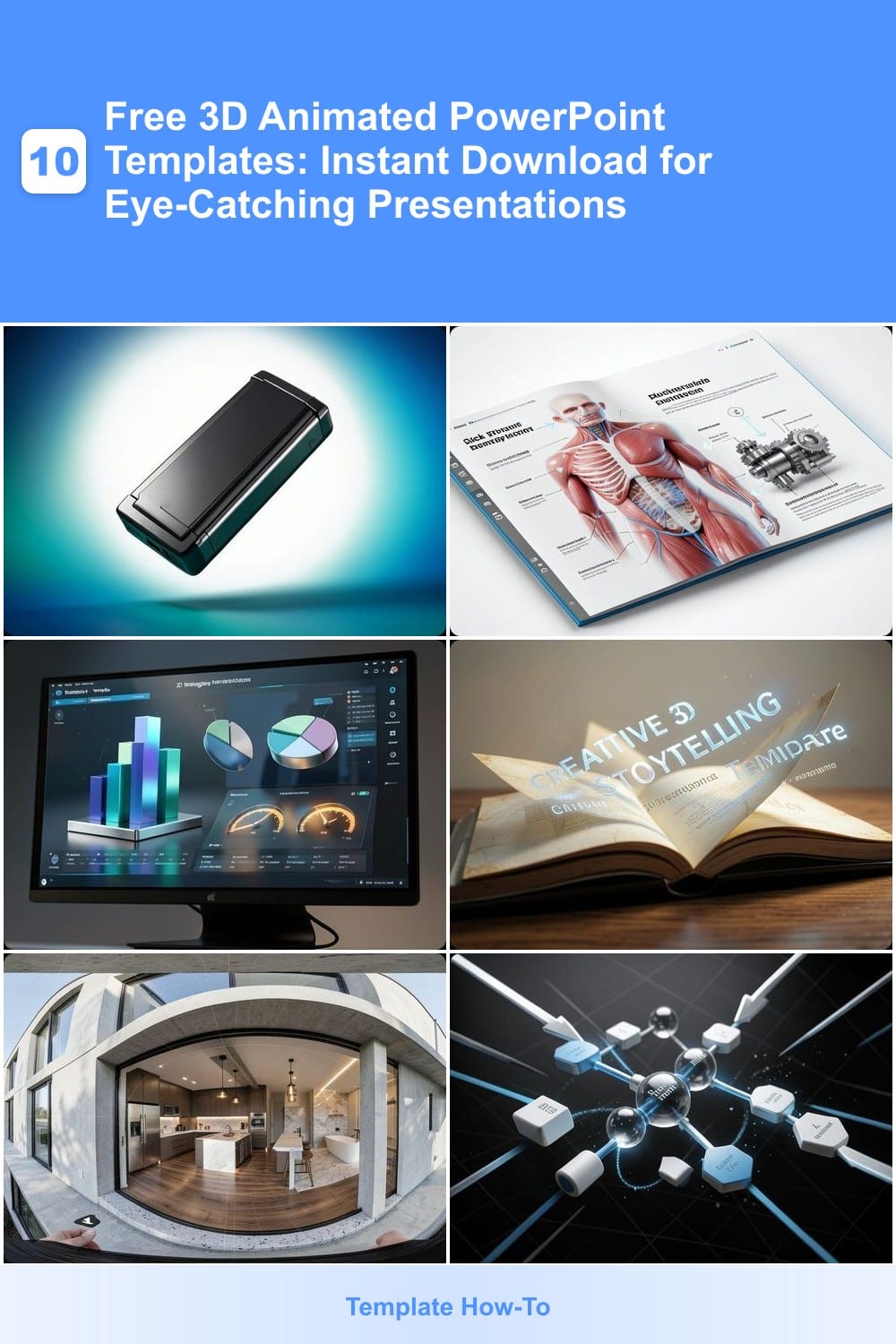
Need to showcase a product with impact? This Modern Business 3D Product Showcase Template turns static slides into interactive sales tools, complete with 360-degree rotating objects and smooth zoom animations that grab attention instantly.
The template includes pre-built corporate styling (gradient backgrounds, sleek typography) and click-triggered effects to highlight key features—perfect for smartphones, electronics, or any physical product. Compatible with PowerPoint 2016+, it requires zero coding, just drag-and-drop customization.
Sales teams and product launch managers will love how it replaces flat mockups with cinematic 3D demos, making pitches feel high-tech and polished. 💻
Educational 3D Diagram Animation Template
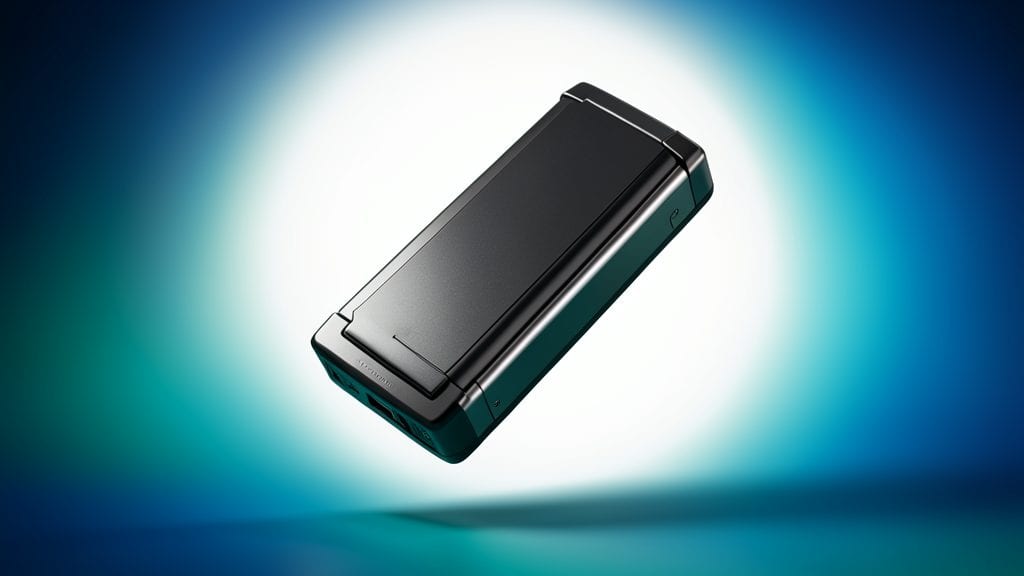
Struggling to explain complex topics like human anatomy or mechanical systems in a way that sticks? This educational 3D diagram template turns static slides into interactive learning experiences with click-triggered animations that reveal layers, labels, and details on demand.
The template includes pre-built 3D models (like organs, machinery, or molecular structures) that rotate, zoom, and even "explode" to show internal components. No coding required—just insert your own text or images into the customizable placeholders while keeping the animations intact. It’s fully compatible with PowerPoint 2016+ and works seamlessly with touchscreens for classrooms or training sessions.
Perfect for STEM educators, corporate trainers, or medical professionals who need to simplify dense material. With just a few clicks, you’ll turn abstract concepts into memorable visuals that keep learners engaged. ✨
3D Infographic Dashboard Template
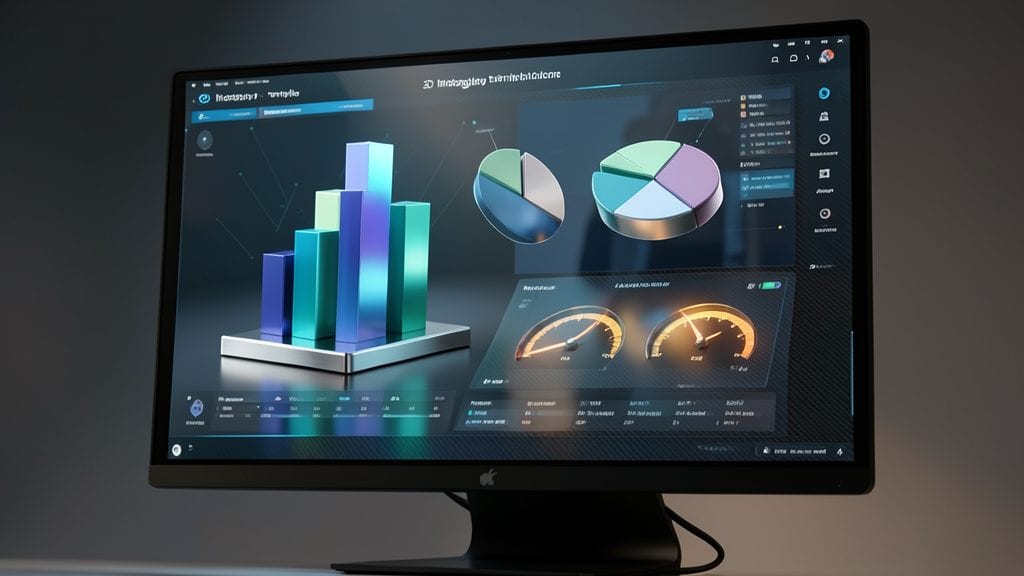
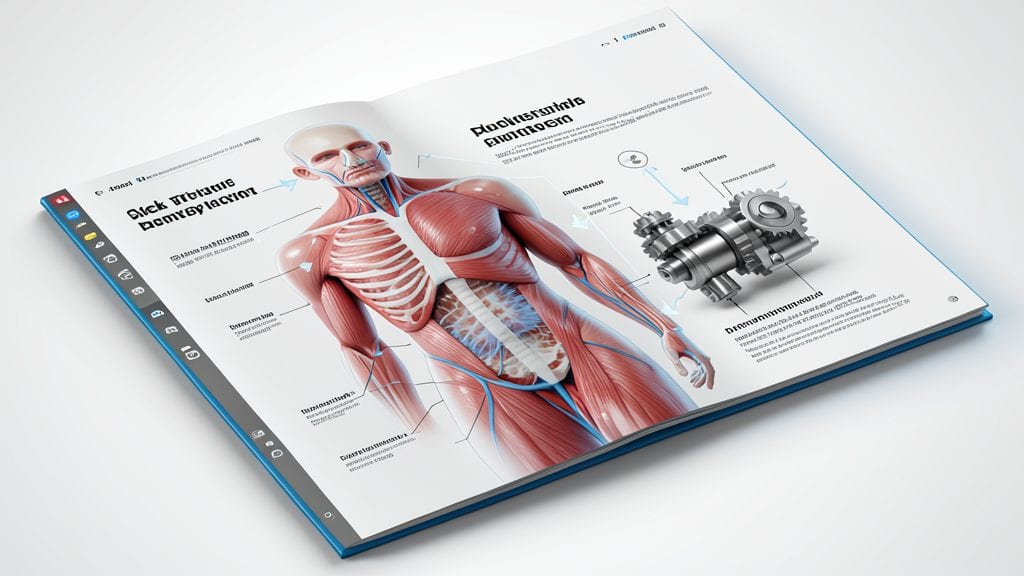
Turn dry data into a gripping story with the 3D Infographic Dashboard Template, designed to make numbers pop off the screen. This template packs 3D bar graphs that rise from a base, interactive pie charts that rotate on click, and real-time gauges that respond instantly to presenter inputs—no coding required.
Compatible with PowerPoint 2016 and later, it includes pre-built animations for smooth transitions between slides, plus customizable color schemes to match your brand. The glass-morphism background adds a modern touch, while the click-triggered interactions keep your audience engaged without distracting from your message.
Perfect for marketers analyzing campaign performance, analysts presenting quarterly reports, or educators breaking down statistics—this template turns complex data into a visually stunning, interactive experience. ✨
Creative 3D Storytelling Template
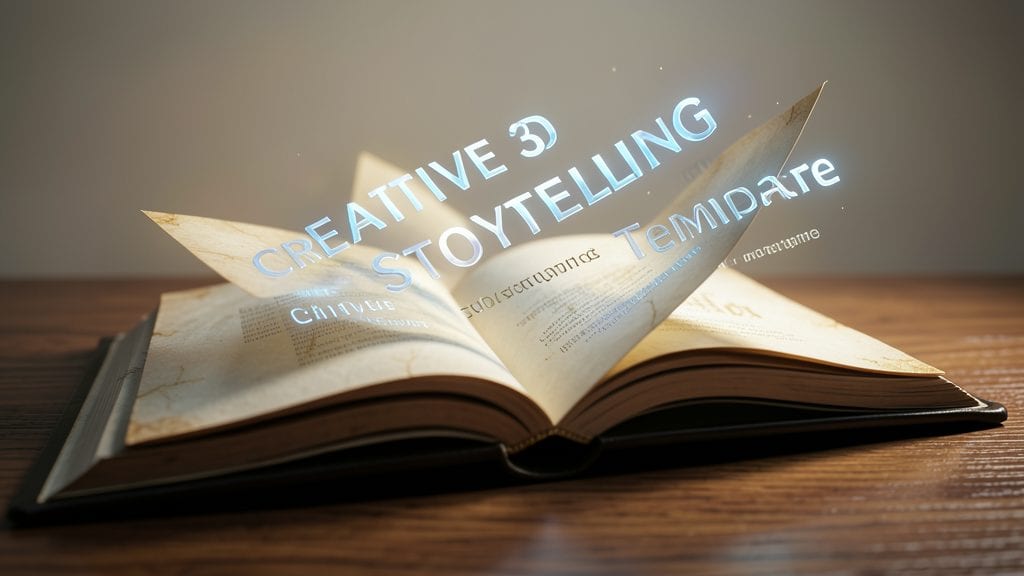
Turn your marketing pitches or brand stories into immersive experiences with this Creative 3D Storytelling Template. Unlike static slides, it uses 3D scene transitions—like a book flipping open to reveal a story—paired with floating text animations that appear as if they’re drifting into view. The cinematic effects (think depth, shadows, and parallax) make even simple narratives feel like a blockbuster.
The template includes pre-built animations for key storytelling elements: opening hooks, character intros, and climactic reveals. You can customize text colors, font styles, and even the 3D perspective to match your brand. No coding skills needed—just drag, drop, and animate. It’s fully compatible with PowerPoint 2016+, so you won’t need extra software to make it work.
Perfect for marketers crafting product launch stories, trainers delivering employee onboarding narratives, or anyone who wants to make their message unforgettable. Just add your content, and let the template do the rest. ✨
3D Architectural Walkthrough Template
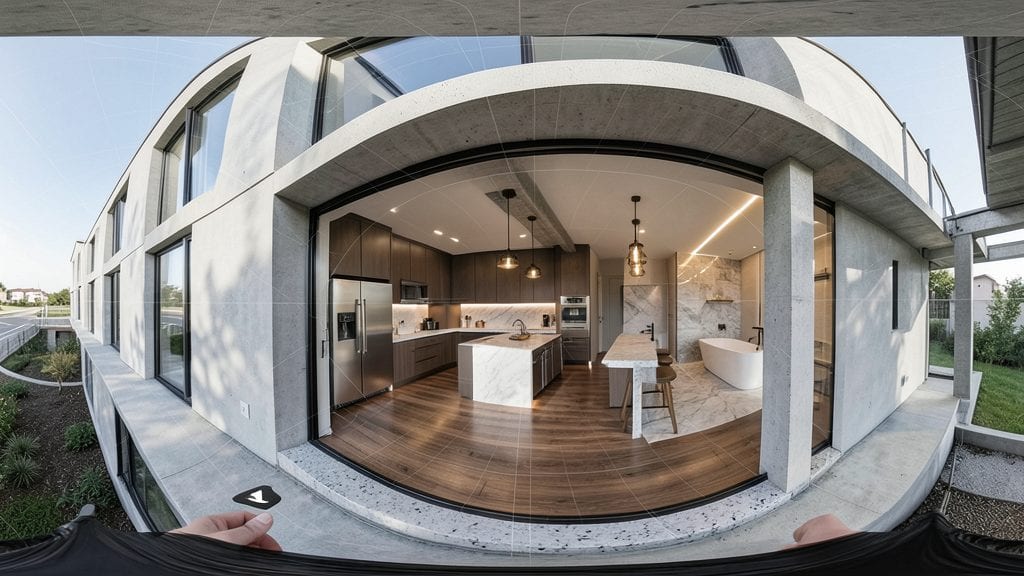
Need to showcase a property or construction project but dread the flat 2D floor plans? The 3D Architectural Walkthrough Template lets you present buildings as if they’re already built—complete with 360° rotations and zoom-in details for key features like kitchens, bathrooms, or structural elements.
This template includes pre-built 3D models that respond to clicks (no coding required), customizable lighting to match your brand, and slide transitions that mimic virtual tours. It’s fully compatible with PowerPoint 2016+, so you can edit text, swap images, or tweak animations without losing functionality.
Perfect for real estate agents, architects, or contractors who want to impress clients with immersive previews. No more boring blueprints—just cinematic walkthroughs that sell the vision. ✨
3D Process Flow Animation Template

Struggling to explain multi-step workflows in meetings? The 3D Process Flow Animation Template turns abstract concepts into crystal-clear visuals with 3D arrows, connecting nodes, and step-by-step animations—no coding required.
This template includes pre-built 3D flowchart elements that animate when triggered, helping audiences follow complex processes like Agile sprints or supply chains. The gradient color schemes (blue-to-green) highlight progress, while click-triggered transitions keep presentations dynamic. Compatible with PowerPoint 2016+, it’s ready for instant download.
Perfect for project managers, trainers, or consultants who need to simplify workflows without technical jargon. Your stakeholders will finally "see" the big picture—literally. ✨
3D Social Media Campaign Template

Want to turn your social media strategy into a visually stunning presentation? This 3D Social Media Campaign Template brings your digital marketing plans to life with floating 3D icons for platforms like Instagram, Facebook, and Twitter—each with smooth hover animations.
You’ll also get animated likes, comments, and engagement metrics that pop off the slide, plus trendy gradients and modern typography to keep your audience engaged. The click-triggered animations make it easy to highlight key stats or campaign milestones without technical hassle.
Perfect for digital marketers, agency pitches, or client reports, this template turns data into a dynamic story. ✨
3D Scientific Experiment Template

Turn dry lab reports into captivating visual stories with the 3D Scientific Experiment Template, designed specifically for researchers and STEM educators. This template brings science to life with pre-built 3D animations of lab equipment, including rotating beakers, swirling liquids in test tubes, and interactive molecular structures that respond to presenter clicks.
You’ll find customizable chemical reaction animations (like bubbling acids or glowing solutions) and interactive diagrams that highlight key processes with a single click. The template includes slide layouts for hypotheses, methods, results, and conclusions, all with a sleek scientific color palette. Compatible with PowerPoint 2016+, it requires no coding—just drag, drop, and animate.
Perfect for university lectures, grant proposals, or science fairs, this template helps demystify complex concepts while keeping audiences engaged. 🌟
3D Event Timeline Template
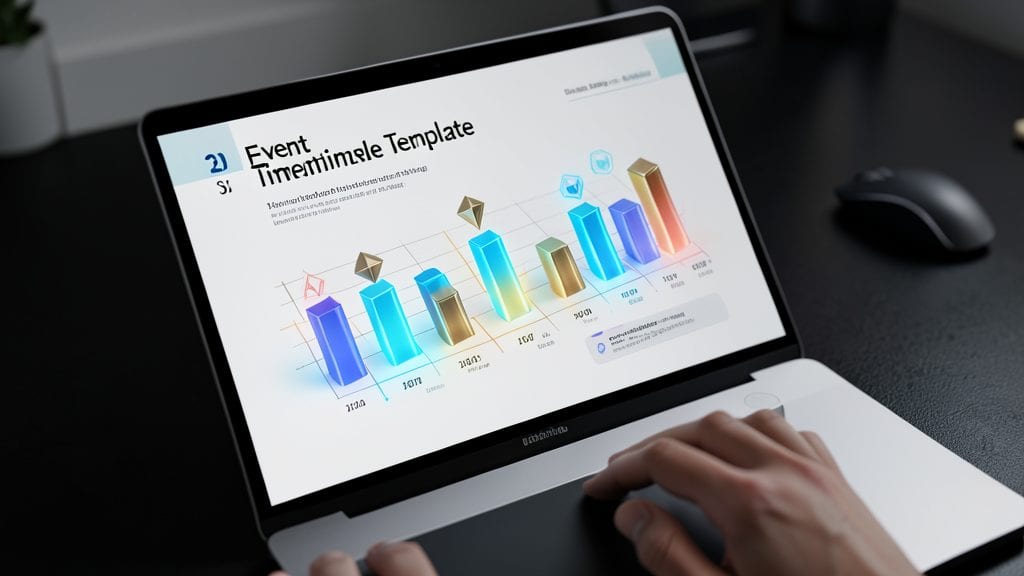
Struggling to keep your audience engaged during project updates or event planning? The 3D Event Timeline Template turns dry schedules into dynamic visual stories with interactive 3D bars that pulse with key dates and milestones.
This template features pre-built 3D timeline animations with customizable date markers, floating event icons (like calendars or trophies), and smooth transitions between slides. Compatible with PowerPoint 2016+, it requires zero coding—just drag, drop, and animate your content. The warm wood-grain background adds a professional yet approachable touch.
Perfect for event planners, project managers, or educators presenting timelines—whether it’s a wedding schedule, conference agenda, or class project roadmap. Watch your audience’s eyes light up as they follow the visually guided timeline instead of squinting at bullet points. ✨
3D Holiday Seasonal Template

Need to spice up your year-end reviews or holiday promotions without sacrificing professionalism? The 3D Holiday Seasonal Template brings winter wonderland magic to your slides with interactive 3D snowflakes that float realistically and glowing gift box animations that open to reveal your content.
This template includes 15+ pre-built holiday-themed transitions, customizable color schemes (deep blues, golds, and whites), and click-triggered animations for snowfall, confetti bursts, and festive music notes. Compatible with PowerPoint 2016+, it requires zero design skills—just drop in your text and images.
Perfect for marketers launching holiday campaigns, HR teams sharing year-in-review videos, or educators adding seasonal flair to lessons. The zero-config setup means you’ll spend less time tweaking and more time wowing your audience. ✨