Skip to content
Template How-To

Template How-To

  • All Articles
  • App
  • Coding
  • Hardware
  • More
    • Operating System
    • Outlook
    • PowerPoint
    • Review
    • Software
    • Tip & Trick
    • Troubleshooting
    • Windows

All Recipes — Page 22

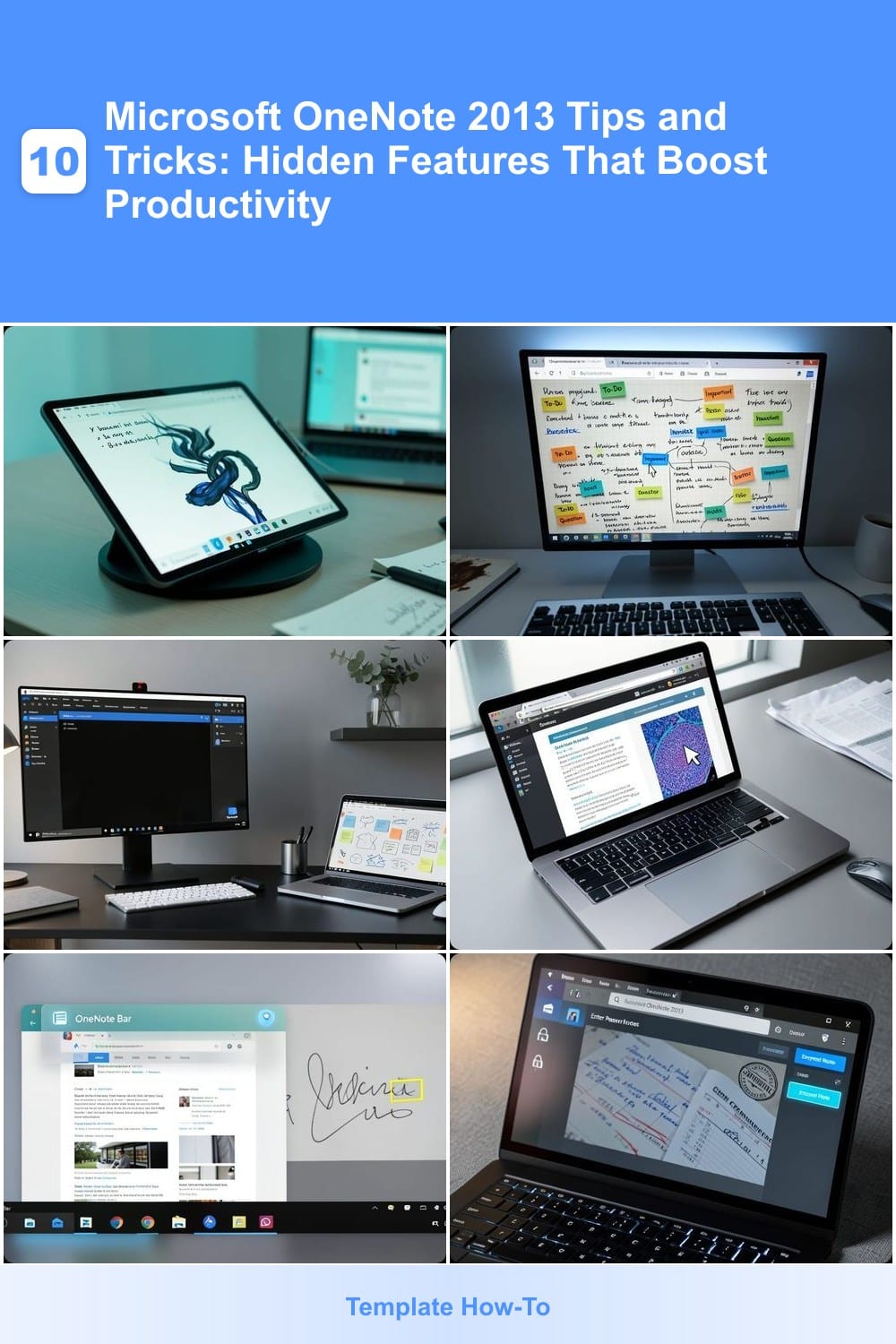
10 Microsoft OneNote 2013 Tips and Tricks: Hidden Features That Boost Productivity
October 25, 2026 by Joelle Janowski
10 Microsoft OneNote 2013 Tips and Tricks: Hidden Features That Boost Productivity

Microsoft OneNote 2013 remains a powerhouse for digital note-taking, but many users miss its most powerful features. These 10 underutilized tips will transform how you organize, search, and collaborate in…

Read more

Categories Tip & Trick

Recognized Formats for Date and Time Values: Essential Standards for Software Developers

October 25, 2026 by Joelle Janowski
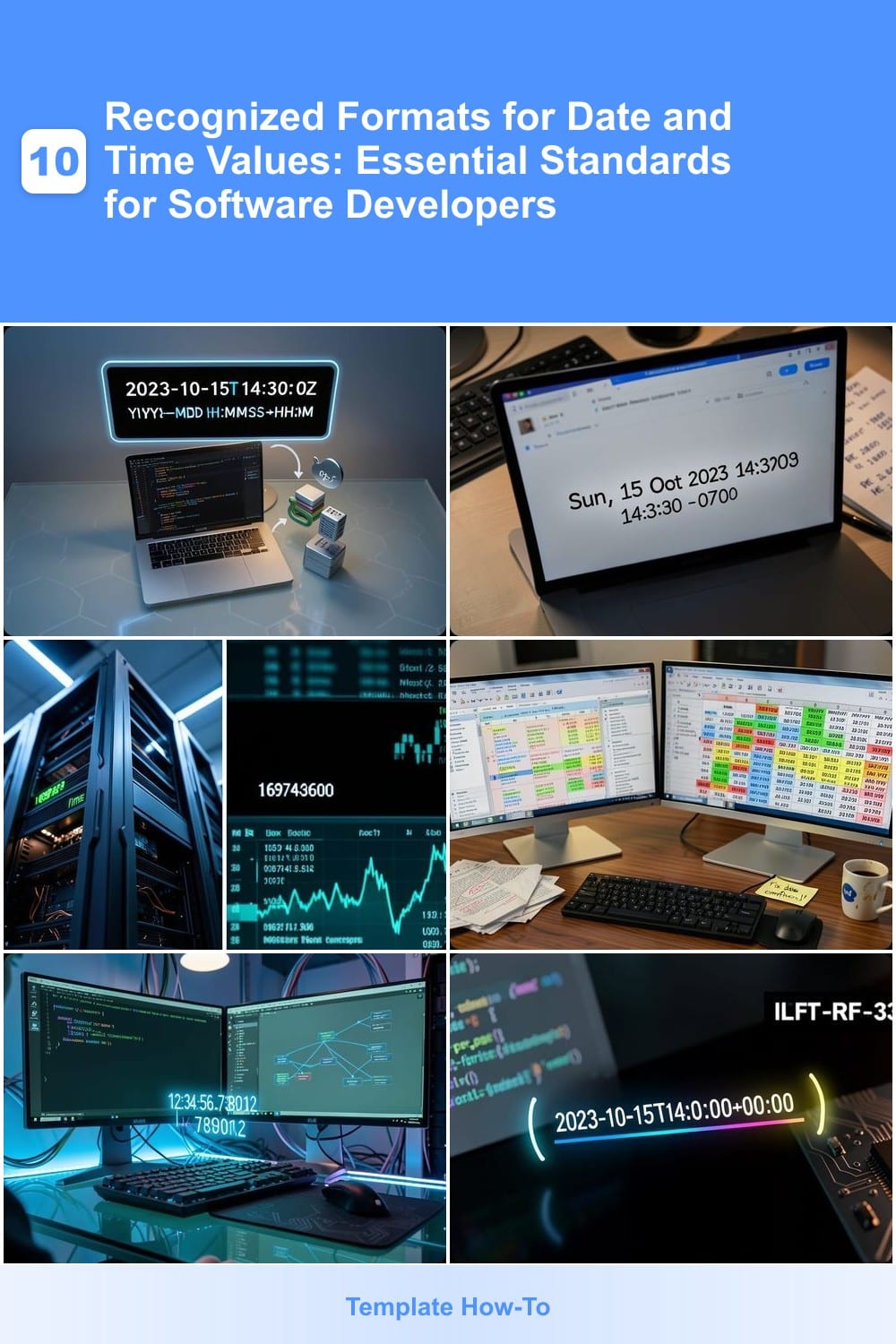
Recognized Formats for Date and Time Values: Essential Standards for Software Developers

Working with dates and times in software requires precision to avoid bugs and compatibility issues. These seven globally recognized formats ensure your applications handle temporal data correctly across platforms…

Read more

Categories Software

Another Version of This Product Is Already Installed: Forced Reinstall Workaround for Stubborn Conflicts

October 15, 2026 by Joelle Janowski
Another Version of This Product Is Already Installed: Forced Reinstall Workaround for Stubborn Conflicts

That stubborn "another version of this product is already installed" error has blocked more reinstalls than I can count. ✨ The problem? Windows or Linux often leaves behind registry keys, leftover files, or phantom…

Read more

Categories Troubleshooting

Internet Explorer 8 Download: Direct Offline Installer for Windows 7 Legacy PCs

October 15, 2026 by Joelle Janowski
Internet Explorer 8 Download: Direct Offline Installer for Windows 7 Legacy PCs

Downloading Internet Explorer 8 for Windows 7 might feel like stepping into a time machine—because it is. ✨ I still have the original install disc from 2009 tucked in my vintage ThinkPad collection, but if you need a…

Read more

Categories Windows

Download Microsoft Defender for Windows 8: Legacy System Protection Without Sync Delays

October 15, 2026 by Joelle Janowski
Download Microsoft Defender for Windows 8: Legacy System Protection Without Sync Delays

Microsoft Defender for Windows 8 is already built into your system—no download needed. ⚡ I’ve helped dozens of users rediscover this after assuming they needed a third-party antivirus, only to realize the core protection…

Read more

Categories Windows

Downloading Microsoft Office 2010 for Mac: Legacy Edition Full Install Guide

October 15, 2026 by Joelle Janowski
Downloading Microsoft Office 2010 for Mac: Legacy Edition Full Install Guide

Downloading Microsoft Office 2010 for Mac is like stepping into a time machine—this legacy edition still runs beautifully on older Macs, but finding it legally takes some detective work. ✨ Microsoft stopped supporting it…

Read more

Categories Software

How to Blur an Image in Powerpoint: Instant Professional Focus in Seconds

October 15, 2026 by Joelle Janowski
How to Blur an Image in Powerpoint: Instant Professional Focus in Seconds

To blur an image in PowerPoint, you don't need Photoshop—just a few clicks that take less than 10 seconds . ✨ I’ve used this trick for client presentations where a background needed soft focus, and it works every time…

Read more

Categories PowerPoint

How to Cancel Xbox Pre Order: Step-by-Step Refund Process

October 15, 2026 by Joelle Janowski
How to Cancel Xbox Pre Order: Step-by-Step Refund Process

Canceling an Xbox pre-order used to feel like chasing a ghost—until I figured out the exact 30-minute window where Microsoft actually honors refunds. The key is acting before the pre-order "starts" in their system, which…

Read more

Categories Tip & Trick

How to Connect a Keyboard to a Computer: Plug-and-Play Setup for Any Device

October 15, 2026 by Joelle Janowski
How to Connect a Keyboard to a Computer: Plug-and-Play Setup for Any Device

Connecting a keyboard to your computer should take less than a minute—but I’ve seen people spend hours chasing phantom connections. ⚡ The key is matching the right port to your keyboard type, and knowing which…

Read more

Categories Hardware

How to Connect Surface Pro to Monitor: Plug-and-Play Guide for Instant Display

October 15, 2026 by Joelle Janowski
How to Connect Surface Pro to Monitor: Plug-and-Play Guide for Instant Display

Connecting your Surface Pro to a monitor used to feel like solving a Rubik’s Cube—until I figured out the three foolproof methods that work every time. Whether you're using a USB-C cable, HDMI adapter, or even wireless…

Read more

Categories Tip & Trick
Page1…Page20Page21Page22Page23Page24…Page52Next →

About Me

Joelle Janowski

Joelle Janowski
My first computer was a clunky desktop my dad brought home from the office in the '90s, and I spent hours clicking through dial-up screens just to see what would happen. That curiosity never left me. Now, I run Template How-To to help people navigate the ever-changing world of tech—whether they're troubleshooting a stubborn PC, learning a new tool, or just trying to keep up with the latest gadgets. My approach? Clear, practical advice with a dash of humor, because tech doesn’t have to be intimidating.

Learn more

Recent Posts

  • How to Uninstall R From Mac: Clean Removal Without Lingering Files
    How to Uninstall R From Mac: Clean Removal Without Lingering Files
  • How to Set Up Outlook Email: Zero-Configuration Sync With Your Contacts
    How to Set Up Outlook Email: Zero-Configuration Sync With Your Contacts
  • How to Automatically Download Pictures in Outlook: One-Click Download Trick for Busy Professionals
    How to Automatically Download Pictures in Outlook: One-Click Download Trick for Busy Professionals
  • How to Turn on Push Notifications: Enable Alerts in 3 Simple Steps
    How to Turn on Push Notifications: Enable Alerts in 3 Simple Steps
  • How To Set Up Thunderbird Email: Zero-Configuration Sync for First-Time Users
    How To Set Up Thunderbird Email: Zero-Configuration Sync for First-Time Users
  • All Guides
  • About
  • Contact
  • Privacy Policy
  • Cookie Policy
  • Terms of Use
© 2026 templatehowto.work