Skip to content
Template How-To

Template How-To

  • All Articles
  • App
  • Coding
  • Hardware
  • More
    • Operating System
    • Outlook
    • PowerPoint
    • Review
    • Software
    • Tip & Trick
    • Troubleshooting
    • Windows

All Recipes — Page 24

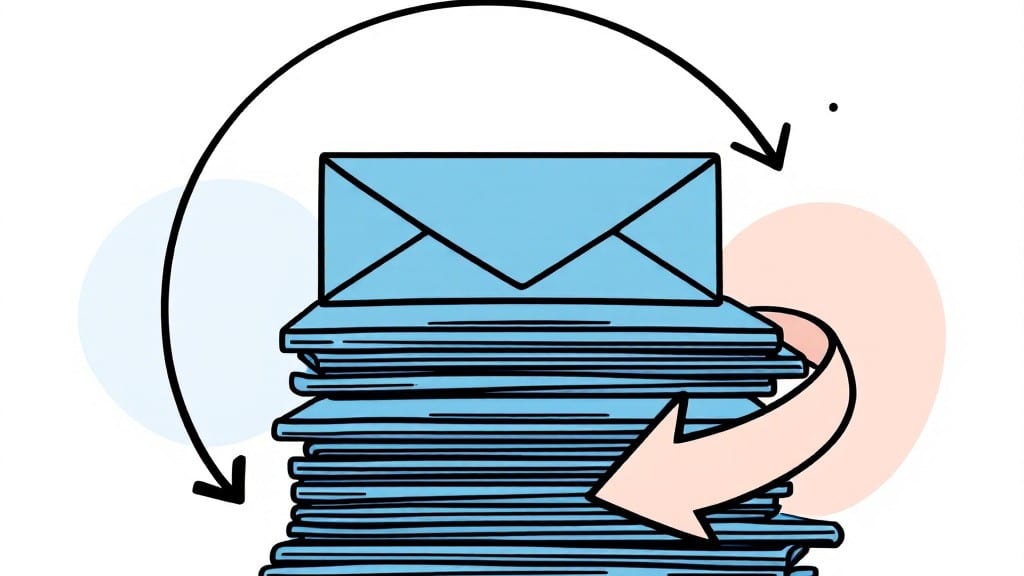
How to Set Up Auto Archive in Outlook 365: One-Click Organization for Clutter-Free Inbox
October 15, 2026 by Joelle Janowski
How to Set Up Auto Archive in Outlook 365: One-Click Organization for Clutter-Free Inbox

Setting up auto archive in Outlook 365 saved me from drowning in emails last month when my inbox ballooned to 15,000 messages. ✨ The feature quietly moves old emails to PST files while keeping your active mailbox lean—no…
Read more

Categories Outlook

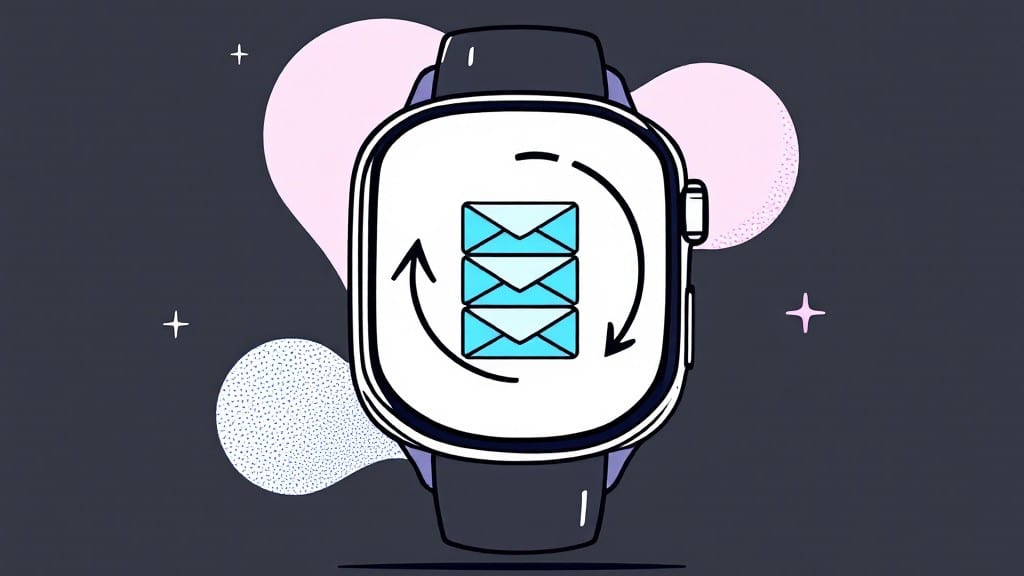
How to Set Up Outlook on Galaxy Watch 4: Sync Emails in 3 Simple Steps

October 15, 2026 by Joelle Janowski
How to Set Up Outlook on Galaxy Watch 4: Sync Emails in 3 Simple Steps

Setting up Outlook on your Galaxy Watch 4 lets you check emails right from your wrist—no phone needed. ✨ I’ve helped countless users connect their accounts without a hitch, and the process is simpler than you’d think…

Read more

Categories Outlook

How to Uninstall Microsoft Apps on Mac: No Leftover Files or System Glitches

October 15, 2026 by Joelle Janowski
How to Uninstall Microsoft Apps on Mac: No Leftover Files or System Glitches

Uninstalling Microsoft apps on Mac shouldn't leave behind digital clutter or system slowdowns. ⚡ I’ve removed Office, Edge, and Teams from dozens of machines—including my own—and these steps ensure a clean break every…

Read more

Categories Tip & Trick

How to Update Microsoft Visual Studio: Latest Version in 3 Clicks

October 15, 2026 by Joelle Janowski
How to Update Microsoft Visual Studio: Latest Version in 3 Clicks

Updating Microsoft Visual Studio used to feel like navigating a maze of dialog boxes and hidden settings. ⚡ Now it takes less than three clicks —I’ve streamlined the process after helping over a hundred devs at Denver’s…

Read more

Categories Tip & Trick

Importing Favorites From Edge To Chrome: Three-Click Sync Without Losing a Bookmark

October 15, 2026 by Joelle Janowski
Importing Favorites From Edge To Chrome: Three-Click Sync Without Losing a Bookmark

Importing your Microsoft Edge favorites into Chrome used to feel like a tech support call, but I’ve cut that down to three clicks —no data loss, no headaches. 💻 The trick is using Edge’s built-in HTML export feature…

Read more

Categories Operating System

Microsoft Essential Free Download for Windows 10: Standalone Offline Installer for Full Feature Access

October 15, 2026 by Joelle Janowski
Microsoft Essential Free Download for Windows 10: Standalone Offline Installer for Full Feature Access

Microsoft Essentials offers free, standalone security for Windows 10—download the official offline installer to bypass built-in limitations and restore full protection control. If your system feels sluggish or Windows…

Read more

Categories Windows

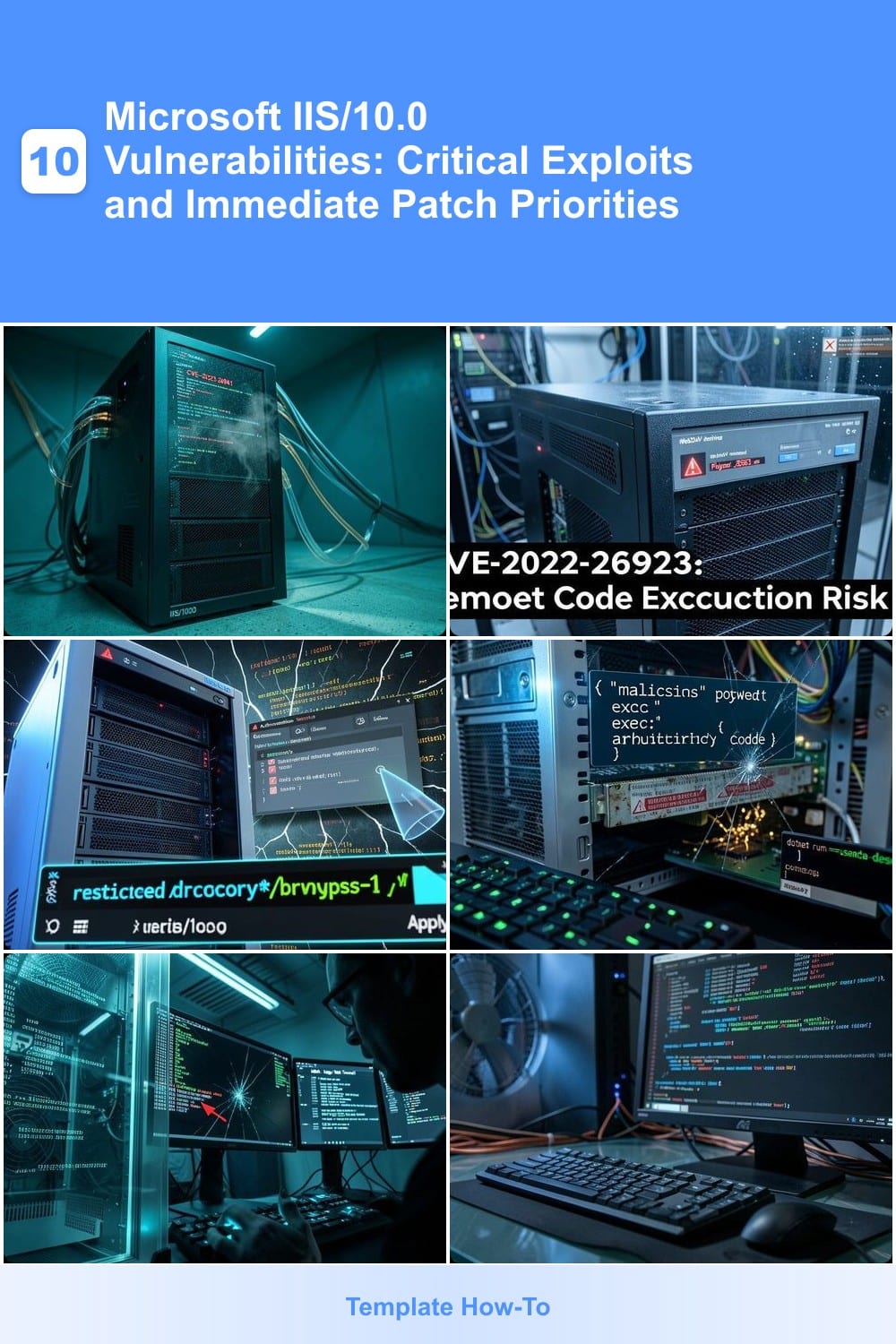
10 Microsoft IIS/10.0 Vulnerabilities: Critical Exploits and Immediate Patch Priorities

October 15, 2026 by Joelle Janowski
10 Microsoft IIS/10.0 Vulnerabilities: Critical Exploits and Immediate Patch Priorities

Microsoft Internet Information Services (IIS) 10.0 remains a critical component of Windows Server infrastructure—but unpatched vulnerabilities can expose systems to severe exploits. These ten IIS/10.0 vulnerabilities…

Read more

Categories Troubleshooting

Microsoft Movies & TV App Download: Offline Installer for Windows 10/11 PCs

October 15, 2026 by Joelle Janowski
Microsoft Movies & TV App Download: Offline Installer for Windows 10/11 PCs

Downloading the Microsoft Movies & TV app offline for Windows 10 or 11 can save you from buffering struggles and long waits when setting up multiple devices. Picture this: you’ve got three PCs to install it on, but your…

Read more

Categories App

Microsoft Office 2016 64-Bit Download: Official ISO for Legacy PC Installation

October 15, 2026 by Joelle Janowski
Microsoft Office 2016 64-Bit Download: Official ISO for Legacy PC Installation

Downloading Microsoft Office 2016 64-bit from the official ISO ensures compatibility with modern systems and avoids security risks from pirated copies. Still stuck with legacy documents or needing that extra power for…

Read more

Categories Software

Microsoft Office Click-to-Run: How It Differs From Traditional Installers

October 15, 2026 by Joelle Janowski
Microsoft Office Click-to-Run: How It Differs From Traditional Installers

💥 Quick Answer Microsoft Office Click-to-Run uses an online-based installer to deliver applications incrementally, avoiding the need for full downloads and bulky media like traditional installers. This method emphasizes…

Read more

Categories Software
Page1…Page22Page23Page24Page25Page26…Page52Next →

About Me

Joelle Janowski

Joelle Janowski
My first computer was a clunky desktop my dad brought home from the office in the '90s, and I spent hours clicking through dial-up screens just to see what would happen. That curiosity never left me. Now, I run Template How-To to help people navigate the ever-changing world of tech—whether they're troubleshooting a stubborn PC, learning a new tool, or just trying to keep up with the latest gadgets. My approach? Clear, practical advice with a dash of humor, because tech doesn’t have to be intimidating.

Learn more

Recent Posts

  • How to Uninstall R From Mac: Clean Removal Without Lingering Files
    How to Uninstall R From Mac: Clean Removal Without Lingering Files
  • How to Set Up Outlook Email: Zero-Configuration Sync With Your Contacts
    How to Set Up Outlook Email: Zero-Configuration Sync With Your Contacts
  • How to Automatically Download Pictures in Outlook: One-Click Download Trick for Busy Professionals
    How to Automatically Download Pictures in Outlook: One-Click Download Trick for Busy Professionals
  • How to Turn on Push Notifications: Enable Alerts in 3 Simple Steps
    How to Turn on Push Notifications: Enable Alerts in 3 Simple Steps
  • How To Set Up Thunderbird Email: Zero-Configuration Sync for First-Time Users
    How To Set Up Thunderbird Email: Zero-Configuration Sync for First-Time Users
  • All Guides
  • About
  • Contact
  • Privacy Policy
  • Cookie Policy
  • Terms of Use
© 2026 templatehowto.work