
Software
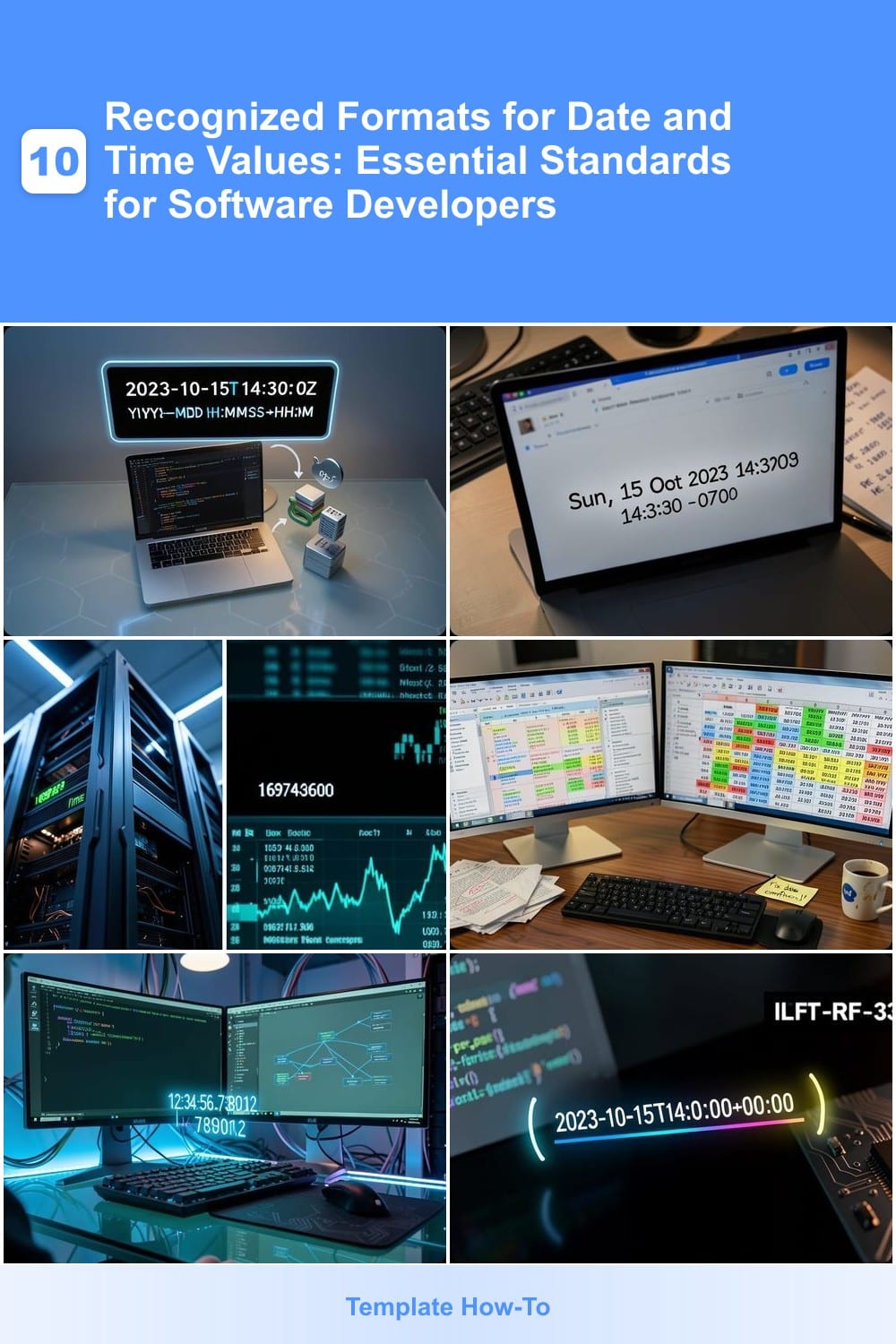
Working with dates and times in software requires precision to avoid bugs and compatibility issues. These seven globally recognized formats ensure your applications handle temporal data correctly across platforms, programming languages, and international standards.
ISO 8601 Date and Time Format
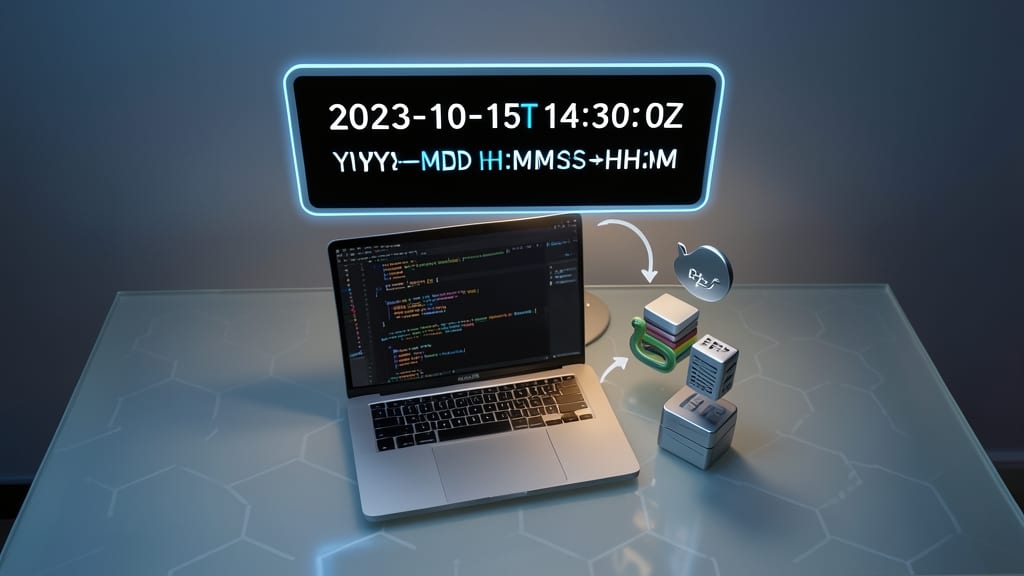
Need a date-time format that speaks every programming language and database dialect? ISO 8601 is the universal translator of temporal data—adopted by 99% of modern systems from Python to PostgreSQL. Its clean syntax (YYYY-MM-DDTHH:MM:SS±HH:MM or 2023-10-15T14:30:00Z) eliminates ambiguity while supporting fractions of a second, timezones, and even weeks for calendar calculations.
The format’s strength lies in its machine-readability—no ambiguous month/day ordering (unlike MM/DD vs. DD/MM) and strict validation rules that prevent errors in parsing. Databases like MySQL, Oracle, and MongoDB natively support ISO 8601, while libraries such as Java’s SimpleDateFormat or JavaScript’s toISOString() generate compliant strings automatically. Even Excel (via custom formats) and XML/JSON APIs rely on it for consistency.
For developers building global applications, APIs, or data pipelines, ISO 8601 is the default choice—it’s the only format guaranteed to work across Linux, Windows, macOS, and embedded systems without locale-specific quirks. 💡
RFC 2822 Email Date-Time Format
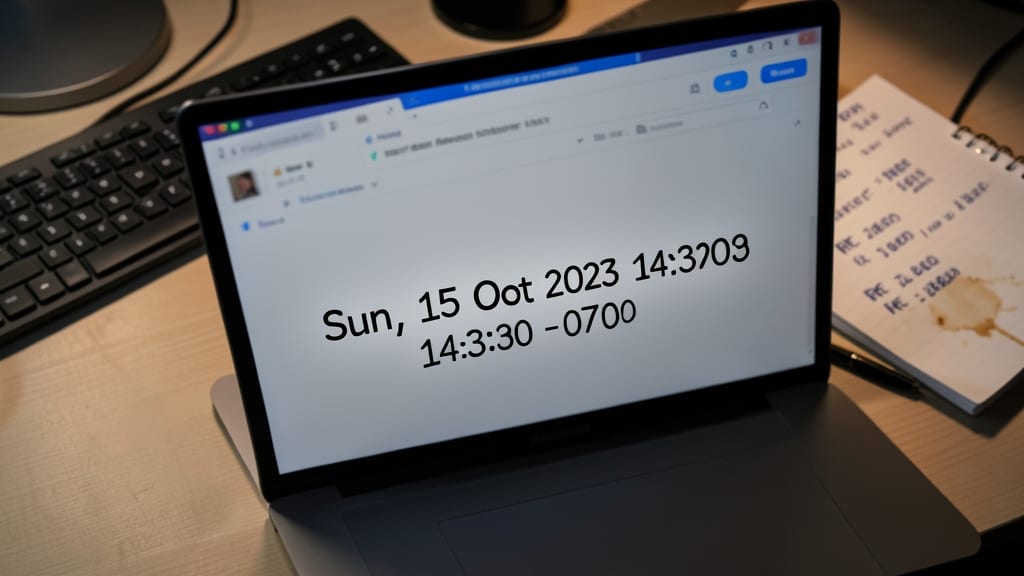
If your app sends or receives emails, you’re already dealing with RFC 2822—the hidden standard behind every timestamp in your inbox. Unlike ISO 8601’s machine-friendly precision, RFC 2822 prioritizes human readability with a format like Sun, 15 Oct 2023 14:30:00 -0700, balancing compatibility across SMTP servers and email clients while including timezone offsets.
The format’s flexibility extends to partial dates (e.g., 15 Oct 2023) and relative times (e.g., +0200), making it ideal for parsing legacy email headers or building email parsers. Libraries like Python’s email.utils.parsedatetodatetime() handle conversion automatically, while tools like Postfix or Exim enforce RFC 2822 for outgoing messages. Its leniency with ambiguous inputs (like missing seconds) also makes it forgiving for older systems.
For developers working on email APIs, archiving systems, or spam filters, RFC 2822 is non-negotiable—it’s the only format guaranteed to work across Gmail, Outlook, and IMAP servers. Just don’t expect it to replace ISO 8601 for machine processing. 🖥️
Unix Epoch Time (Seconds Since 1970)

When every millisecond matters—like in server logs or real-time analytics—Unix Epoch Time (seconds since January 1, 1970) is the lightweight champion. Represented as a single integer (e.g., 1697436600), it consumes minimal storage while enabling lightning-fast comparisons and calculations.
This format shines in performance-critical systems where readability isn’t the priority. For example, a Linux stat command uses Epoch Time to display file modification timestamps, while monitoring tools like Prometheus rely on it for high-frequency metrics. Converting to human-readable dates is trivial with built-in functions like Python’s datetime.fromtimestamp().
Perfect for developers optimizing logging pipelines or building time-series databases, where storage efficiency and speed outweigh display concerns. ⚡
Microsoft Excel Date-Time Format
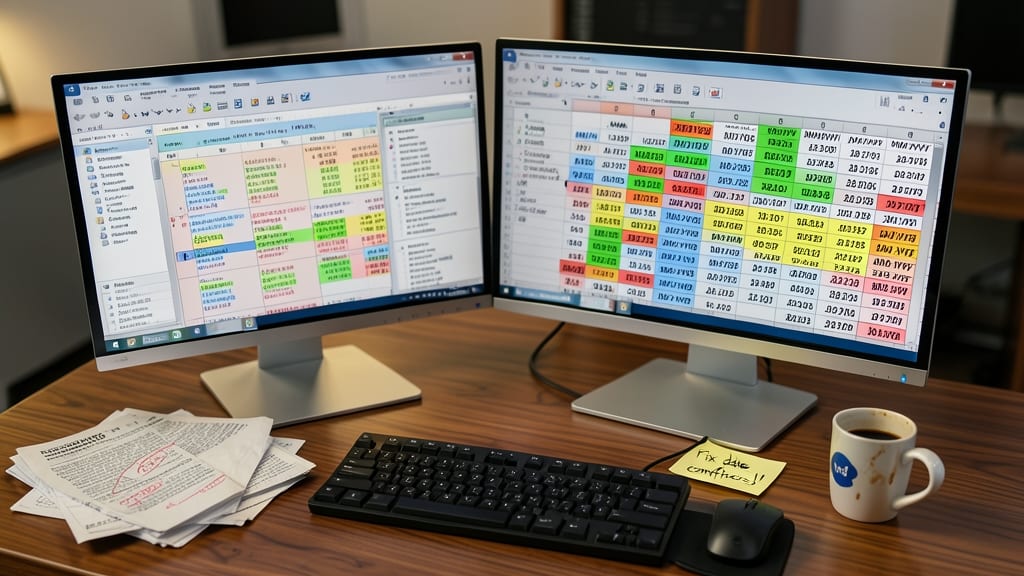
If you’ve ever struggled with mismatched dates in Excel reports or financial models, the Excel Date-Time Format is your secret weapon. Unlike rigid standards like ISO 8601, Excel’s format adapts to your workflow—whether you’re crunching sales data or automating payroll—while ensuring compatibility with PowerPoint, Word, and other Microsoft tools.
Excel stores dates as serial numbers (e.g., January 1, 1900 = 1) and times as fractions of a day, but displays them in customizable formats like MM/DD/YYYY or HH:MM:SS. The TEXT function lets you convert dates into readable strings, while conditional formatting highlights overdue deadlines or peak sales periods. For developers, the DATEVALUE and TIMEVALUE functions parse strings into usable data, bridging the gap between spreadsheets and code.
This format is non-negotiable for financial analysts, accountants, and automation specialists who rely on Excel’s seamless integration with tools like Power BI or VBA scripts. ⚡
SQL Date and Time Functions

When your application relies on SQL databases, precision with date-time formats isn’t just best practice—it’s critical for query performance and data integrity. Unlike other systems, SQL uses its own standardized types like DATE, TIMESTAMP, and DATETIME, each with specific precision requirements (e.g., YYYY-MM-DD for dates, HH:MI:SS for times).
Mastering these formats ensures your queries run efficiently, especially with functions like BETWEEN, INTERVAL, or EXTRACT. For example, a TIMESTAMP with millisecond precision (2023-10-15 14:30:45.123) is ideal for financial transactions, while DATE alone suffices for calendar-based reporting. Most SQL engines (MySQL, PostgreSQL, SQL Server) support these natively, but misaligned formats can lead to silent errors or performance hits.
Developers working with relational databases—whether for e-commerce, analytics, or CRM systems—must prioritize these formats to avoid data corruption or inefficient joins. ⚡
JSON Date-Time Format (IETF-RFC-3339)
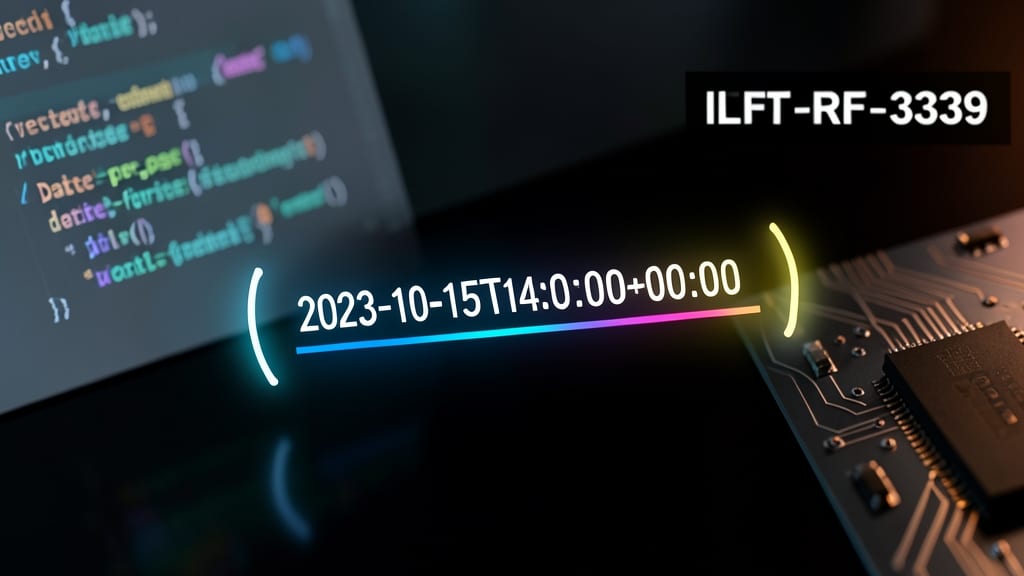
When your API needs to speak the same language as every other service on the web, IETF-RFC-3339 is the answer. This JSON-compatible extension of ISO 8601 ensures timestamps like "2023-10-15T14:30:00+00:00" are parsed correctly by JavaScript, Python, and backend systems without extra parsing logic.
Key features include sub-second precision (milliseconds), timezone offsets (+00:00), and strict validation rules that prevent ambiguous formats. Unlike Unix timestamps, it’s human-readable while maintaining machine compatibility—critical for debugging and auditing API responses.
Perfect for RESTful services, microservices, and frontend-backend communication where zero ambiguity in date handling is non-negotiable. 💻
Custom Localized Date Formats
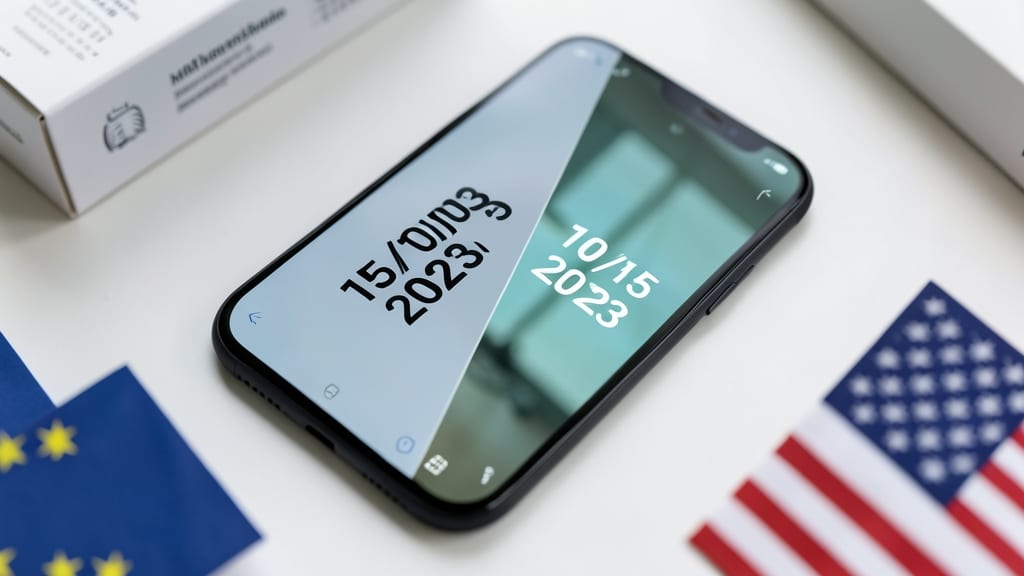
Ever launched an app that confused users by displaying dates as 15/10/2023 when they expected 10/15/2023? Localized date formats solve this by dynamically adapting to regional preferences—like DD/MM/YYYY for Europe or MM/DD/YYYY for the U.S.—without hardcoding assumptions.
Most modern frameworks (JavaScript’s Intl.DateTimeFormat, Python’s locale-aware formatting, or Java’s SimpleDateFormat) handle this automatically, but you’ll need to configure locale settings (e.g., en-US, fr-FR) and test edge cases like 12-hour vs. 24-hour time or weekday start days (Sunday vs. Monday). Libraries like Moment.js or Luxon simplify this with built-in locale support.
Developers building global SaaS platforms, e-commerce sites, or multilingual tools should prioritize this to avoid user frustration. A single misconfigured format can turn a seamless experience into a support nightmare. ✨