Skip to content
Template How-To

Template How-To

  • All Articles
  • App
  • Coding
  • Hardware
  • More
    • Operating System
    • Outlook
    • PowerPoint
    • Review
    • Software
    • Tip & Trick
    • Troubleshooting
    • Windows

All Recipes — Page 30

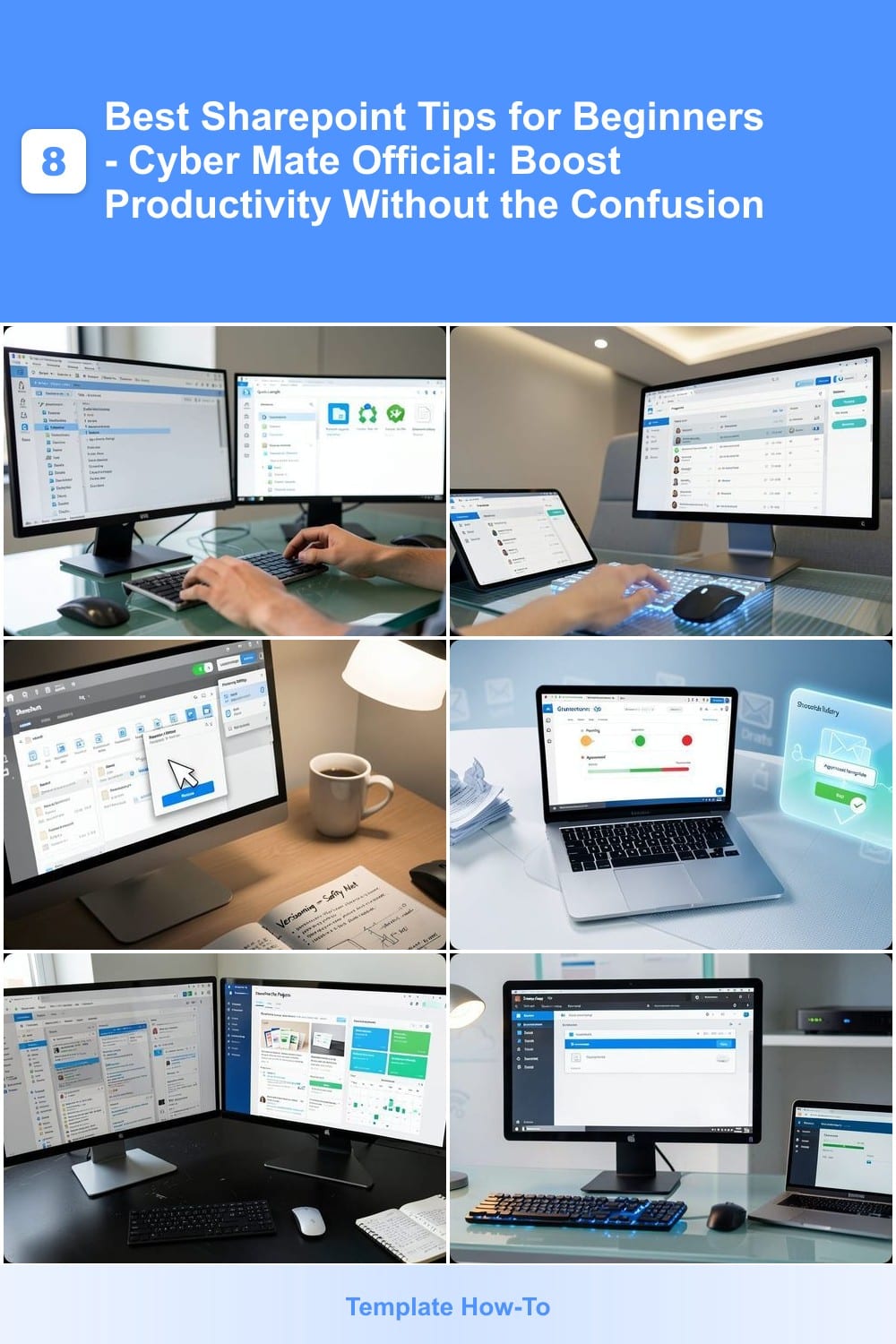
8 Best Sharepoint Tips for Beginners - Cyber Mate Official: Boost Productivity Without the Confusion
October 12, 2026 by Joelle Janowski
8 Best Sharepoint Tips for Beginners - Cyber Mate Official: Boost Productivity Without the Confusion

Microsoft SharePoint can feel overwhelming for new users, but mastering these essential tips will transform you from confused beginner to efficient collaborator in no time. These practical strategies cut through the…

Read more

Categories Tip & Trick

Bios Update Utility for Windows 10/11: Firmware Version Check Before Flashing

October 12, 2026 by Joelle Janowski
Bios Update Utility for Windows 10/11: Firmware Version Check Before Flashing

Updating your BIOS in Windows 10/11 through the BIOS Update Utility can fix glitches and add new features—but one wrong click risks turning your PC into a paperweight. I’ve seen it happen: a failed flash because someone…

Read more

Categories Operating System

Can Microsoft Office Be Installed on a Mac: Native vs Emulation Options Explained

October 12, 2026 by Joelle Janowski
Can Microsoft Office Be Installed on a Mac: Native vs Emulation Options Explained

💥 Quick Answer Yes, Microsoft Office can be installed on a Mac natively through Microsoft 365 subscriptions, offering optimized Mac versions of Word, Excel, PowerPoint, and Outlook with full functionality. Alternatives…

Read more

Categories Software

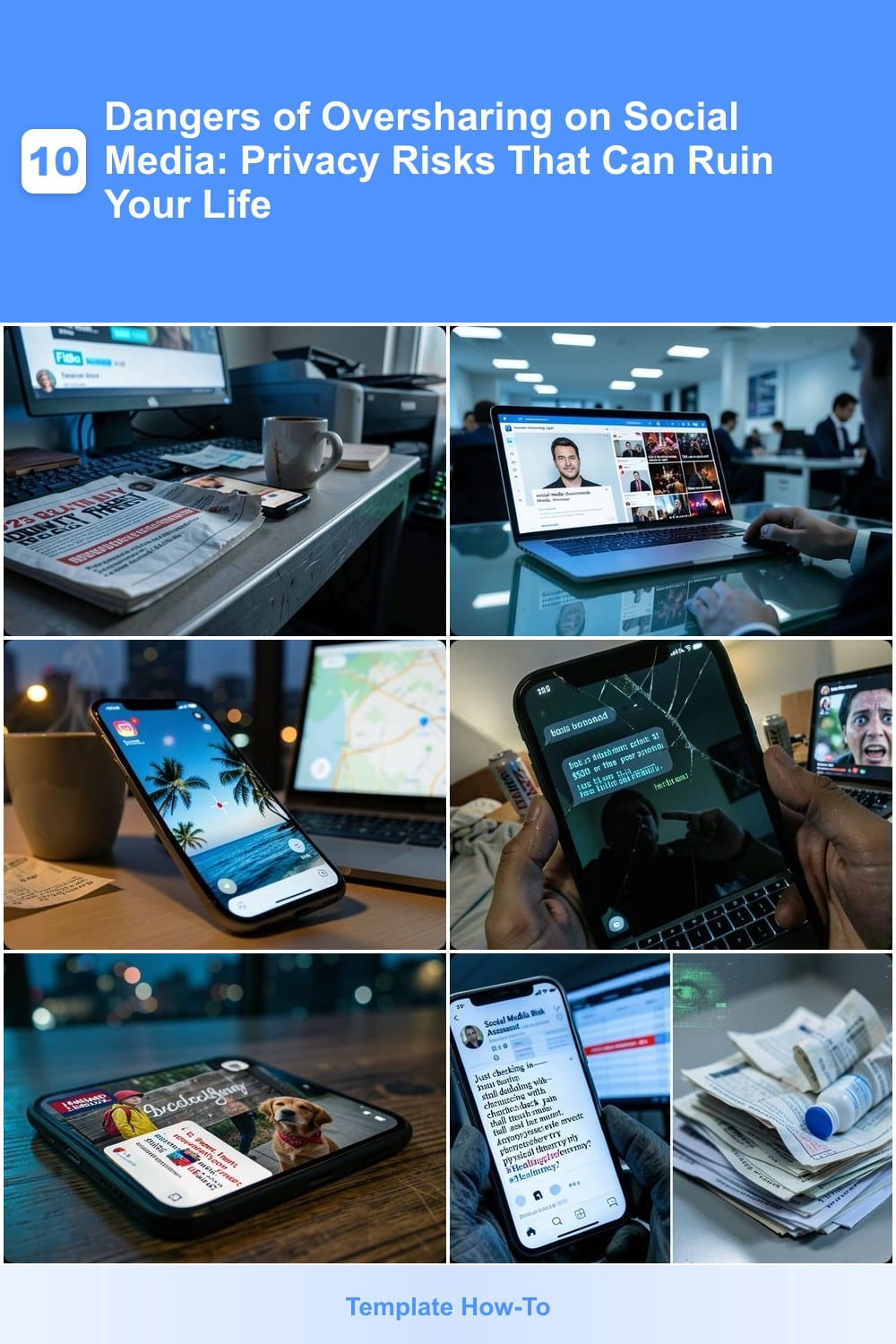
10 Dangers of Oversharing on Social Media: Privacy Risks That Can Ruin Your Life

October 12, 2026 by Joelle Janowski
10 Dangers of Oversharing on Social Media: Privacy Risks That Can Ruin Your Life

Posting too much online can expose you to serious risks—from identity theft to workplace termination. These 10 dangers of oversharing on social media highlight why privacy matters more than ever in today’s digital age. 1…

Read more

Categories Troubleshooting

Windows XP Internet Explorer Download: Legacy Browser Revival for Offline Use

October 12, 2026 by Joelle Janowski
Windows XP Internet Explorer Download: Legacy Browser Revival for Offline Use

To keep legacy software running on your Windows XP machine, you’ll need to download Internet Explorer in Windows XP —here’s how to restore the old browser when it’s missing. ⚡ without digging through abandoned archives…

Read more

Categories Windows

Photostory 3 For Windows 7: Direct Offline Installer Download

October 12, 2026 by Joelle Janowski
Photostory 3 For Windows 7: Direct Offline Installer Download

Finding the PhotoStory 3 installer for Windows 7 can feel like digging through an old hard drive—except this time, you actually can recover it. ✨ Microsoft’s official archives still host the original download, and I’ve…

Read more

Categories Windows

Download Powershell 5.1 for Windows Server 2012 r2: Standalone Offline Package for Legacy Server Deployment

October 12, 2026 by Joelle Janowski
Download Powershell 5.1 for Windows Server 2012 r2: Standalone Offline Package for Legacy Server Deployment

Downloading PowerShell 5.1 for Windows Server 2012 R2 is the first step to unlocking modern automation on legacy hardware. ✨ I’ve spent countless hours testing this exact package on real-world deployments, and the…

Read more

Categories Windows

Download Teams Add-In for Outlook: Instant Sync Without Internet Dependency

October 12, 2026 by Joelle Janowski
Download Teams Add-In for Outlook: Instant Sync Without Internet Dependency

To seamlessly sync your email and Teams messages, download the Teams add-in for Outlook —it turns your inbox into a collaboration hub without needing constant internet access. ⚡ I’ve used this setup to keep my email and…

Read more

Categories Outlook

Download Windows Media Player for Macintosh: Legacy Compatibility Fix in 3 Clicks

October 12, 2026 by Joelle Janowski
Download Windows Media Player for Macintosh: Legacy Compatibility Fix in 3 Clicks

Downloading Windows Media Player for Macintosh used to be a nightmare—until Microsoft finally gave us a way back. 💻 I’ve helped friends wrestle with this for years, and the official solution now takes just three clicks…

Read more

Categories Windows

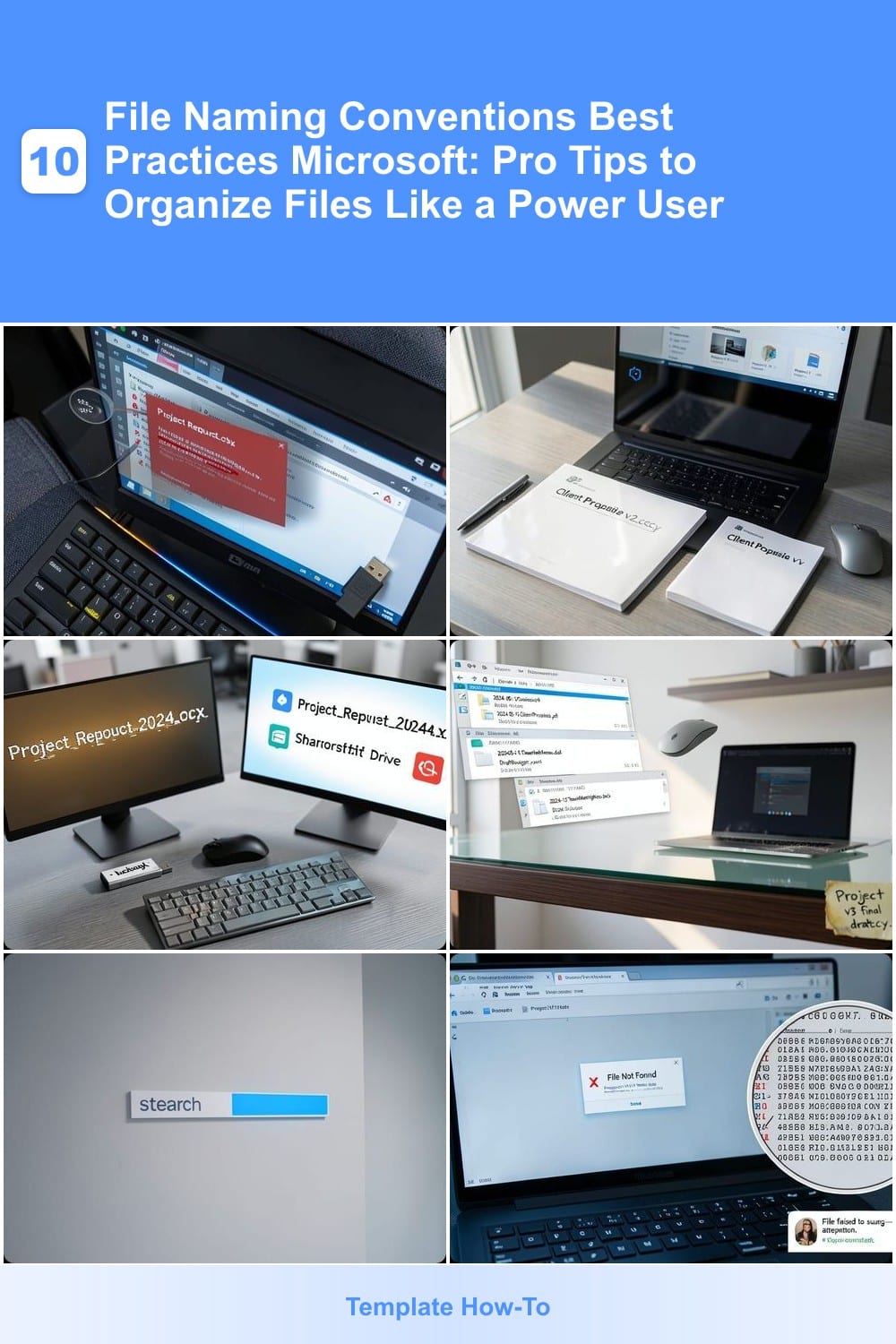
File Naming Conventions Best Practices Microsoft: Pro Tips to Organize Files Like a Power User

October 12, 2026 by Joelle Janowski
File Naming Conventions Best Practices Microsoft: Pro Tips to Organize Files Like a Power User

Struggling to keep your files organized in Microsoft’s ecosystem? Mastering file naming conventions can save hours of frustration and boost productivity. These seven pro tips will transform your digital chaos into a…

Read more

Categories Tip & Trick
Page1…Page28Page29Page30Page31Page32…Page52Next →

About Me

Joelle Janowski

Joelle Janowski
My first computer was a clunky desktop my dad brought home from the office in the '90s, and I spent hours clicking through dial-up screens just to see what would happen. That curiosity never left me. Now, I run Template How-To to help people navigate the ever-changing world of tech—whether they're troubleshooting a stubborn PC, learning a new tool, or just trying to keep up with the latest gadgets. My approach? Clear, practical advice with a dash of humor, because tech doesn’t have to be intimidating.

Learn more

Recent Posts

  • How to Uninstall R From Mac: Clean Removal Without Lingering Files
    How to Uninstall R From Mac: Clean Removal Without Lingering Files
  • How to Set Up Outlook Email: Zero-Configuration Sync With Your Contacts
    How to Set Up Outlook Email: Zero-Configuration Sync With Your Contacts
  • How to Automatically Download Pictures in Outlook: One-Click Download Trick for Busy Professionals
    How to Automatically Download Pictures in Outlook: One-Click Download Trick for Busy Professionals
  • How to Turn on Push Notifications: Enable Alerts in 3 Simple Steps
    How to Turn on Push Notifications: Enable Alerts in 3 Simple Steps
  • How To Set Up Thunderbird Email: Zero-Configuration Sync for First-Time Users
    How To Set Up Thunderbird Email: Zero-Configuration Sync for First-Time Users
  • All Guides
  • About
  • Contact
  • Privacy Policy
  • Cookie Policy
  • Terms of Use
© 2026 templatehowto.work