
Software
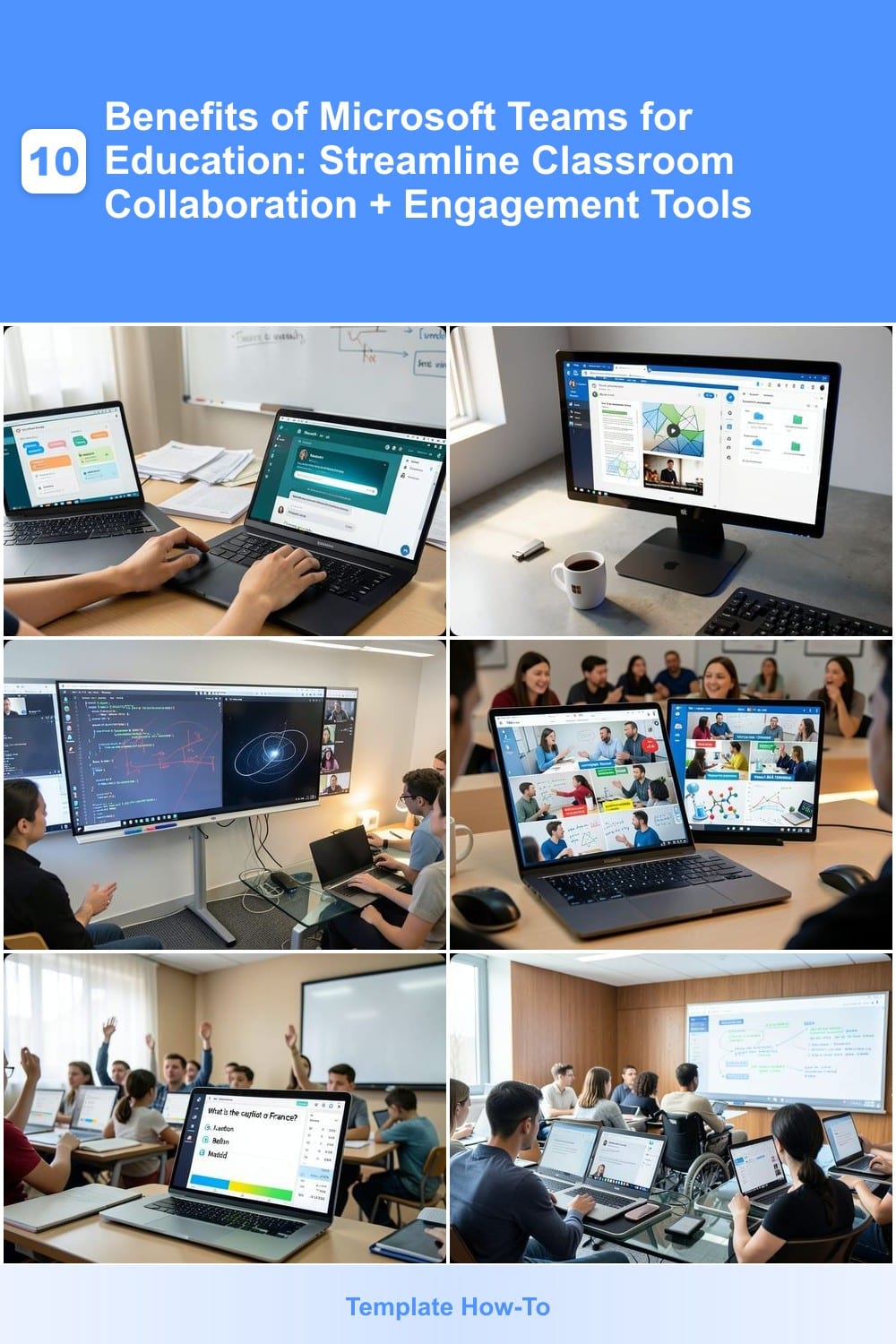
Microsoft Teams is revolutionizing modern classrooms by transforming how teachers engage students and how collaboration happens. These 10 benefits show how this platform enhances learning, simplifies administration, and creates inclusive digital spaces for all students.
Seamless Classroom Communication Hub
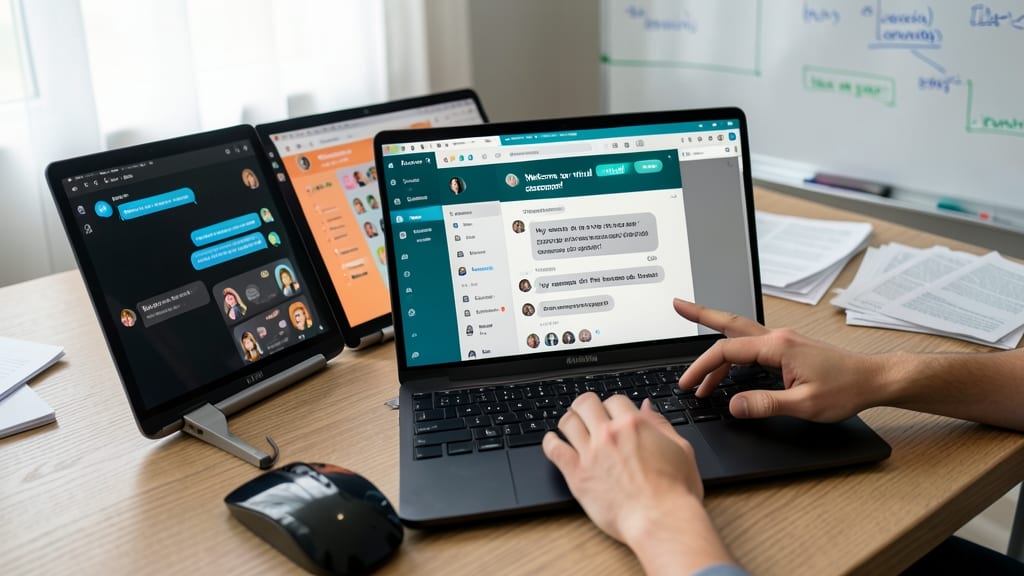
Tired of juggling Remind, ClassDojo, and email just to keep everyone in the loop? Microsoft Teams’ Seamless Classroom Communication Hub consolidates all your updates into one intuitive platform—no more app-switching or notification overload. Teachers can post announcements, share quick messages, or even conduct polls, while students and parents receive updates in a single, organized feed.
With dedicated channels for each class, you can segment discussions by subject, grade, or project—keeping conversations focused and searchable. The @mention feature ensures messages get seen (no more ignored emails), while read receipts confirm when updates are viewed. Plus, integrated calendar reminders sync with Outlook, so deadlines never slip through the cracks.
This feature works best for busy teachers managing multiple classes or schools transitioning to hybrid learning. It’s the perfect solution for cutting through the noise and keeping everyone—students, parents, and staff—on the same page. ⚡
Integrated File Sharing and Collaboration
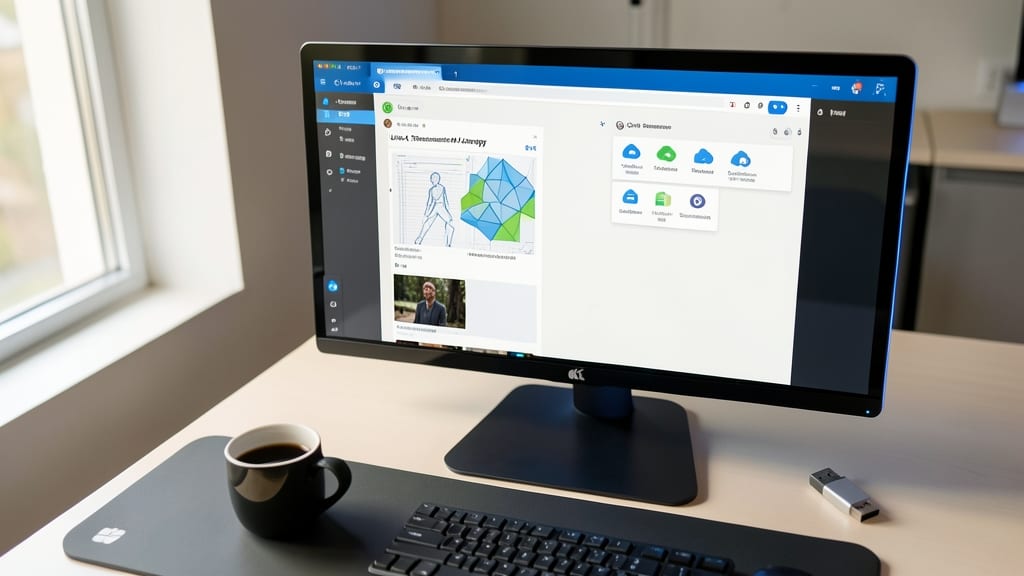
Say goodbye to lost USB drives and endless email attachments—Microsoft Teams’ integrated file sharing turns lesson planning into a breeze. With seamless connections to OneDrive and SharePoint, teachers can upload lesson plans, worksheets, and multimedia files in seconds, while students submit assignments directly through the platform. No more digging through folders or chasing down missing files!
The real-time collaboration feature lets multiple users edit documents simultaneously, perfect for group projects or peer reviews. Files are automatically synced across devices, and version history tracks changes—so you’ll never lose a draft. Plus, the secure sharing permissions ensure only authorized students and teachers can access materials, keeping sensitive content protected.
This is the ideal solution for busy educators juggling multiple classes or schools adopting hybrid learning. Whether you're sharing a video lecture or collecting research papers, Teams keeps everything organized, accessible, and secure—all in one place. 💻
Live Classroom Sessions with Screen Sharing
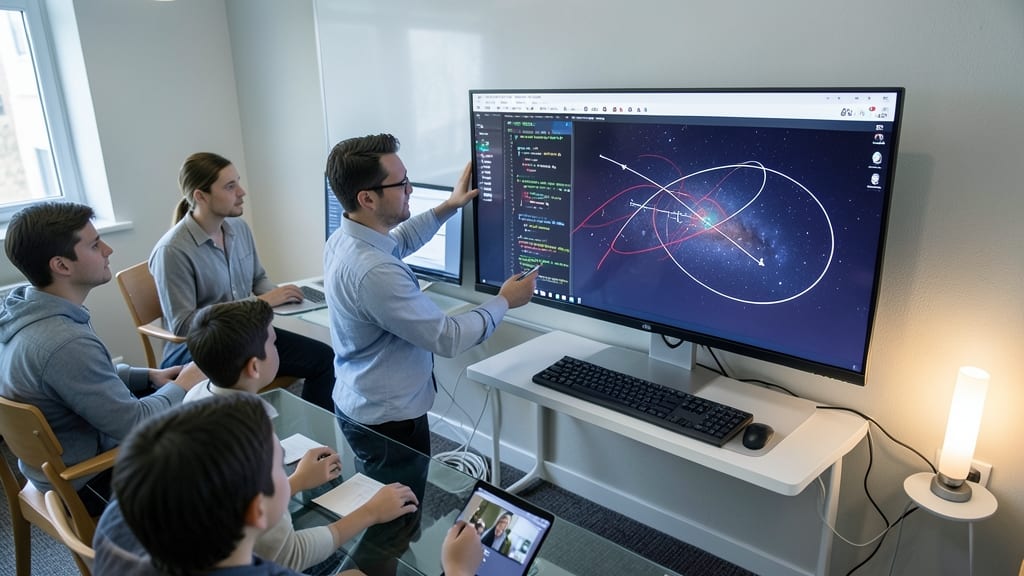
Need to teach complex concepts like coding or physics? Live screen sharing in Microsoft Teams turns your classroom into an interactive lab—no matter where students are. Teachers can annotate in real time, share entire desktops for demos, or switch between apps mid-lecture without losing focus.
The 4K@60fps video support ensures crystal-clear visuals for diagrams, simulations, or lab equipment, while the whiteboard tool lets you sketch equations or flowcharts on the fly. Students can raise hands virtually, join breakout rooms for peer collaboration, or even present their own work—all while the teacher maintains control over who shares their screen.
This feature shines for STEM educators, hybrid classrooms, or schools with remote learners. Whether you're debugging code together or dissecting a virtual frog, Teams makes every student feel like they're right there in the room. ✨
Breakout Rooms for Group Activities
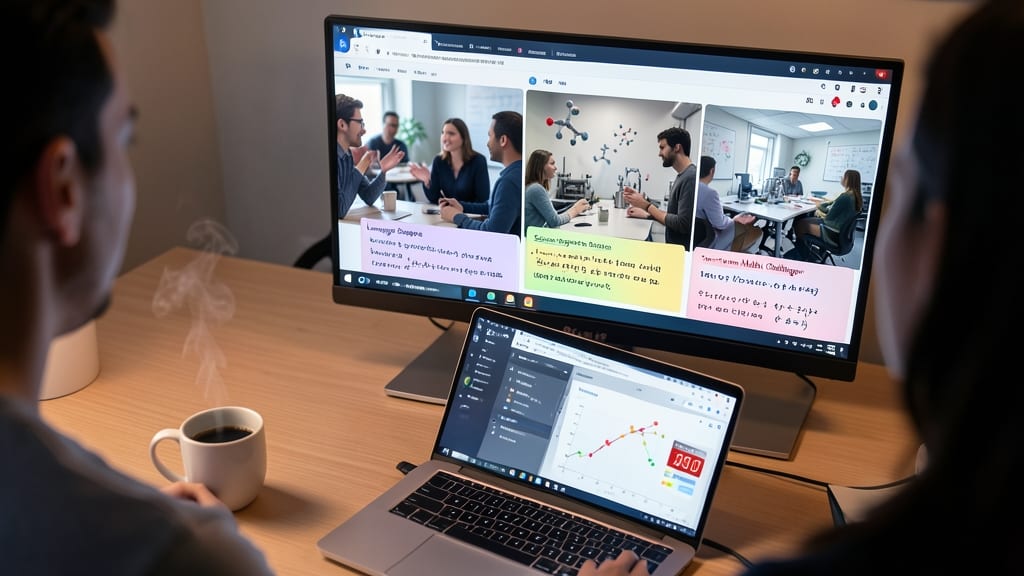
Turn whole-class discussions into dynamic, interactive learning with breakout rooms—a game-changer for educators. Whether you're running a language debate, a science experiment simulation, or a team-based math challenge, these virtual spaces let students collaborate in real time without ever leaving the platform.
With just a few clicks, you can split your class into up to 50 breakout rooms (scalable to 100 with premium plans), assign specific tasks, and even monitor audio in each group. Teachers can rejoin discussions instantly, share files, or use whiteboards to guide projects—all while keeping the main session live for announcements. The zero-config setup means no extra apps or logins, just seamless integration with your existing Teams classroom.
Ideal for project-based learning or peer teaching, breakout rooms work best for subjects needing collaborative problem-solving—like history debates, coding pair programming, or group presentations. 💻
Built-in Classroom Polls and Quizzes
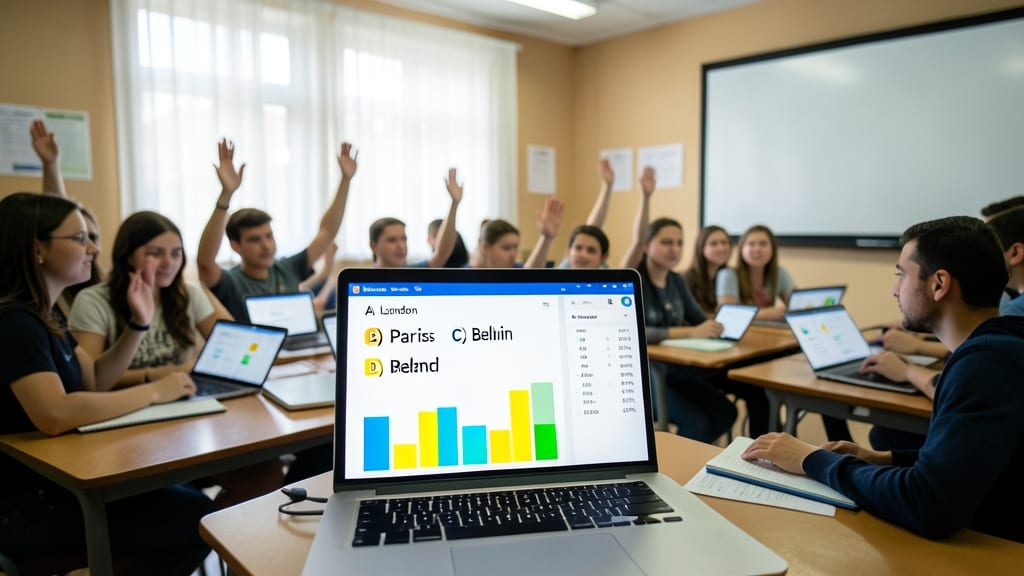
Need to gauge student understanding in real time? Microsoft Teams' built-in polls and quizzes turn passive learning into interactive moments—no extra apps required. Create multiple-choice, true/false, or open-ended questions in seconds, then instantly see results as colorful graphs or raw data.
Teachers love the zero-configuration setup—just launch a poll during a lesson, and responses stream in live. Use it for exit tickets to check comprehension, formative assessments mid-lesson, or even quick icebreakers to spark discussion. The anonymous response option encourages honest feedback, while the results dashboard lets you spot trends fast.
Perfect for middle/high school teachers juggling diverse learning paces or remote/hybrid classrooms needing instant engagement. Less grading, more teaching—with data to back up your decisions. ✨
Accessibility Features for All Learners
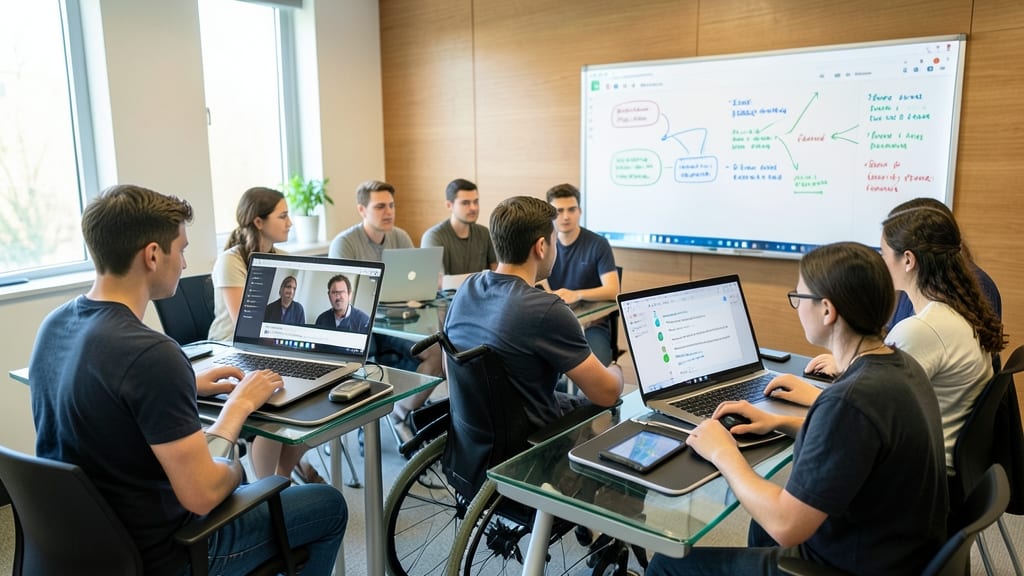
Every student deserves to fully engage with learning materials—no exceptions. Microsoft Teams removes barriers with built-in accessibility tools that adapt to individual needs, ensuring no learner is left behind during virtual or hybrid instruction.
The platform offers live captions for video content, screen reader compatibility with JAWS and NVDA, and customizable text sizes up to 200%—all configurable in seconds. Teachers can also enable high-contrast modes and adjust meeting timers for students who need extra time. These features align with WCAG 2.1 standards, making Teams a compliant choice for inclusive education.
Ideal for schools serving diverse learners, these tools empower students with visual, auditory, or cognitive disabilities to participate equally in discussions, submit assignments, and access digital resources without frustration. 💡
Parent-Teacher Communication Portal
Tired of parents drowning in school emails or teachers chasing down missed messages? Microsoft Teams’ Parent-Teacher Communication Portal creates a centralized hub where educators can share updates, homework assignments, and event reminders—all in dedicated, organized channels that keep guardians informed without privacy risks.
Teachers can post real-time announcements directly to parent groups, attach files like syllabi or permission slips, and even schedule reminders for deadlines. The platform’s role-based permissions ensure only authorized guardians see class-specific updates, while file-sharing integrations with OneDrive keep resources accessible. No more lost emails or forgotten notes—just clear, structured communication that works for busy families.
This feature is a game-changer for elementary schools (where parents need frequent updates) and high schools (where deadlines and events pile up). It’s also ideal for special education teams, where consistent communication between teachers, parents, and therapists is critical. ✨
One-Stop Assignment Management System
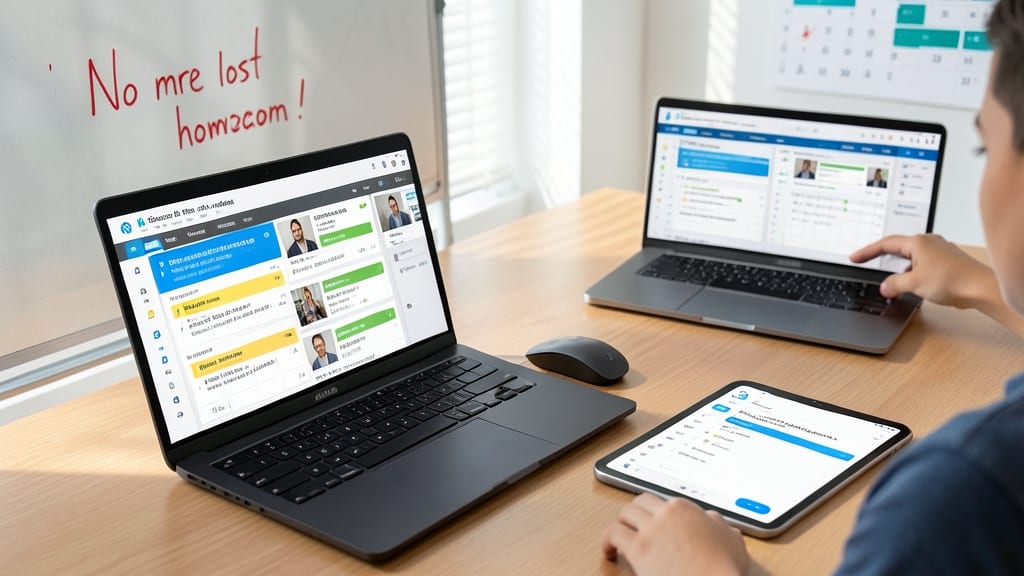
Say goodbye to lost homework and endless email chains—Microsoft Teams’ built-in assignment management turns chaos into clarity. Teachers can create, distribute, and track assignments with deadline reminders, automatic grading integrations, and a centralized gradebook that syncs with school systems.
The Assignments tab lets you set due dates, attach files, and even provide rubrics—all while students submit work directly through the platform. With real-time submission statuses and notifications, you’ll never wonder if a paper got lost in transit. Plus, the integrated gradebook simplifies record-keeping, so progress reports are just a click away.
This feature is a game-changer for high-school teachers juggling multiple classes or college professors managing large lecture halls. No more chasing down missing work—just streamlined workflows and happier teachers. ✨
Virtual Classroom Extensions for Engagement
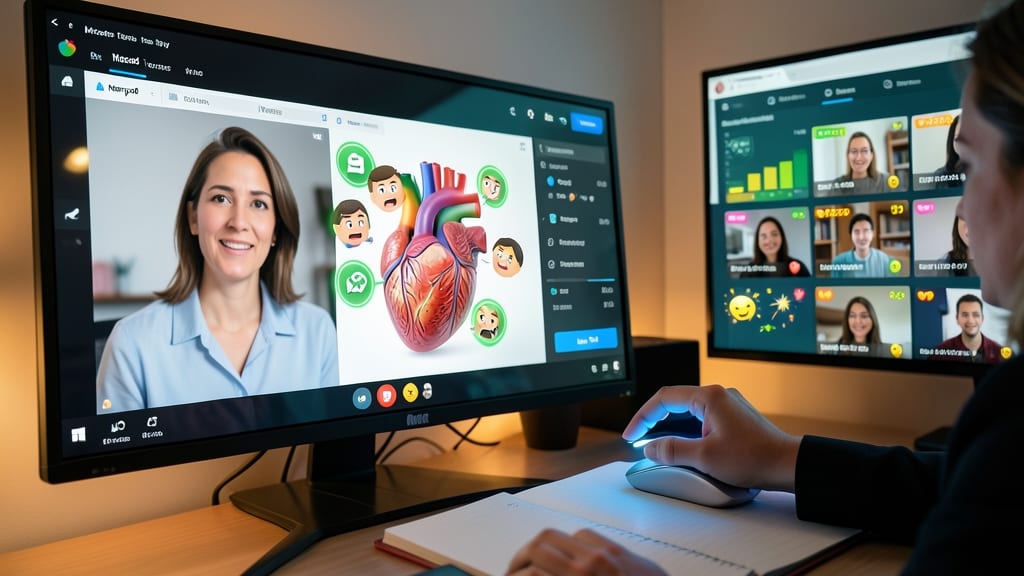
Tired of students glazing over slides during virtual lessons? Nearpod and Flipgrid—two powerful add-ons—transform passive viewing into active participation by embedding gamification, multimedia, and real-time interaction directly into Teams meetings.
Nearpod lets you embed interactive quizzes, 3D simulations, and drawing tools into lessons, while Flipgrid creates video discussion boards where students record responses to prompts. Both integrate seamlessly with Teams’ existing tools, so no extra logins or complicated setups are needed. For example, a history teacher might use Nearpod’s timeline-based lessons to make World War II come alive, or a language instructor could use Flipgrid’s peer feedback features to practice pronunciation.
Perfect for middle/high school educators teaching subjects like science, history, or language arts, these extensions turn screen time into meaningful engagement—without requiring a tech degree. ✨
Security and Compliance for Student Data
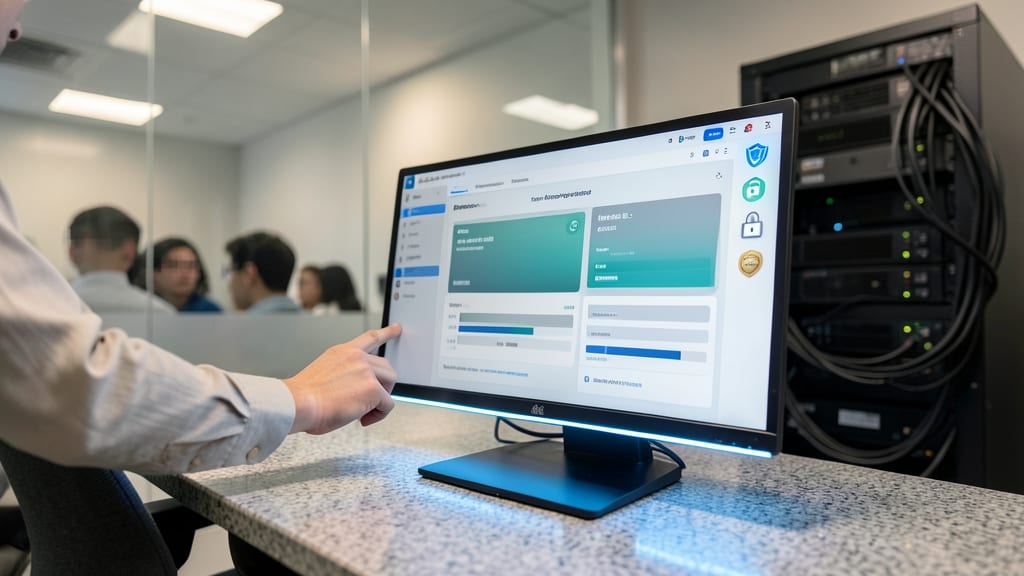
When protecting sensitive student data feels like a full-time job, Microsoft Teams removes the guesswork with built-in compliance tools. Schools using the platform can rest easy knowing FERPA and COPPA requirements are automatically addressed through Microsoft’s enterprise-grade encryption and access controls.
The platform enforces role-based permissions, so only authorized staff can view or edit student records, while end-to-end encryption keeps communications secure. Microsoft’s Compliance Boundary feature even isolates student data from other school systems, ensuring no accidental leaks. For districts juggling multiple regulations, the Microsoft Privacy Dashboard provides real-time audit reports.
This level of security isn’t just for large universities—even small schools benefit. Zero-configuration compliance means administrators don’t need IT degrees to stay protected. 🌟