
Operating System
Struggling to stay organized across devices? These 10 free OneNote planner templates for 2023 transform your notes into customizable productivity hubs—whether you're managing projects, tracking habits, or planning daily tasks. All work seamlessly on Windows, Mac, iOS, and Android.
Minimalist Weekly Planner Template
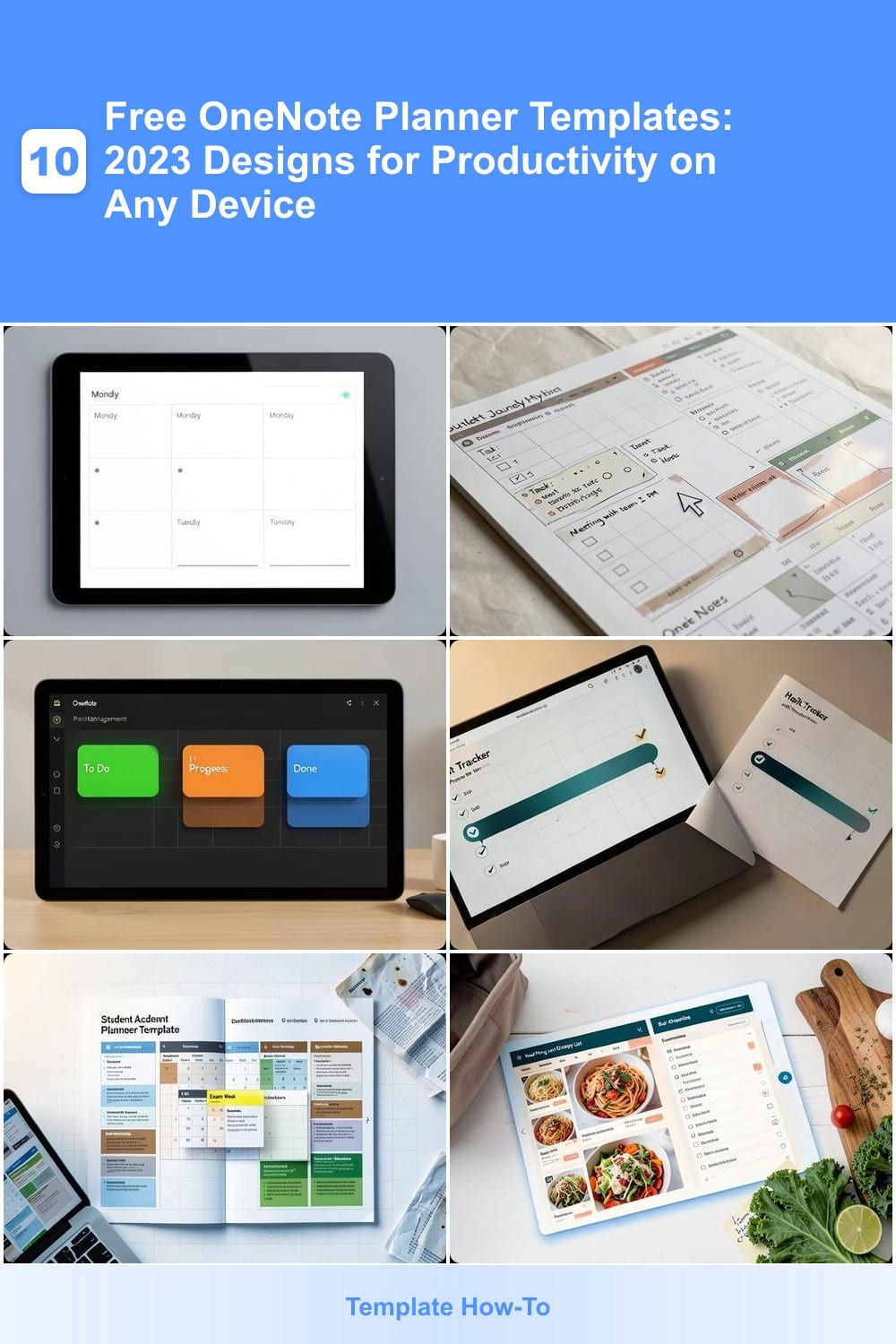
If cluttered planners leave you feeling overwhelmed, this Minimalist Weekly Planner Template strips away the noise while keeping your priorities crystal clear. Designed for digital minimalists, it replaces overwhelming layouts with a clean, distraction-free canvas where only what matters stays visible.
The template features drag-and-drop task lists with four color-coded priority sections (red for urgent, yellow for important, green for scheduled, and gray for notes), so you can prioritize at a glance. A digital clock keeps time visible without taking up space, while minimalist icons replace bulky text for meetings and deadlines. Built for cross-device sync, it adapts seamlessly to your workflow—whether you're jotting notes on your Surface Pro or reviewing tasks on your phone.
Perfect for professionals juggling meetings, deadlines, and personal tasks, this template helps you focus on what’s essential without the visual clutter. Less design, more productivity—exactly how your brain works. ⚡
Bullet Journal Hybrid Planner
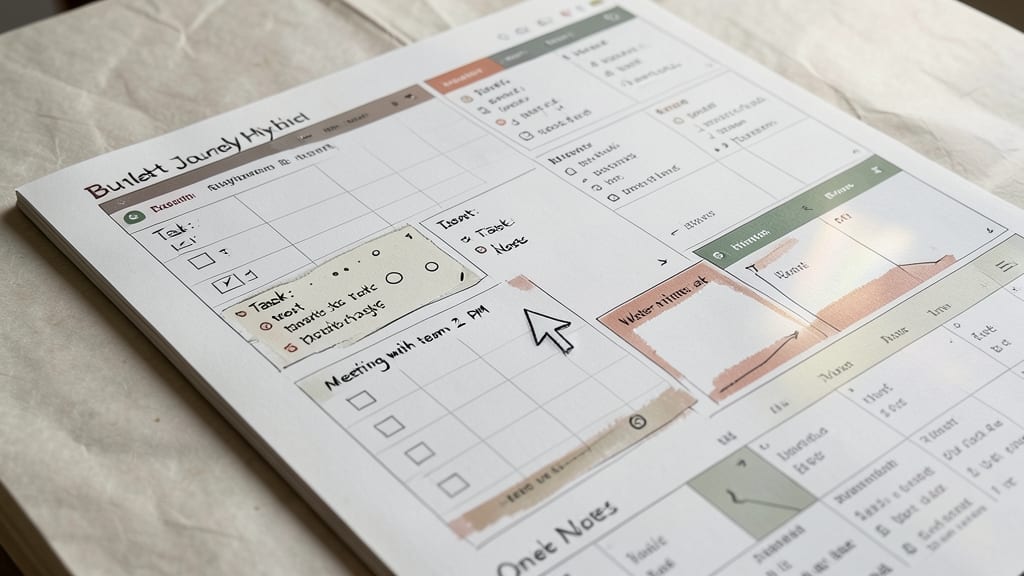
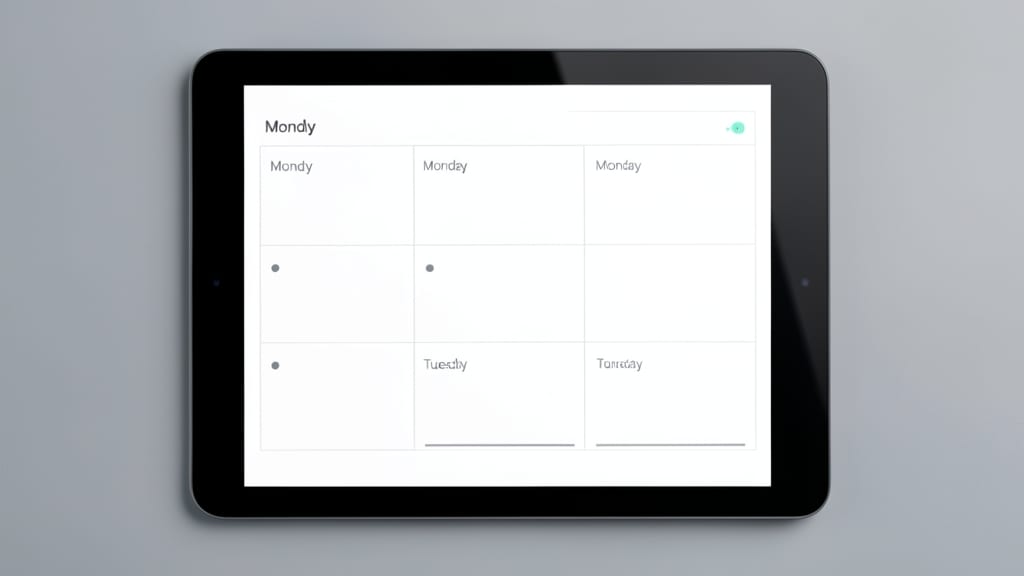
If you love the tactile feel of bullet journaling but crave digital flexibility, this Bullet Journal Hybrid Planner merges the best of both worlds—OneNote’s power with bullet journal principles. Unlike rigid templates, it adapts to your creative flow while keeping your notes organized.
The template includes rapid logging sections for quick task capture, collections pages for grouping ideas (like mood trackers or project brainstorms), and customizable tags (e.g., ✨ for priorities, 🌟 for inspiration). OneNote’s drawing tools let you sketch directly on the page, while color-coded flags (red for urgent, yellow for notes) mimic traditional bullet journal markers. Best of all, it syncs across devices—so your digital ink notes stay accessible whether you’re on your Surface Pro or phone.
Perfect for writers, artists, and creatives who thrive on structured chaos. Whether you’re tracking daily tasks or sketching ideas, this template turns OneNote into your personalized productivity playground. 💡
Project Management Kanban Board
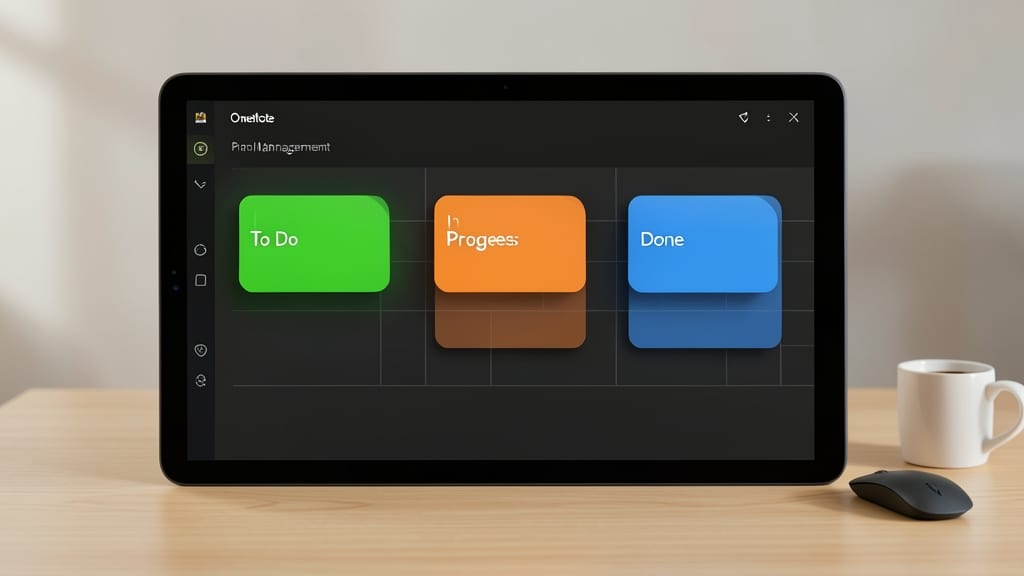
Tired of project tasks slipping through the cracks? This Project Management Kanban Board template turns OneNote into a visual command center with drag-and-drop simplicity. Unlike traditional lists, it uses color-coded columns to track progress at a glance—perfect for teams juggling multiple sprints or creative workflows.
The template includes customizable columns for "To Do," "In Progress," and "Completed" tasks, with sticky-note-style cards that let you add details like deadlines, assignees, or links. OneNote’s cross-platform sync keeps everyone aligned, whether you’re collaborating remotely or brainstorming in the office. The Trello-inspired design makes it intuitive for developers, designers, or project managers to prioritize work visually.
Best for teams who thrive on clarity—this template eliminates the guesswork of email threads or scattered notes. Sync it across devices and watch productivity soar. ✨
Habit Tracker with Progress Bar
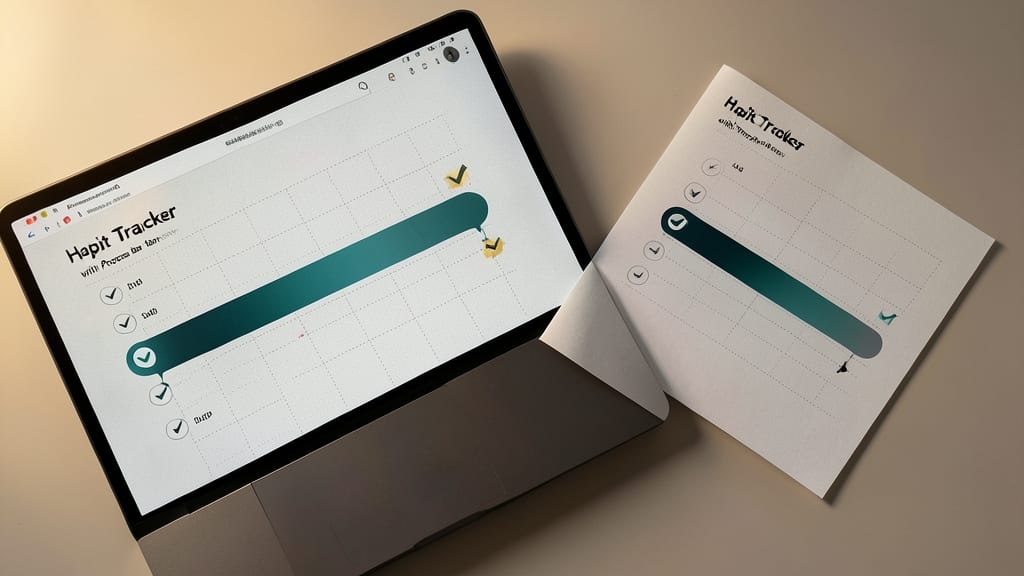
Turn mundane goals into rewarding milestones with this Habit Tracker with Progress Bar template. Unlike static checklists, it transforms consistency into a visual celebration—each day marked with a satisfying checkmark, while a dynamic progress bar fills up as you hit streaks.
The template includes a 30-day calendar grid with color-coded markers for completed days (green checkmarks) and missed ones (red Xs), plus a customizable progress bar that adapts to your goal length. Add motivational quotes or notes to keep you inspired, and sync across devices so your progress stays visible whether you're on your iPad Pro or Windows PC.
Perfect for fitness enthusiasts tracking workouts, language learners building vocabulary streaks, or anyone aiming to break bad habits—this template turns discipline into a game you’ll actually enjoy playing. ✨
Student Academic Planner Template
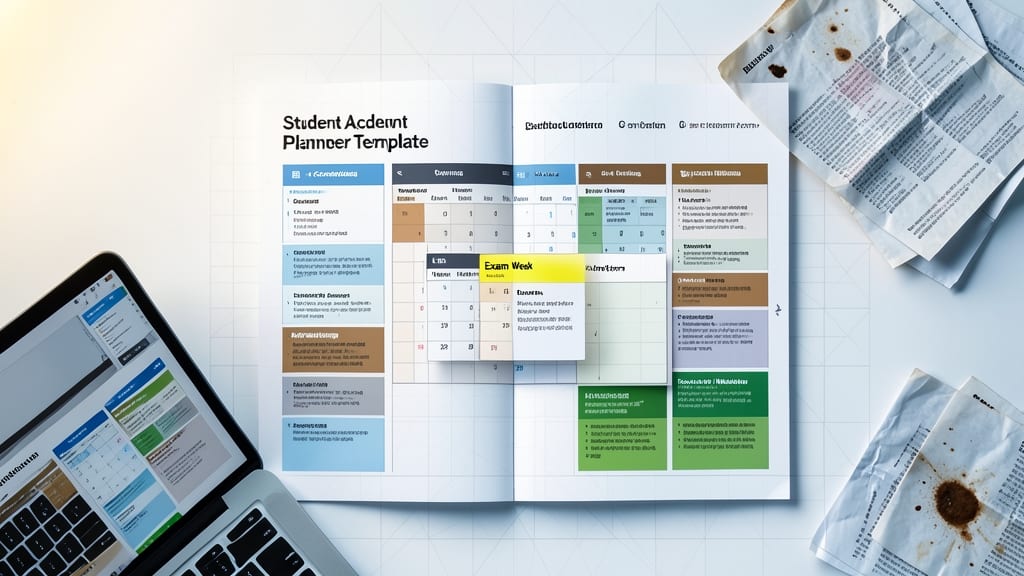
Drowning in syllabi and scattered deadlines? The Student Academic Planner Template turns chaos into clarity with a dedicated system for tracking exams, assignments, and research milestones—all in one place. Unlike generic planners, this template includes color-coded sections for coursework, study blocks, and professor notes, so you never miss a key detail again.
Built with OneNote’s cross-device sync, it adapts to your schedule with drag-and-drop deadlines, embedded file attachments for lecture notes, and even a semester-at-a-glance calendar. The textbook icon sidebar keeps all your resources organized, while the whiteboard-style background makes it feel like a personal study hub—no more lost papers or forgotten deadlines.
Perfect for college students, grad school researchers, or lifelong learners juggling multiple courses. Whether you're cramming for finals or planning a thesis timeline, this template keeps your academic life structured and stress-free. ✨
Meal Planning and Grocery List
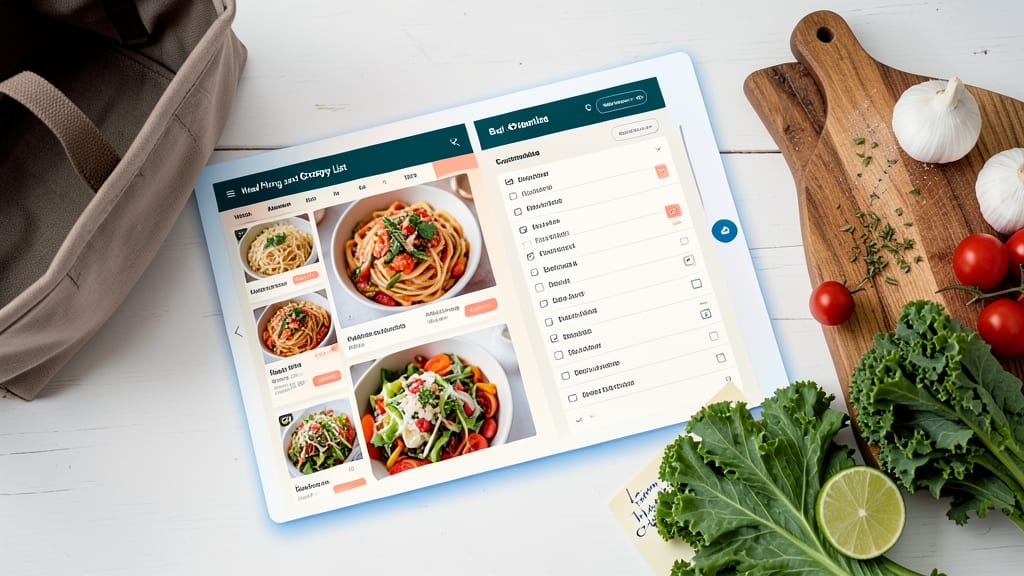
Tired of last-minute grocery runs or forgetting meal plans midweek? This Meal Planning and Grocery List template turns meal prep into a 5-minute task—not a weekly chore. It combines pre-loaded recipe ideas (with direct links to cooking guides) and a customizable grocery checklist that syncs across devices.
The template includes daily meal sections (breakfast, lunch, dinner) with color-coded categories for dietary preferences—like gluten-free, vegan, or kid-friendly. A built-in quantity calculator adjusts serving sizes automatically, while checkboxes mark off groceries as you shop. Best of all, it integrates with OneNote’s drawing tools to sketch meal ideas or doodle grocery lists on the go.
Perfect for parents juggling school lunches, health-conscious professionals, or anyone who wants to cut food waste without sacrificing variety. Sync it with your phone before heading to the store, and you’ll never forget the eggs again. ✨
Travel Itinerary Organizer
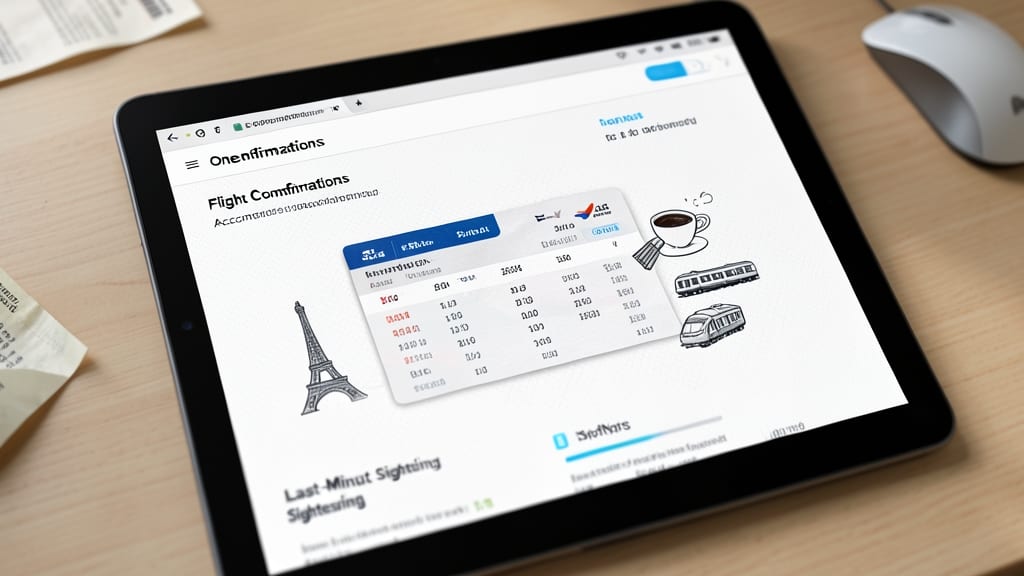
Ditch the printed itineraries and scattered notes—this Travel Itinerary Organizer keeps every detail in one place, from flight confirmations to last-minute sightseeing ideas. Designed for digital nomads and weekend warriors alike, it syncs across devices so you’re never scrambling for a lost receipt or boarding pass.
The template includes dedicated sections for flights, hotels, packing lists, and a world map where you can pin must-see locations. Add (passport, adapter, meds) and embed Google Maps links directly to attractions. The color-coded timeline helps visualize your trip at a glance, while a notes section captures spontaneous ideas or local recommendations.
Perfect for frequent travelers or anyone planning a once-in-a-lifetime adventure, this template turns chaos into clarity. No more digging through emails—just tap to access everything. ✨
Financial Budget Tracker Template
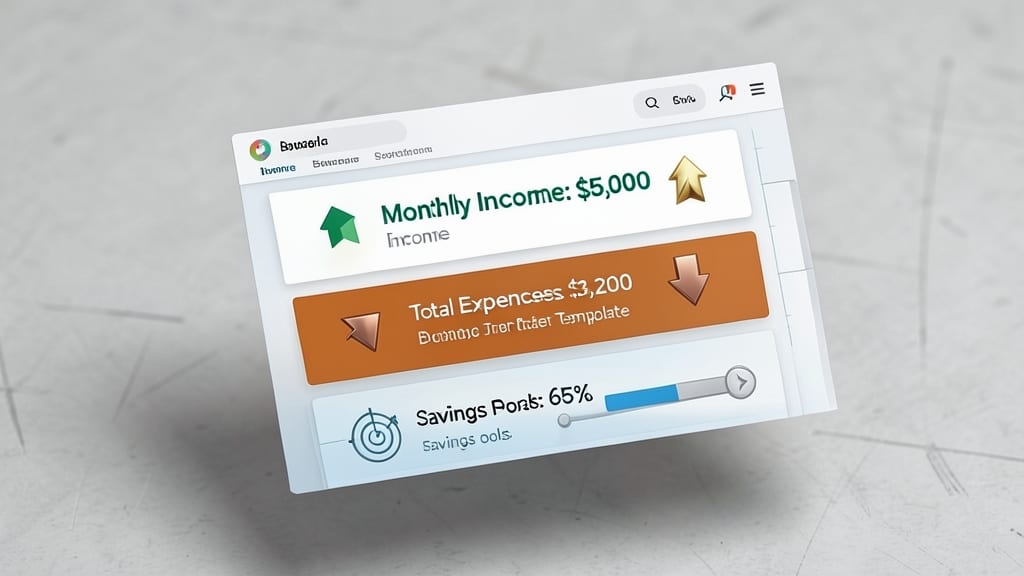
Tired of juggling spreadsheets and sticky notes to track your finances? This Financial Budget Tracker Template brings clarity to your money management with a dedicated dashboard for income, expenses, and savings goals—all in one place.
It includes color-coded categories for easy visual scanning, a debt payoff tracker with progress bars, and customizable tables for tracking irregular expenses. The template even syncs across devices, so you can check your budget from your phone while grabbing coffee or adjust allocations from your desktop at home.
Freelancers, gig workers, or anyone with variable income will love how it simplifies tracking irregular cash flow. Perfect for those who want financial peace of mind without the complexity of traditional budgeting apps. ✨
Fitness and Workout Log
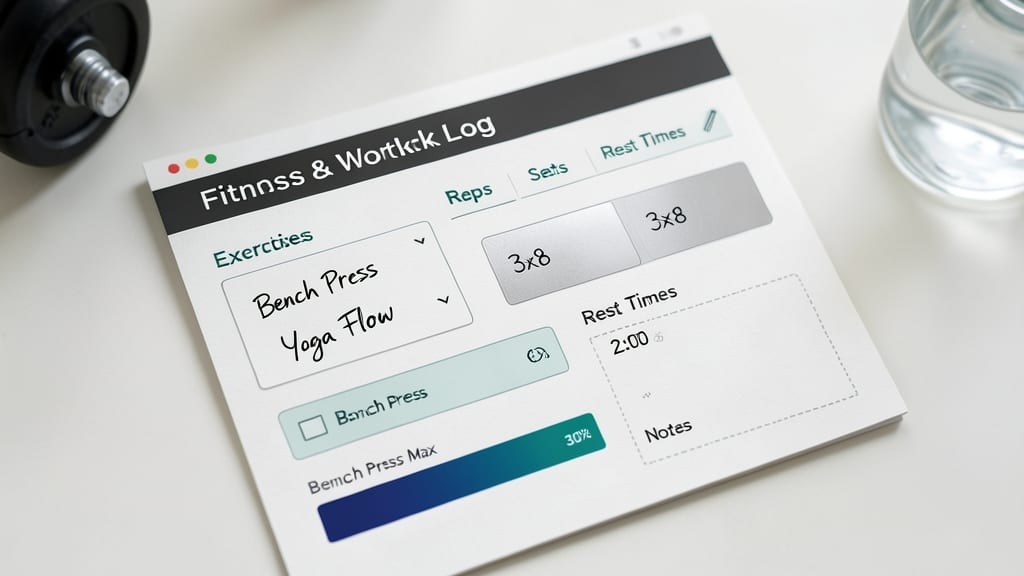
Tired of scribbling workout notes on napkins or forgetting your last PR? The Fitness and Workout Log template turns OneNote into your personal gym journal with dedicated sections for exercises, reps, sets, and rest times—all in one searchable digital space.
Log your bench press max alongside yoga flow sequences, attach progress photos to track muscle gains or flexibility improvements, and use the built-in workout intensity scale (1-10) to plan balanced sessions. The template even includes a weekly overview to visualize consistency patterns—no spreadsheets required.
Perfect for crossFit athletes, yogis, or weekend warriors who want to ditch the notebook. Sync it across devices to review stats anytime—whether you're adjusting your next workout or celebrating milestones. 💪
Event Planning Coordinator
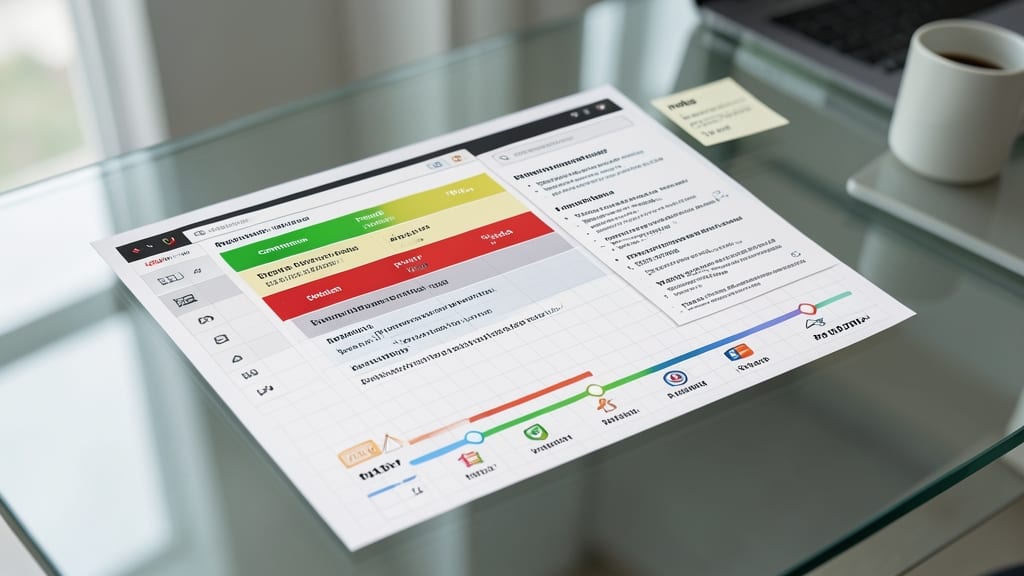
Say goodbye to scattered sticky notes and endless emails—this Event Planning Coordinator template keeps every detail of your event in one sleek, searchable space. Whether you're coordinating a wedding with 200 guests or a corporate retreat, it consolidates RSVP tracking, vendor contracts, and timelines into a single, shareable workspace.
Key features include a dedicated guest list section with RSVP status filters, a Gantt-style timeline for deadlines, and customizable tables for vendor contracts with contact info, payment status, and delivery dates. The template even includes a budget tracker to monitor expenses in real time—no more spreadsheets or lost receipts.
Perfect for event planners, nonprofits, or anyone hosting large gatherings, this template syncs across devices so you can update details on the go. No more digging through emails or missing critical deadlines—just one organized hub for all your event chaos. ✨