
Software
Struggling to create polished newsletters in Microsoft Word? These 10 free, professionally designed templates help you craft eye-catching layouts without requiring design skills—ideal for businesses, educators, and marketers on a budget.
Modern Corporate Newsletter Template
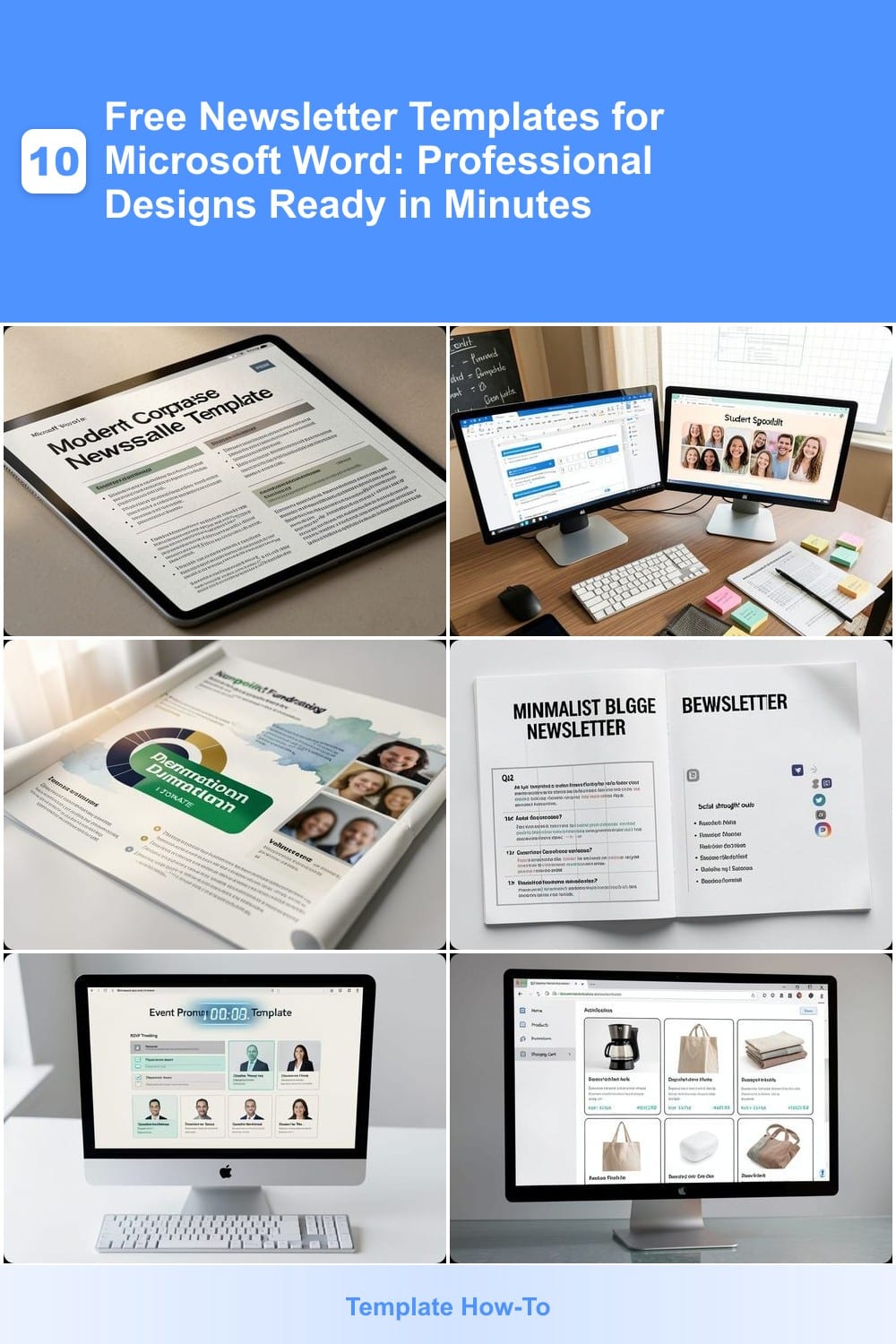
Tired of newsletters that look like they were designed in the '90s? The Modern Corporate Newsletter Template brings a fresh, minimalist aesthetic to your quarterly reports and client updates—without requiring a design degree. Its clean, geometric layouts and muted color palettes ensure your content stays sharp and professional, whether you're sharing financial updates or team milestones.
This template includes dedicated branding sections for your logo, color scheme, and company fonts, so your newsletter instantly feels cohesive and polished. Pre-formatted placeholders for executive messages, project highlights, and data visualizations make it easy to organize complex information—no formatting headaches. Plus, the responsive grid system ensures your design looks flawless whether viewed on a desktop or mobile device.
Ideal for marketing teams, executives, and small business owners, this template helps you deliver updates that feel premium and intentional. No more generic layouts—just a sleek, brand-aligned design that builds trust with every send. ⚡
Educational Newsletter Layout
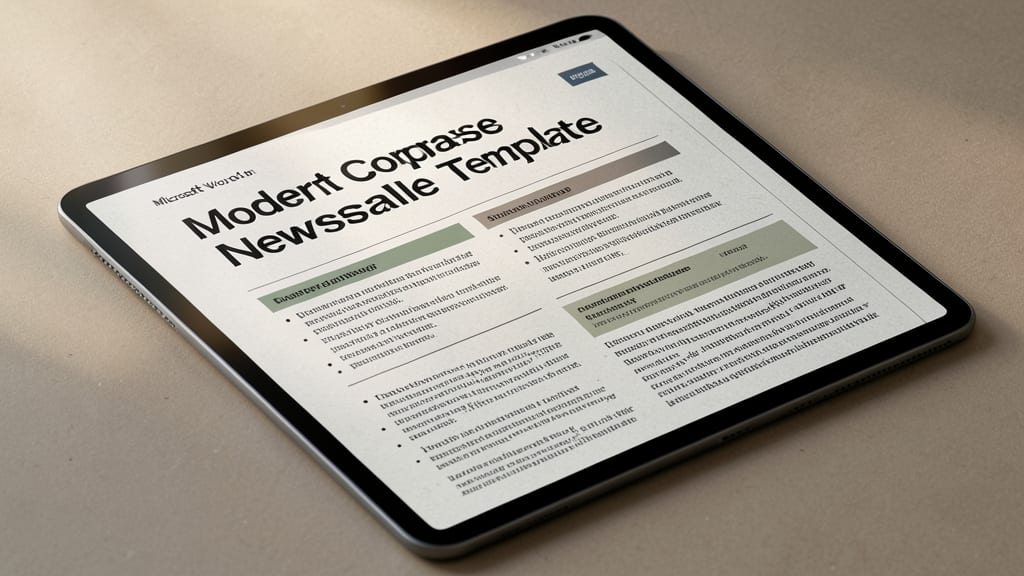
Turn classroom communication into an engaging experience with the Educational Newsletter Layout, designed specifically for teachers and school administrators. This template goes beyond static updates by including interactive quiz sections (with embedded questions) and student spotlight features to celebrate achievements—all while keeping parents informed about curriculum changes and school events.
The layout integrates a side-by-side calendar for deadlines, parent-teacher meeting schedules, and upcoming school activities, ensuring no important date slips through the cracks. Pre-formatted sections for grade-level updates and resource links (like homework help videos or digital textbooks) make it easy to share actionable information. With color-coded themes for different grade levels, you can instantly differentiate content while maintaining a cohesive, school-branded look.
Perfect for elementary schools, middle schools, and high schools, this template transforms routine updates into a collaborative tool that keeps parents and students connected. Whether you're sharing weekly progress reports or announcing field trip details, it makes communication feel personal and proactive. 💻
Nonprofit Fundraising Template
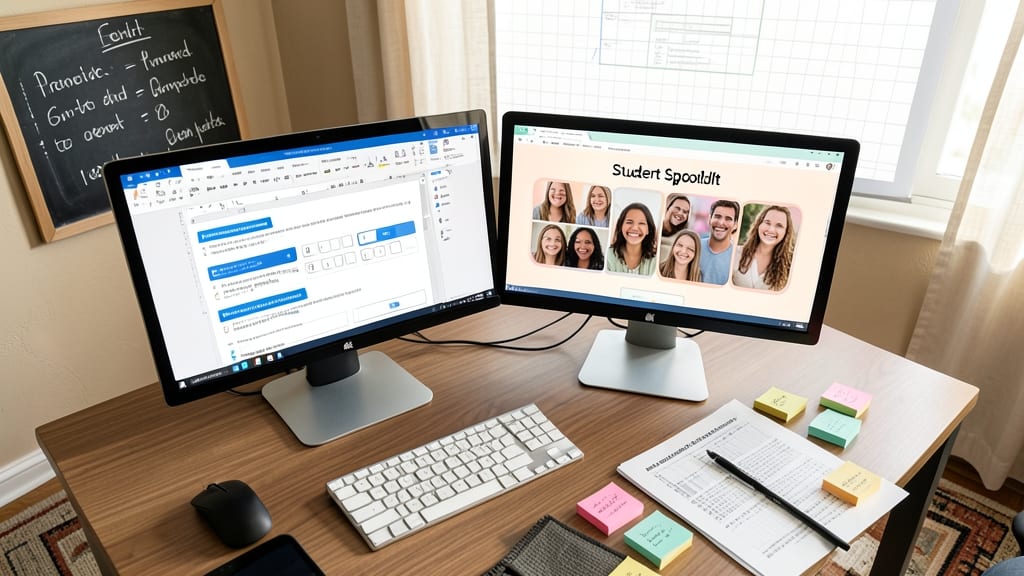
Turn donor engagement into action with this Nonprofit Fundraising Template, designed to make every email a fundraising opportunity. Built with dedicated donation buttons, impact visualizations, and volunteer recognition sections, it transforms generic updates into compelling stories that inspire giving.
The template includes pre-formatted impact metrics (like "$X raised" or "Y volunteers served") and customizable call-to-action blocks for recurring donations or event sign-ups. Warm, earth-toned designs and testimonial placeholders ensure your message feels personal and trustworthy—no design skills required.
Perfect for small nonprofits and grassroots campaigns, this template helps you showcase real results while keeping donors connected. Whether it’s a quarterly update or a last-minute appeal, this is your secret weapon for turning supporters into champions. ✨
Minimalist Blogger Newsletter
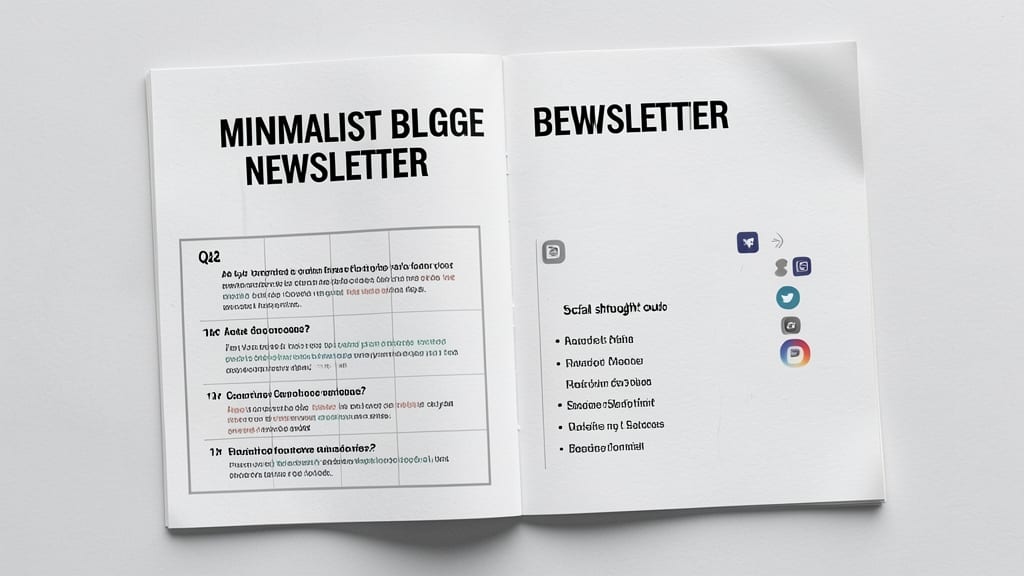
Turn passive readers into loyal fans with the Minimalist Blogger Newsletter—a template designed to put your content front and center while keeping distractions to a minimum. This isn’t just another newsletter; it’s a reader engagement powerhouse with dedicated sections for Q&As, social media shoutouts, and subscriber spotlights.
The template features clean, high-contrast typography for easy reading, pre-formatted social media integration blocks (so you can embed tweets or Instagram posts with one click), and interactive elements like a "Reader Question of the Week" section. It’s built for Word’s latest versions, so you can edit fonts, colors, and layouts without breaking the design.
Perfect for solopreneurs, niche bloggers, and content creators who want to build community—not just send updates. Whether you’re sharing behind-the-scenes stories or soliciting feedback, this template makes your newsletter feel like a two-way conversation. ✨
Event Promotion Template
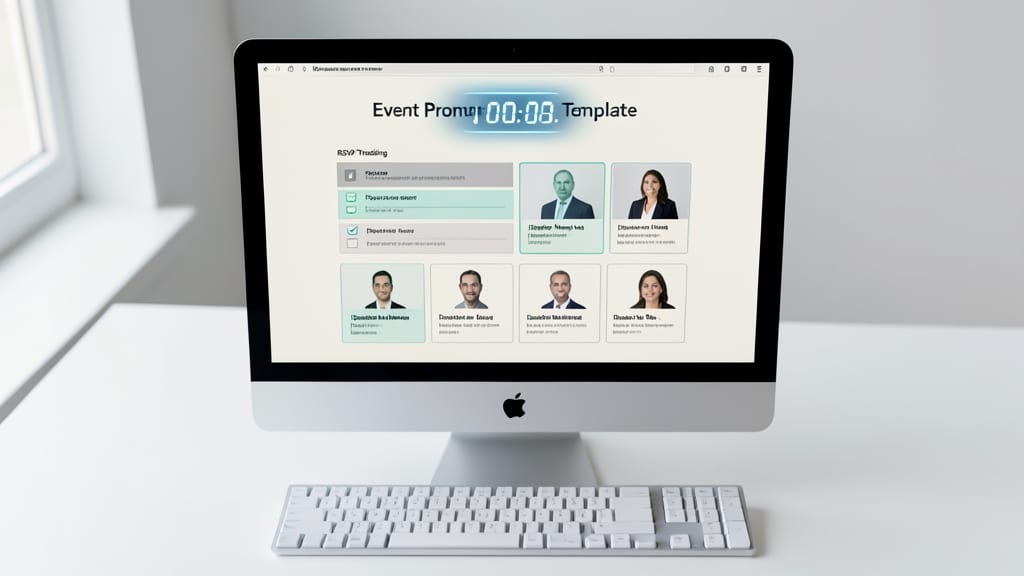
If your events need a polished, professional touch without the design headache, this Event Promotion Template is your secret weapon. Built specifically for event planners, it includes everything from RSVP tracking sections to speaker bios and countdown timers—all ready to customize in Microsoft Word.
The template features bold event dates and registration buttons to drive conversions, while dedicated sections for sponsor logos and agendas keep your content organized. With pre-formatted placeholders for images, speaker headshots, and session details, you can focus on crafting compelling event descriptions instead of formatting headaches.
Perfect for conference organizers, webinar hosts, and workshop leaders, this template ensures your event details stand out—whether you're promoting a virtual summit or an in-person gathering. ✨
Retail Product Catalog
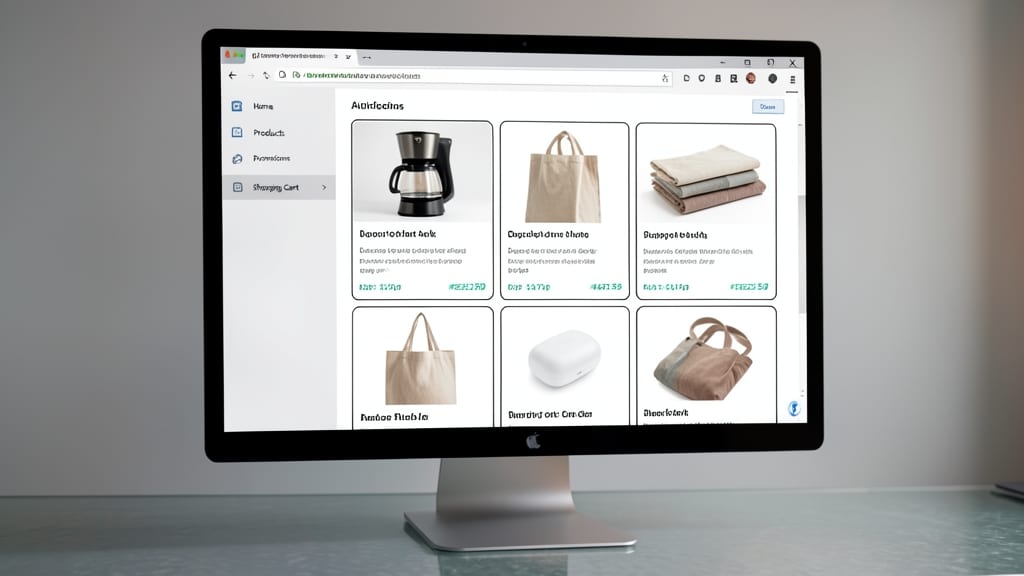
Turn your Microsoft Word document into a shopping powerhouse with this all-in-one retail product catalog template. Designed specifically for small businesses and e-commerce stores, it merges promotional content with direct shopping functionality—no extra tools needed.
Featuring customizable product grids with image placeholders, pricing tables, and promotional banners, this template lets you highlight bestsellers, seasonal deals, and new arrivals in seconds. The built-in shopping links (formatted as clickable buttons) streamline the path from newsletter to checkout, while discount code sections boost conversions. ⚡
Health and Wellness Guide
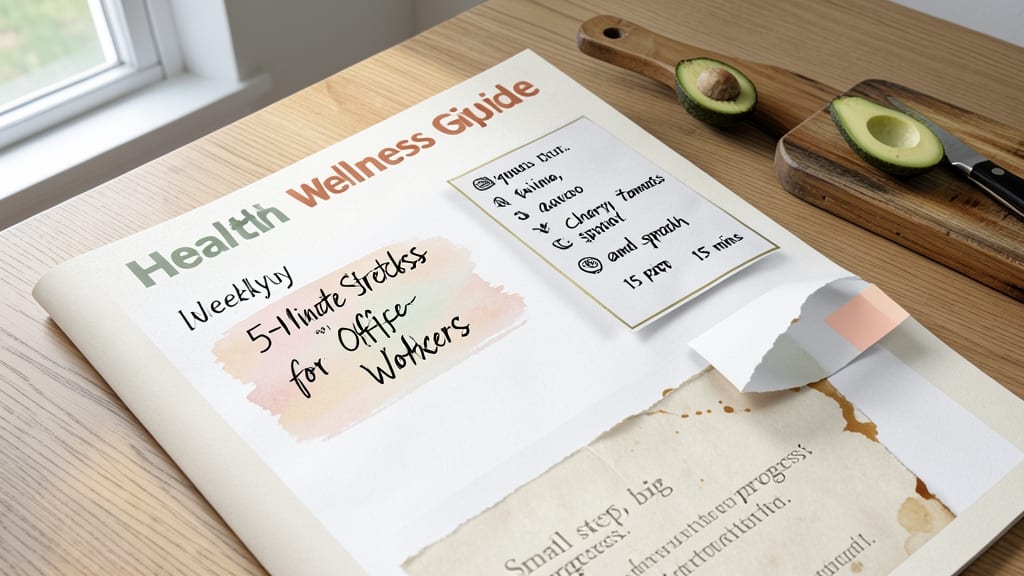
Transform your wellness content into engaging newsletters with this Health and Wellness Guide template, designed specifically for health coaches and brands. It includes dedicated sections for weekly wellness tips, easy recipe inserts (with space for ingredients and prep time), and motivational quote highlights—all formatted for quick subscriber engagement.
The template features pre-built layouts for health challenges, product spotlights (like supplements or fitness gear), and subscriber testimonials. Customizable color schemes—think calming greens, soothing blues, or energizing oranges—let you match your brand identity instantly. The modular design ensures you can swap out content weekly without redesigning.
Perfect for yoga studios, nutritionists, or wellness influencers looking to nurture their audience. Share meal plans, meditation guides, or client success stories—all while keeping subscribers coming back for more. ✨
Tech Industry Report
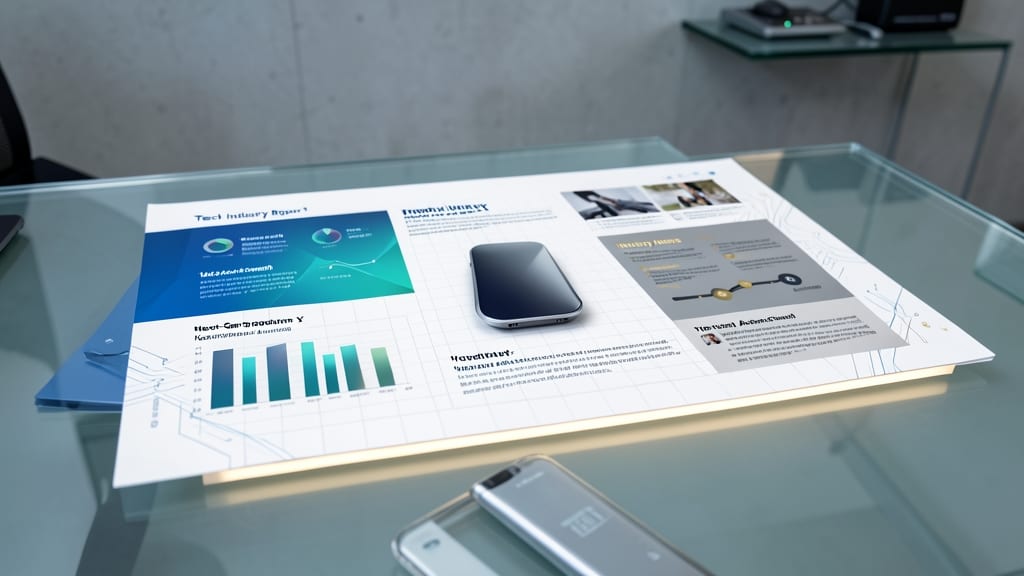
If you're in the tech industry and need to keep stakeholders updated on product launches, market trends, and innovation milestones, this Tech Industry Report template is your go-to solution. It’s packed with pre-designed sections for infographics, product update highlights, and industry news summaries—all tailored to make complex data digestible at a glance.
The template includes customizable charts and graphs to visualize metrics like market growth or product adoption, plus dedicated spaces for CEO messages and upcoming event announcements. With dark-themed layouts and sleek typography, it ensures your content stands out while maintaining a professional tone. The drag-and-drop compatibility in Microsoft Word makes it easy to swap out placeholders with your own branding and data.
Perfect for startups, SaaS companies, and tech PR teams, this template helps you deliver polished, insightful updates without design headaches. Whether you're sharing quarterly wins or breaking news, it keeps your audience engaged and informed. ✨
Holiday Season Special
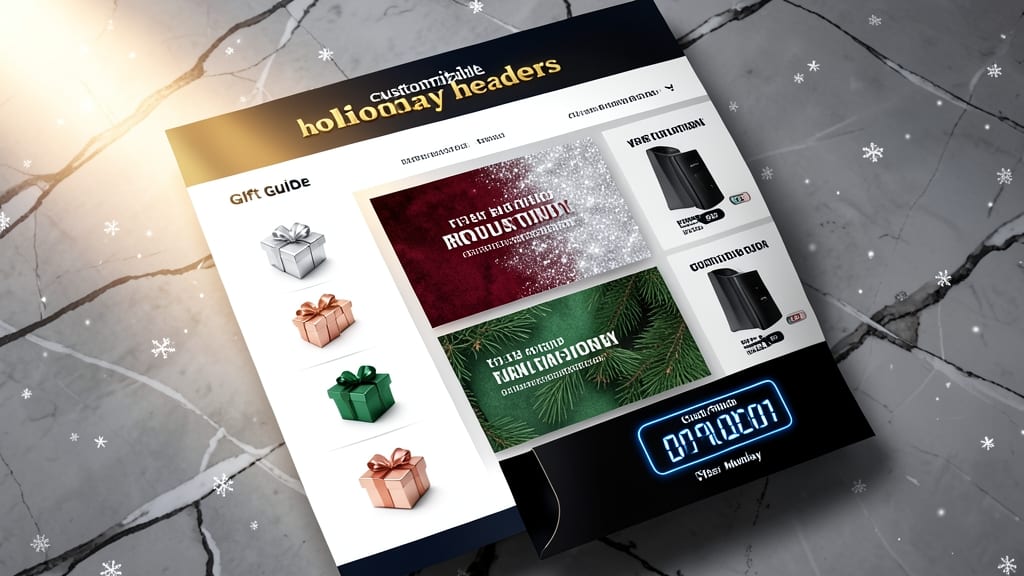
Skip the stress of holiday design with this pre-built festive template that includes gift guide sections, seasonal graphics, and promotional banners ready for your brand’s colors.
You’ll find customizable holiday headers, space for year-end promotions, and even a countdown timer for Black Friday/Cyber Monday deals. The template’s pre-sized image placeholders ensure your festive photos and logos fit perfectly without resizing headaches.
Perfect for retailers, subscription services, or anyone sending year-end updates—this template turns holiday marketing from overwhelming to effortless. ✨
Customizable Blank Template
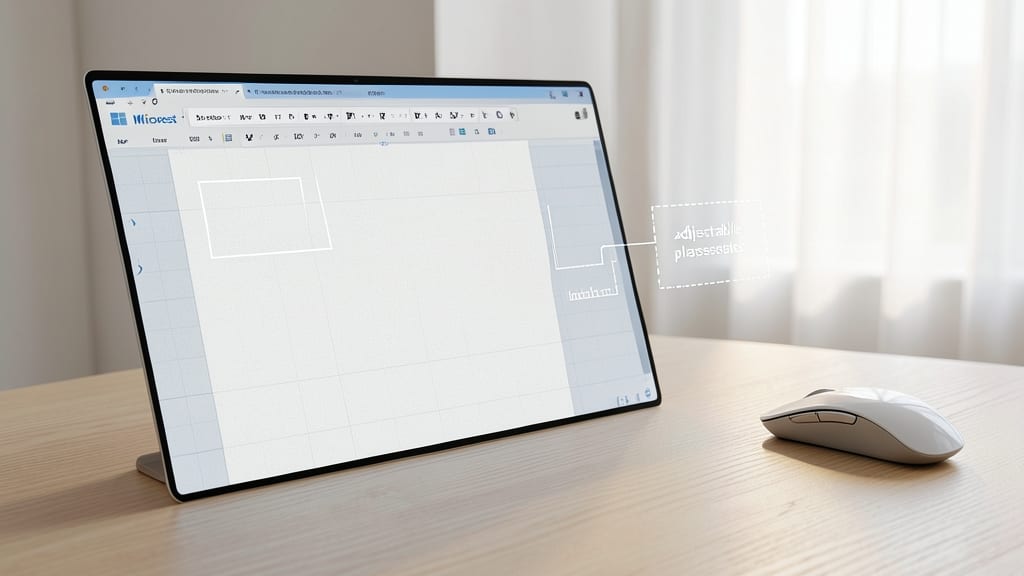
Need a completely blank canvas to build your newsletter from the ground up? This fully customizable template gives you zero-config flexibility—no pre-set sections, no forced layouts, just a clean Microsoft Word file with adjustable gridlines, text placeholders, and image containers ready for your vision.
The template includes pre-formatted headers, footers, and margins to ensure professional alignment, while drag-and-drop text boxes let you place content exactly where you want it. Whether you’re adding custom branding elements or integrating unique multimedia, this is the ultimate tool for users who refuse to compromise on design.
Perfect for freelancers, startups, or creatives launching a newsletter with a one-of-a-kind look—no templates, no restrictions. Just pure, editable potential. ✨