
Software
Microsoft Teams isn’t just for businesses—it’s a game-changer for educators looking to modernize their classrooms. These 10 benefits show how this powerful tool can simplify communication, enhance collaboration, and create more engaging learning experiences for students of all ages.
Seamless Classroom Communication Hub

Drowning in a sea of emails, missed announcements, and scattered assignment reminders? Microsoft Teams transforms your inbox chaos into a single, organized classroom hub—where every update, assignment, and discussion lives in one place.
Create dedicated class channels for announcements, handouts, and discussions, so students access everything without digging through email threads. The @mentions feature ensures no one misses critical updates, while pinned posts highlight deadlines or important resources. With integrated notifications, students get alerts for new assignments or replies—no more "I didn’t see it!" excuses. Plus, the search function digs into chat history or files instantly, saving you (and your students) hours of frustration.
This is your secret weapon for busy teachers juggling multiple classes or subject areas. Whether you're sharing a last-minute test reminder or posting a weekly syllabus, Teams keeps everyone aligned—cutting email clutter by up to 70% and ensuring no student falls through the cracks. 💡
Real-Time Student-Teacher Collaboration
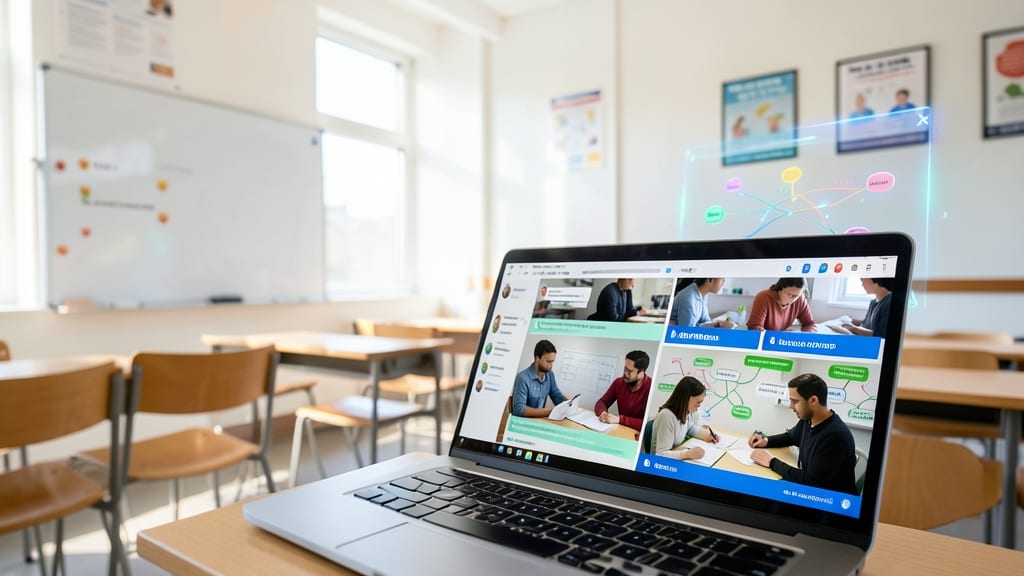
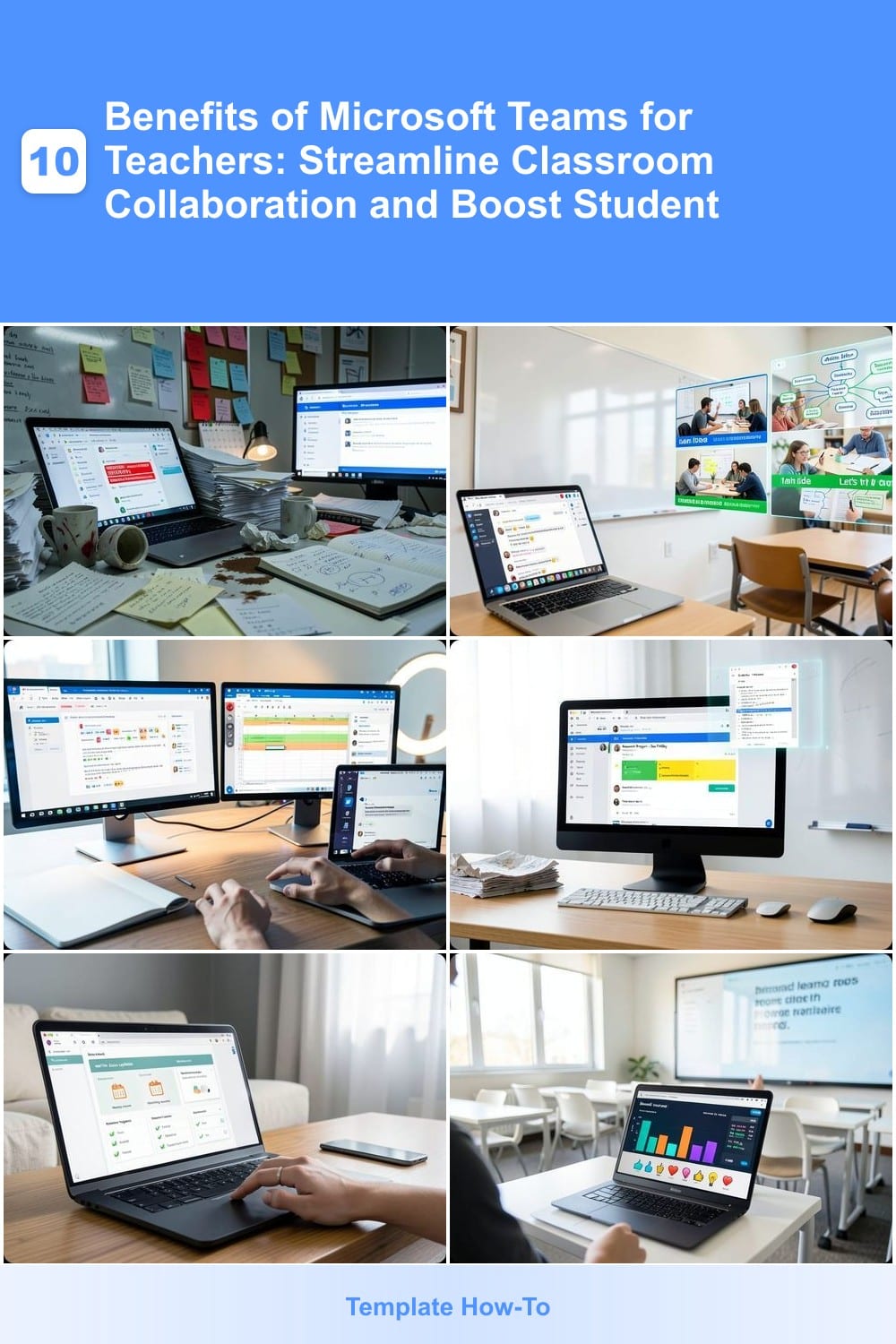
Forget static lectures—Microsoft Teams turns your classroom into a dynamic collaboration space where discussions happen in real time. The breakout rooms feature lets you split students into small groups for debates, problem-solving, or peer reviews, while the shared whiteboard enables live annotations, diagrams, or brainstorming—all without switching apps.
With instant feedback tools, you can use polls, quizzes, or even emoji reactions to gauge understanding mid-lesson, adjusting your teaching on the fly. The screen-sharing function lets students present projects or demonstrate concepts, while collaborative documents (like Word or OneNote) allow multiple students to edit the same file simultaneously. Perfect for flipped classrooms or hybrid models, this flexibility ensures every student—whether in-person or remote—feels equally engaged.
Ideal for subjects like science, debate, or group projects, this tool transforms passive learning into interactive, student-led experiences. Whether you're running a Socratic seminar or a math problem-solving session, Teams keeps everyone connected and participating. ✨
Integration with Microsoft 365 Tools
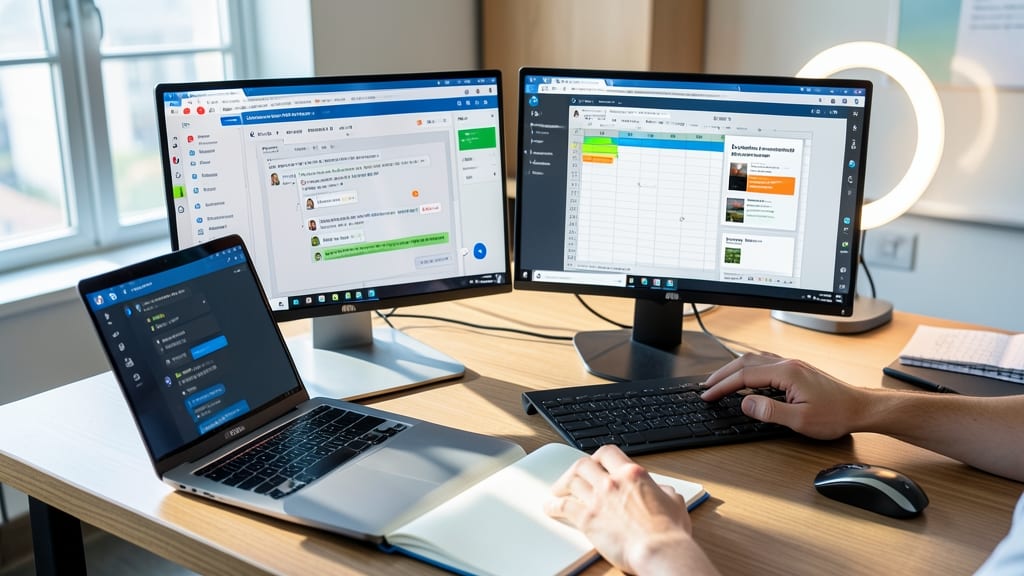
Tired of bouncing between apps to create lesson plans, grade assignments, and share feedback? Microsoft Teams eliminates that frustration by embedding Word, Excel, PowerPoint, and OneNote directly into your workflow.
With real-time co-authoring, multiple students can edit a shared document or presentation simultaneously, while @mentions keep everyone on the same page. Teachers can embed Excel spreadsheets into PowerPoint slides for dynamic data visualization, or use OneNote’s digital notebook to organize lesson plans, student notes, and resources—all without leaving Teams. The seamless file-sharing ensures assignments move from creation to submission in seconds.
This integration is a game-changer for teachers who juggle lesson prep, grading, and communication. Whether you're designing a PowerPoint presentation or reviewing an Excel-based math assignment, everything stays in one place—no more tab-switching or lost files. ✨
Simplified Assignment Management
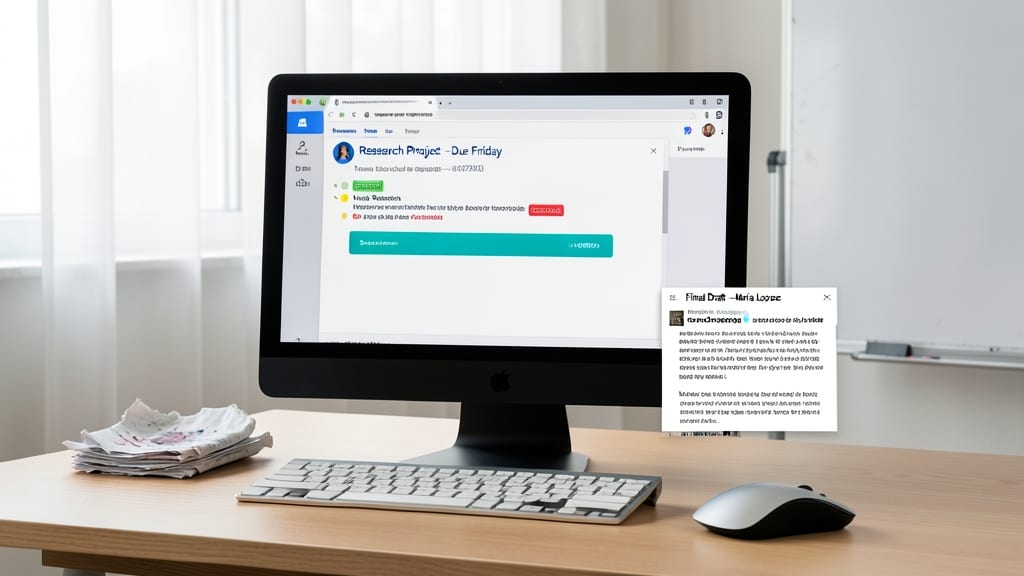
Say goodbye to stacks of paper and endless email chains—Microsoft Teams transforms assignment workflows with its all-in-one digital system. Post assignments directly in class channels, set deadlines, and even attach rubrics or instructions, all while students submit work with a single click.
The real time-saver? Automated reminders notify students when assignments are due, while the progress tracker gives you a live dashboard of submissions, so you never waste time chasing down missing work. Grading tools let you leave voice comments or digital annotations on Word docs, and OneNote integration keeps all feedback organized in one place. For teachers drowning in paperwork, this cuts prep time by up to 40% weekly.
Perfect for high-school teachers juggling multiple classes or college instructors grading essays, this feature turns chaos into clarity. No more lost papers or last-minute emails—just streamlined, stress-free assignment management. 💻
Parent-Teacher-Student Engagement
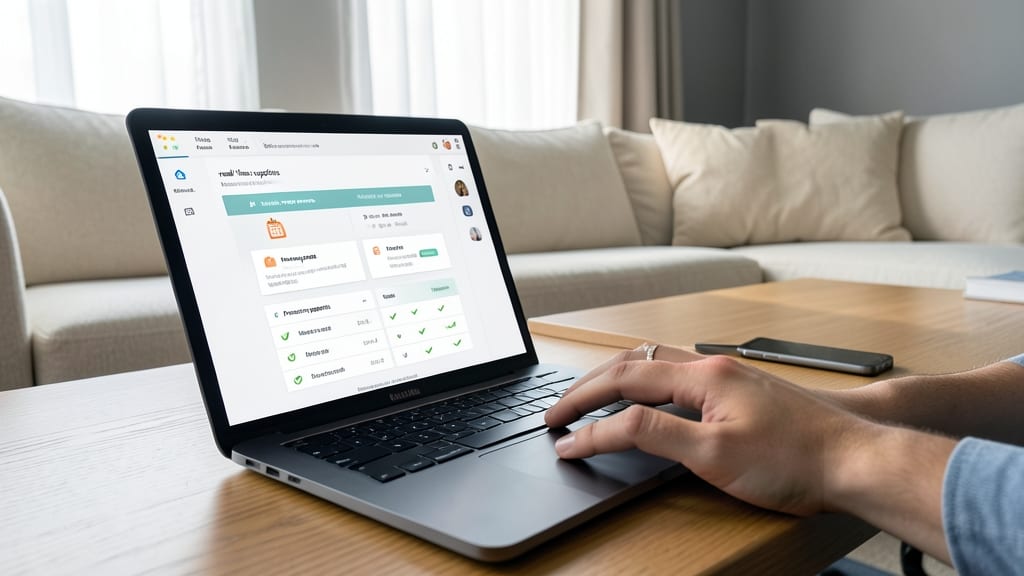
Tired of playing phone tag or sorting through endless email chains to keep parents in the loop? Microsoft Teams’ parent portal transforms communication into a streamlined, centralized hub where updates, meeting requests, and progress reports live in one place.
Parents can instantly view real-time class updates, schedule meetings with teachers via the built-in calendar, and access student progress reports—all without logging into separate accounts. Teachers can share personalized notes or video updates directly, while automated notifications ensure no one misses key milestones. The portal even supports multiple languages, making it accessible for diverse families.
This feature is a lifesaver for teachers juggling parent communications, especially those with limited time or large parent groups. It turns fragmented conversations into a cohesive, transparent experience—keeping everyone aligned and engaged. 💪
Interactive Classroom Tools

Turn passive lectures into dynamic discussions with Microsoft Teams’ built-in interactive tools—polls, quizzes, and live reactions that let you see student understanding in real time. No more guessing whether students grasp the material; their responses appear instantly, helping you adjust your teaching on the fly.
Create quick polls (multiple-choice, word clouds, or Q&A) to check comprehension mid-lesson, or assign graded quizzes with instant feedback. The reaction feature lets students signal confusion or agreement with emojis, while breakout rooms enable small-group activities with shared whiteboards. Best of all, these tools integrate seamlessly with your existing Teams workflow—no extra logins or apps required.
Perfect for engagement-driven subjects like history, science, or debate, where real-time feedback transforms passive listening into active participation. Even shy students benefit from anonymous polls or reactions, ensuring every voice is heard. 💡
Secure File Sharing and Storage
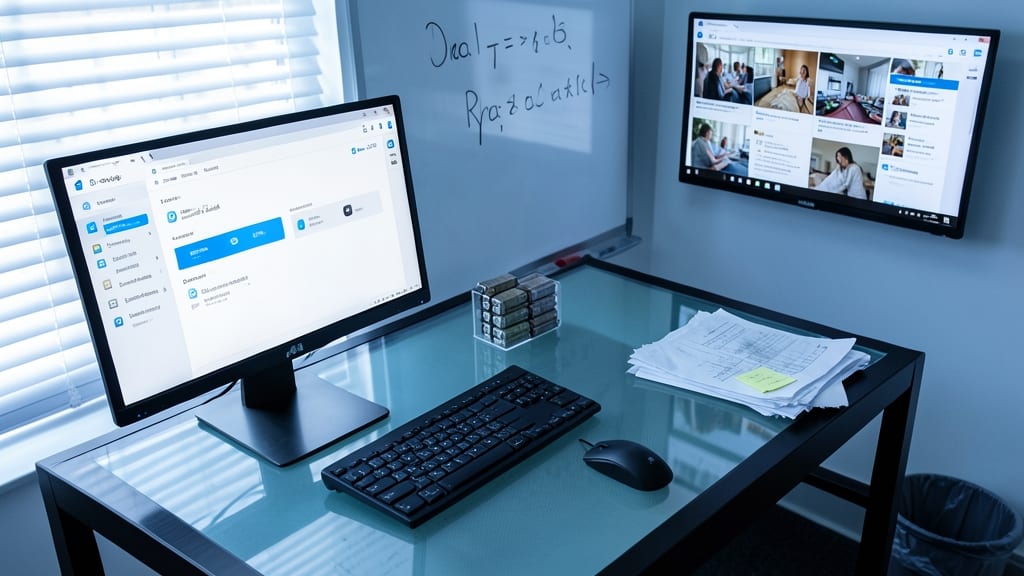
Say goodbye to the chaos of lost flash drives and disorganized paper stacks—Microsoft Teams integrates seamlessly with OneDrive to create a secure, centralized hub for all your class materials. Every lecture slide, video recording, and student assignment lives in one place, encrypted and backed up automatically.
With version control, you can track changes to documents, revert to earlier versions if needed, and even restore deleted files with ease. Students access materials instantly from any device, while shared folders let you organize content by unit or project. Permissions ensure only authorized users can view or edit sensitive files, keeping your classroom data safe.
This is especially valuable for teachers managing multimedia-heavy subjects like art or science, where large files and frequent updates can become unwieldy. No more frantic searches for the "final" version of a lesson plan—just peace of mind knowing everything is organized, accessible, and protected. 💻
Hybrid and Remote Learning Support
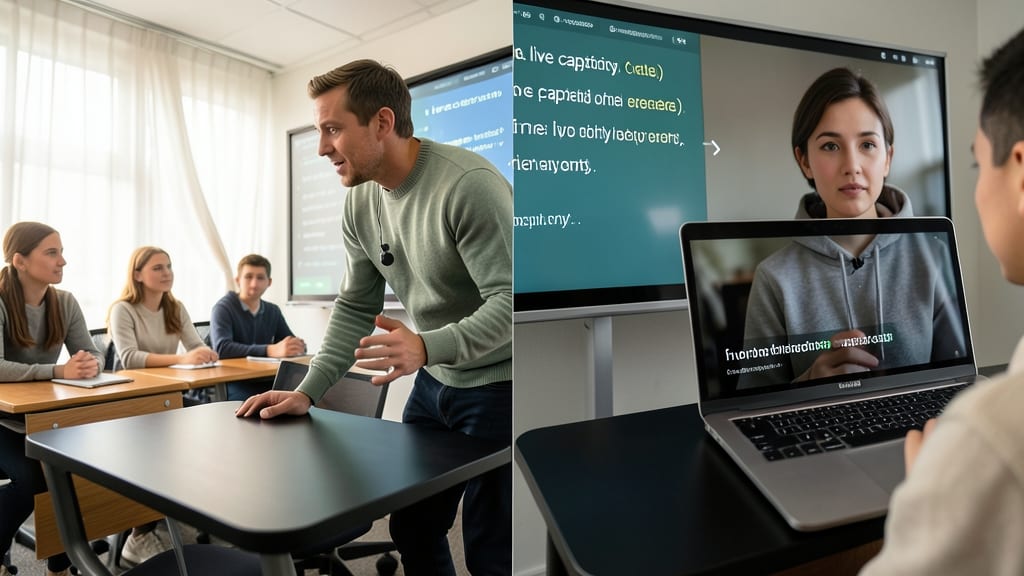
Struggling to keep hybrid or fully remote students equally engaged in discussions and projects? Microsoft Teams levels the playing field with its built-in hybrid learning tools, ensuring no student gets left behind.
The live captions feature makes lectures accessible for students with hearing impairments or those joining remotely, while shared whiteboards let in-person and virtual students collaborate in real time—whether annotating diagrams or brainstorming group projects. For group work, breakout rooms assign mixed in-person/remote teams, and the files tab keeps all project documents synced across devices. Teachers can even use @mentions to tag specific students, whether they’re in the room or logging in from home.
This flexibility is perfect for K-12 educators navigating hybrid schedules or college professors with distributed classrooms. With Teams, every student—regardless of location—can contribute equally to discussions, submit assignments on time, and thrive in group projects. 💻
Automated Attendance Tracking
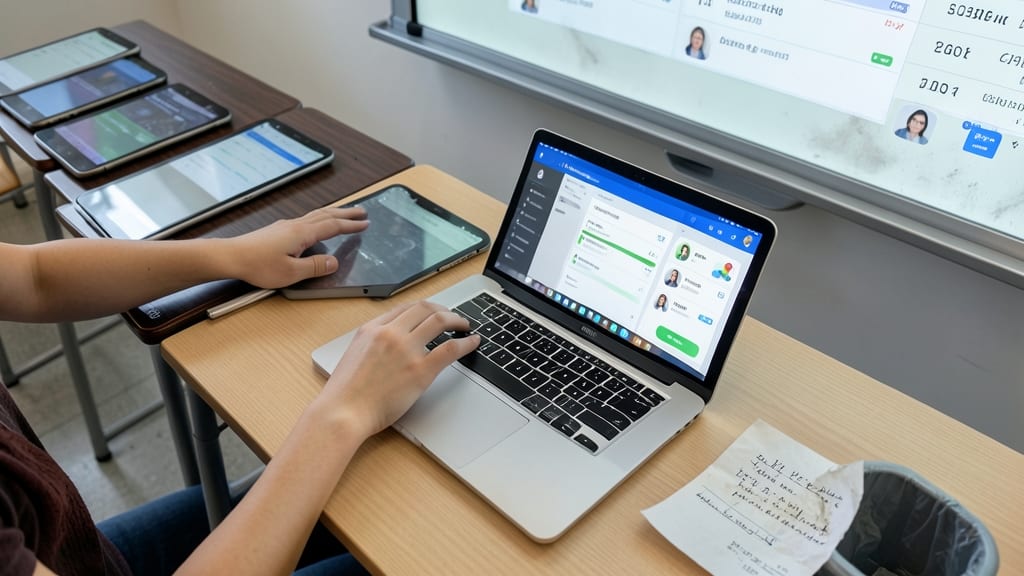
Say goodbye to the daily headache of manual attendance sheets—Microsoft Teams’ automated attendance tracking turns roll-call into a seamless, one-click process. No more deciphering handwriting or chasing down missing signatures; students simply check in via their devices, and you get real-time updates with timestamps.
The system generates customizable reports that sync with your school’s compliance needs, whether for daily records, truancy tracking, or parent communications. You can even set automated reminders for tardy students or those with unexcused absences, reducing follow-ups. Plus, the integration with Microsoft Forms lets you create quick check-ins for hybrid or remote classes with just a few clicks.
This feature is a lifesaver for teachers juggling lesson plans and paperwork—especially those managing large classes or hybrid schedules. With accurate, auditable records at your fingertips, you’ll reclaim time for what matters most: teaching. 💻
Professional Development Opportunities

Teaching isn’t just about lesson plans—it’s about continuous growth. Microsoft Teams bridges the gap by offering dedicated professional development channels where educators can connect with peers worldwide, join live webinars on emerging ed-tech trends, and access curated resources like lesson templates and assessment tools.
The Microsoft Educator Community integrates directly into Teams, giving you access to 1,000+ training sessions annually, from AI in education to inclusive teaching strategies. You can also join subject-specific forums (e.g., STEM, ELA) to swap best practices or collaborate on cross-curricular projects. The resource library includes ready-to-use templates for flipped classrooms, gamified learning, and differentiated instruction—all downloadable in one click.
This is your secret weapon for staying ahead without sacrificing prep time. Whether you're a veteran teacher or just starting, Teams turns professional growth into a collaborative, always-on opportunity. 💡