My first computer was a clunky desktop my dad brought home from the office in the '90s, and I spent hours clicking through dial-up screens just to see what would happen. That curiosity never left me. Now, I run Template How-To to help people navigate the ever-changing world of tech—whether they're troubleshooting a stubborn PC, learning a new tool, or just trying to keep up with the latest gadgets. My approach? Clear, practical advice with a dash of humor, because tech doesn’t have to be intimidating.
Checking installed software in Windows 10 used to feel like digging through a junk drawer—until I discovered these two foolproof methods. ✨ The Settings app gives you a clean, visual list with one-click uninstall…
To completely uninstall an app means wiping every trace of it from your system—no leftover folders, registry entries, or hidden files. ⚡ I’ve spent hours cleaning up after apps that swore they were "uninstalled" but left…
Learn how to compress a video for email on Android in five minutes—no apps needed—so your clips finally send without rejection. ⚡ After fixing this for friends and family over the years, I’ve perfected a workflow that…
Connecting a keyboard to your computer should take less than a minute—but I’ve seen people spend hours chasing phantom connections. ⚡ The key is matching the right port to your keyboard type, and knowing which…
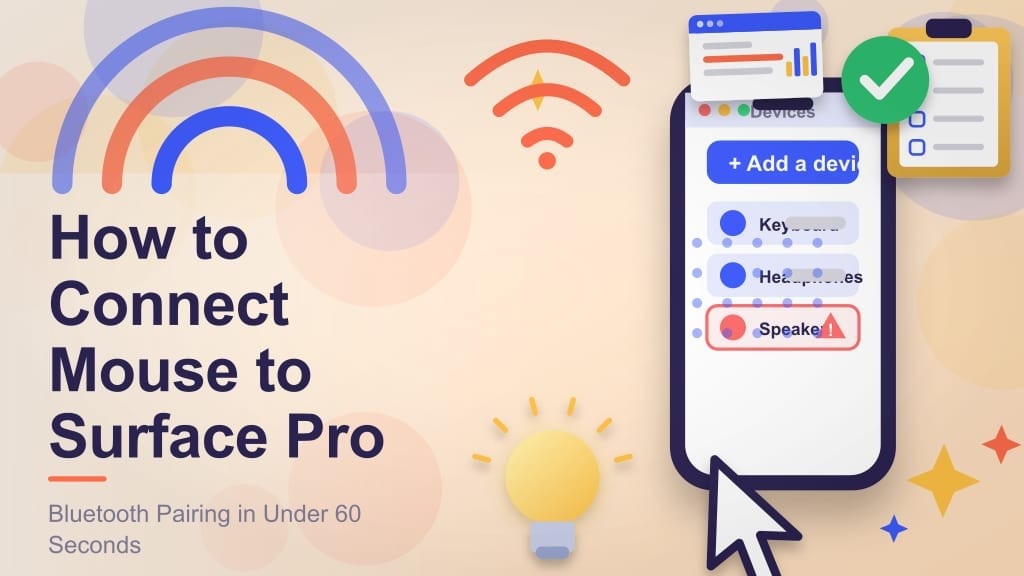
Connecting a mouse to your Surface Pro is simpler than you think—especially when you know the right trick. I’ve paired dozens of mice with Surface devices, and the Bluetooth method takes under 60 seconds once you bypass…
Connecting your Surface Pro to a monitor used to feel like solving a Rubik’s Cube—until I figured out the three foolproof methods that work every time. Whether you're using a USB-C cable, HDMI adapter, or even wireless…
To connect a wireless keyboard to your laptop, start by checking whether it uses Bluetooth or a USB receiver—my Logitech MX Keys took exactly three minutes to pair once I realized it needed a fresh battery. The process…
Learn how to convert text to WordArt in PowerPoint, and you’ll instantly transform dull slides into stunning visuals—whether for pitches, lessons, or anything in between. ✨ why you didn’t try it sooner. The best part? It…
Creating a custom slide show in PowerPoint lets you control exactly which slides play and how long they stay on screen—something I first learned when helping Dad set up presentations for Pittsburgh scrapyard auctions. ⚡…
Creating a multilevel list in PowerPoint transformed how I organized project timelines during my Windows 10 rollout days at Microsoft—it’s the difference between chaos and clarity. ⚡ The trick lies in knowing which menu…